Introdução
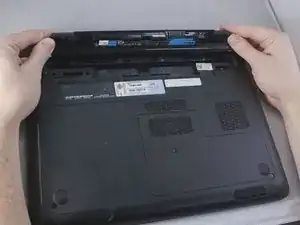
The battery is the least difficult part of this laptop to remove and replace, and this guide will serve as the first step in all subsequent guides.
-
-
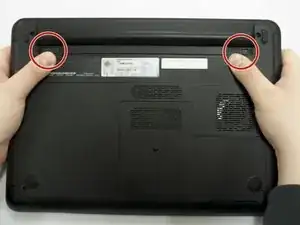
Using your thumbs, push out on both side tabs simultaneously. You should hear a soft click and see the battery slightly pop out.
-
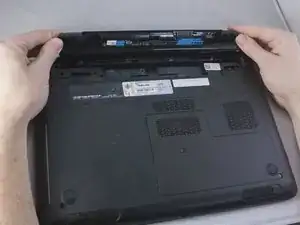
Grab and lift the battery off from the underside of the laptop.
-
Conclusão
To reassemble your device, follow these instructions in reverse order.

Um comentário
My battery doesn't work