Dificuldade
Very easy
Passos
5
Tempo necessário
45 seconds - 3 minutes
In this guide, we will be showing you how to remove and replace the Battery.
WARNING: Before working inside your computer, read the safety information that shipped with your computer. Follow the procedures in "Before You Begin".
Turn the computer over.
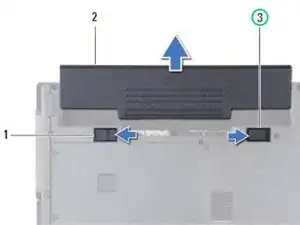
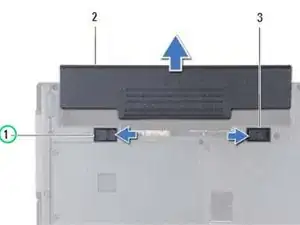
Slide the battery lock latch to the unlock position.
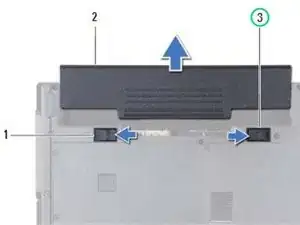
Slide the battery release latch to the side.
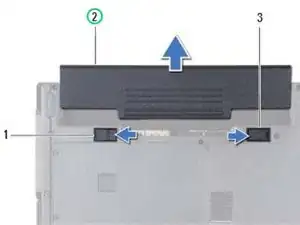
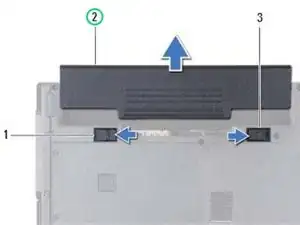
Slide the battery out of the battery bay.
Slide the battery into the battery bay until it clicks into place.
Slide the battery lock latch to the lock position.
Membro desde: 18/12/17
79960 Reputação