Introdução
In this guide, we will show you how to remove and replace the Hard drive.
Ferramentas

Peças

-
-
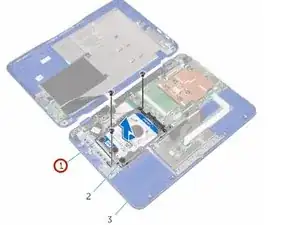
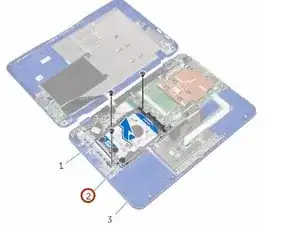
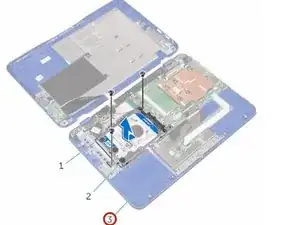
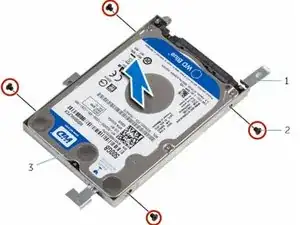
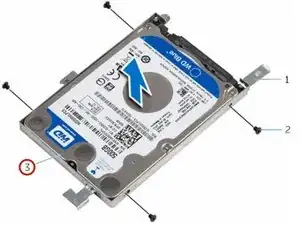
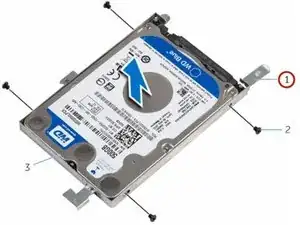
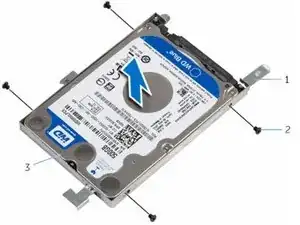
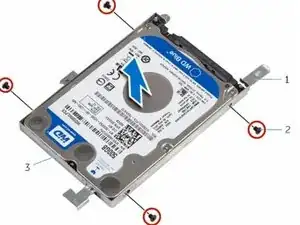
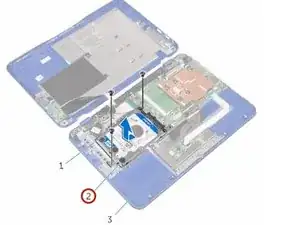
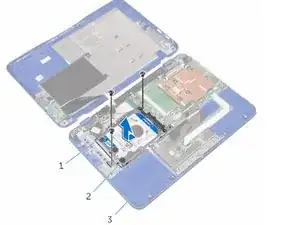
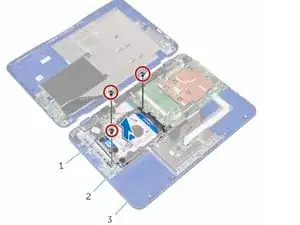
Remove the screws that secure the hard-drive assembly to the palm rest and keyboard assembly.
-
-
-
Align the screw holes on the hard-drive assembly with the screw holes on the palm rest and keyboard assembly
-
-
-
Replace the screws that secure the hard-drive assembly to the palm rest and keyboard assembly.
-
Conclusão
To reassemble your device, follow these instructions in reverse order.
Um comentário
Can we replace the harddisk with SSD. Will that increase the performance of the laptop?