Introdução
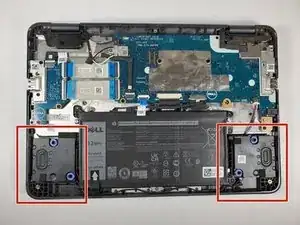
If the sound is dull or nonexistent from your Dell Chromebook 3100 2-in-1 laptop, use this guide to remove and replace your speakers.
Before using this guide, check the speaker for blockage that may be interfering with the sound. Usually, dust and debris can be cleared by a small dust blower. Make sure to check that the volume is not muted to confirm it needs replacing.
To begin this guide, check that the Chromebook’s power is off and disconnected from any power source.
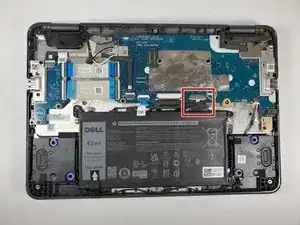
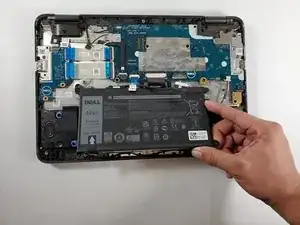
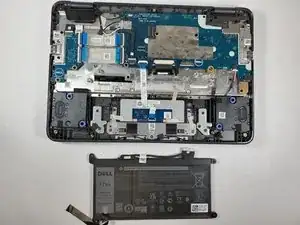
It is not necessary to remove the battery; instead, the battery connector can be disconnected to isolate power to the system.
Ferramentas


-
-
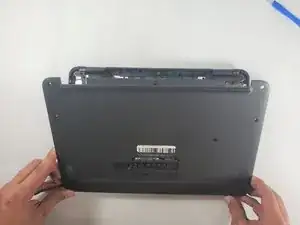
Turn the Chromebook upside down so the bottom panel is facing up.
-
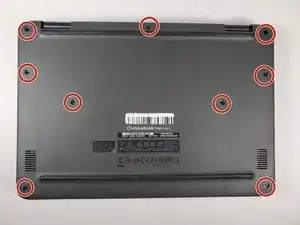
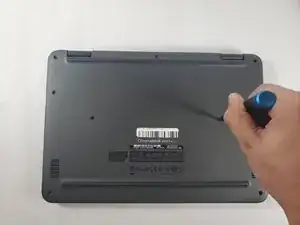
Using a Phillips #1 screwdriver, remove all nine of the 5 mm screws from the back cover.
-
-
-
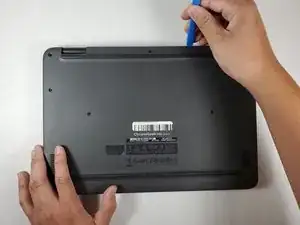
Use the opening tool to pry the back cover off of the device.
-
Gently insert your plastic prying tool between the bottom cover and the keyboard deck.
-
Work your way around the edges until the case starts to pop open.
-
Lift off the bottom cover carefully.
-
-
-
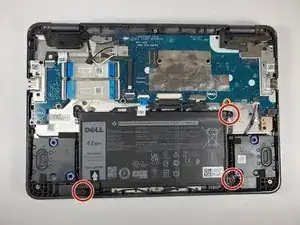
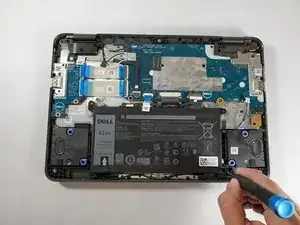
Using a Phillips #1 screwdriver, remove the three 4 mm screws that secure the battery.
-
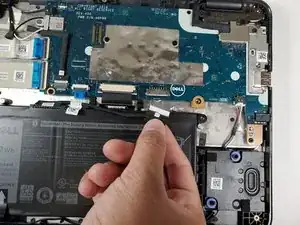
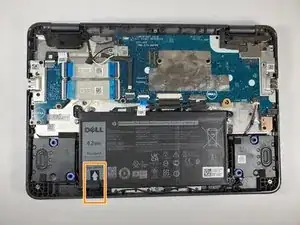
Remove the adhesive tape that secures the battery in place.
-
-
-
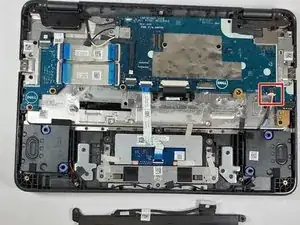
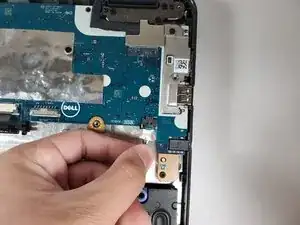
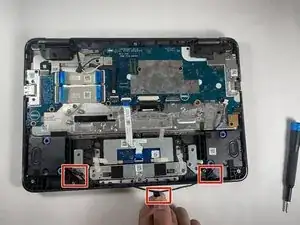
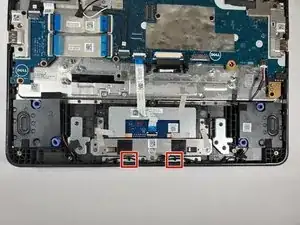
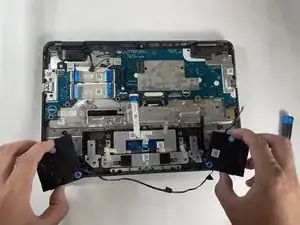
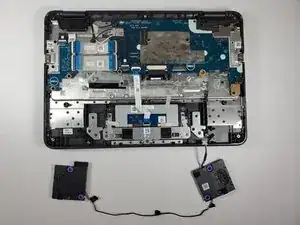
Remove adhesive tape that secures the speaker cable.
-
Disconnect the speaker cable from the connector on the system board.
-
To reassemble your device, follow these instructions in reverse order.
