Introdução
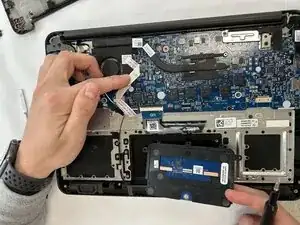
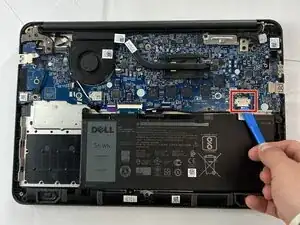
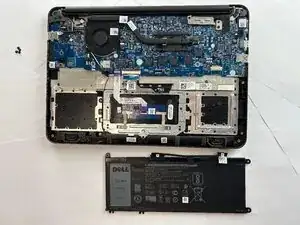
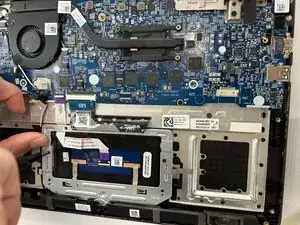
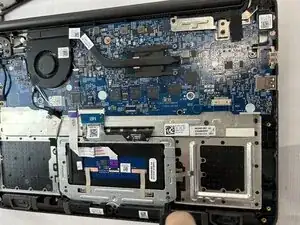
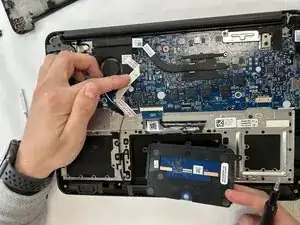
This guide will show you how to replace the touchpad in a Dell Chromebook 13 3380. A non-responsive touchpad can make it hard to control your cursor or click properly. Common causes include worn-out hardware, internal damage from drops, or liquid exposure. This repair requires removing the palm rest assembly and disconnecting small ribbon cables, so be gentle when lifting connectors. Make sure the Chromebook is powered off and unplugged before beginning. If you’ve confirmed through troubleshooting that software isn’t the problem, use this guide to replace your touchpad and restore accurate cursor control.
Ferramentas


-
-
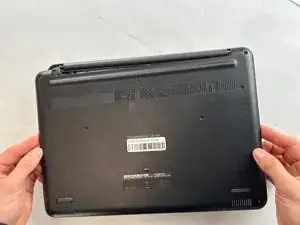
Flip over the device so it is face down.
-
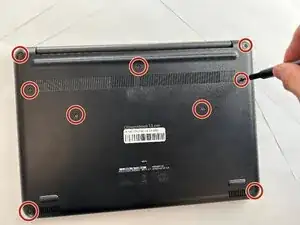
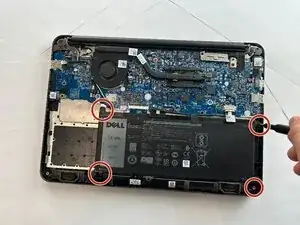
Use a Phillips #0 screwdriver to remove all nine anchor screws.
-
To reassemble your device, follow these instructions in reverse order.
