Introdução
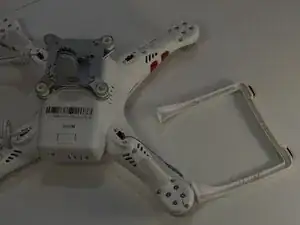
This guide will show you how to remove the DJI Phantom 3 Standard landing gear assembly. The Phantom 3 Standard has two landing gear legs that protect the drone’s camera and gimbal during takeoff and landing. Both legs have wiring, and one leg also houses an electronic component.
You may need to remove the landing gear if it is cracked, bent, or damaged from a hard landing, or if you are replacing the internal wiring or electronic component inside the leg. For more details on related issues, see the DJI Phantom 3 Standard Falls Over During Landing troubleshooting page.
The landing gear legs are secured with screws, wiring clamps, and rubber stoppers. During removal, be careful when unclamping wires and guiding them through the leg openings to avoid pinching or breaking them. Do not pull on the wires directly. If the landing gear is cracked, handle it gently to prevent further damage.
Before beginning this guide, make sure the drone is powered off and the battery is removed to avoid electrical hazards.


-
-
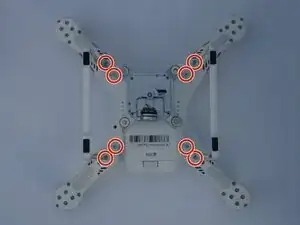
Flip the drone upside down.
-
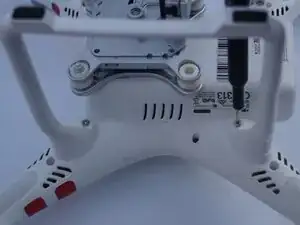
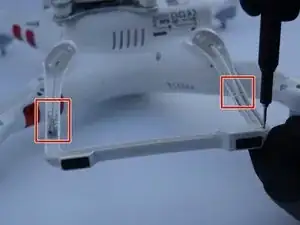
Remove the eight 7 mm screws with a Torx T8 screwdriver.
-
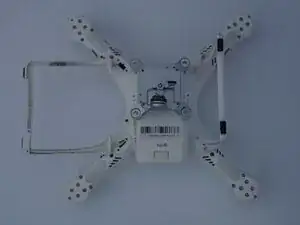
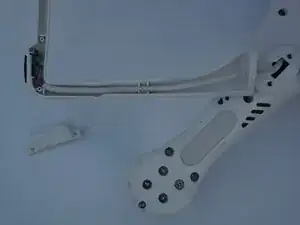
Move the landing gear legs off to the side.
-
-
-
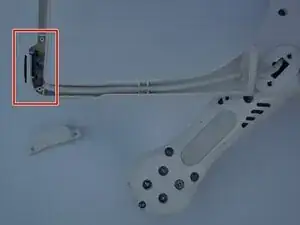
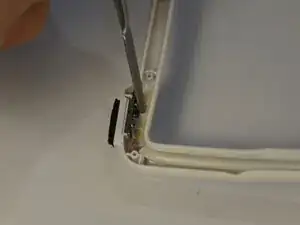
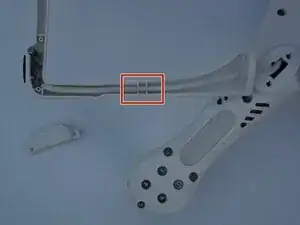
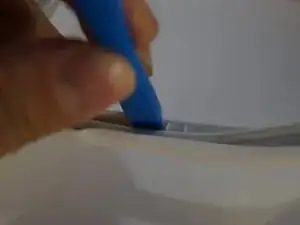
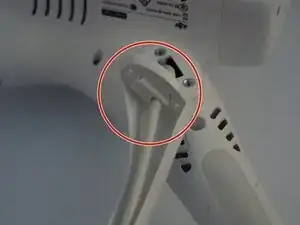
Remove the glue around the chip using a metal spudger.
-
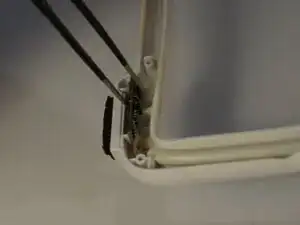
Remove the chip from the leg with tweezers.
-
-
-
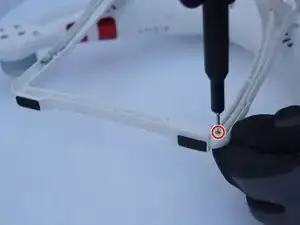
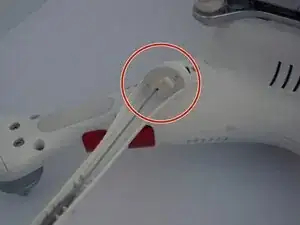
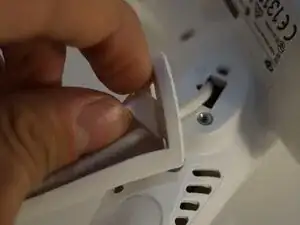
Remove the rubber stoppers from both legs by simply pushing them out from the opposite side.
-
-
-
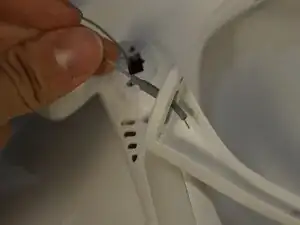
Guide the wires through and out of the holes that were previously covered by the stoppers.
-
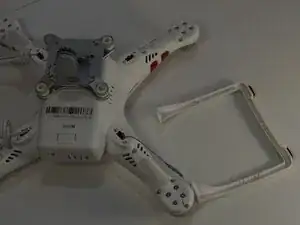
Remove the landing gear.
-
To reassemble your device, follow these instructions in reverse order.
