Introdução
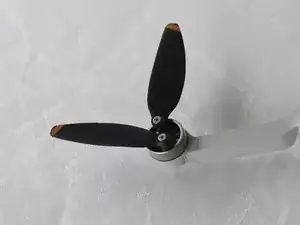
This is a replacement guide for the DJI Mini 2's propeller blades.
The propellers are on the DJI Mini 2 help the drone generate lift for the drone when it is flying. A drone propeller will need to be replaced if the propeller is damaged and causes the drone to hover in an inconsistent way.
Ferramentas

-
-
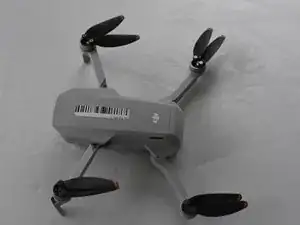
Open up the propeller arms to make it easier to access the propeller blades.
-
Then, place the drone on a flat surface.
-
-
-
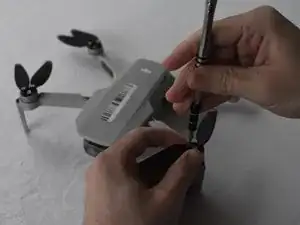
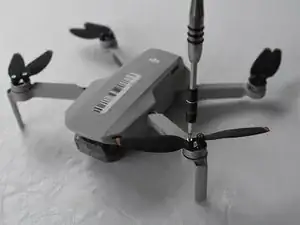
Remove the 7mm J000 head screw attaching the blade to the motor.
-
Remove the propeller blades.
-
Conclusão
To reassemble your device, follow these instructions in reverse order.

Propellors come in pairs and are installed cross-wise over the arms of the same type, CW and CCW. Take notice or make a photo if in doubt before unscrewing them. Replacement props often have 1 or 2 stripes to mark which is what. If you swap around the whole bunch, the drone only pushes itself harder again the ground in stead of lifting itself up.
Erwin van Dijk -