Introdução
When challenged by malfunctions of Cricut Maker machines, things can result in difficulty and stress. A common malfunction is the instability of loading in Cricut mats due to worn-out rubber rollers. Only further assistance can be done by a Cricut Maker owner after a year of warranty if actions are taken within one's hands.
Instead of tossing a Cricut Maker machine due to malfunctions, with this guide, replacing rubber rollers from a Cricut Maker machine can be the resolution for more opportunities in creating projects.


-
-
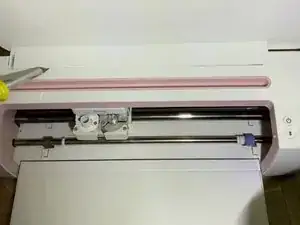
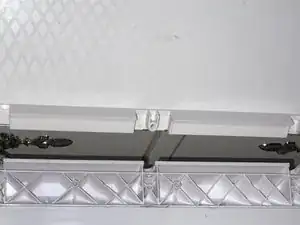
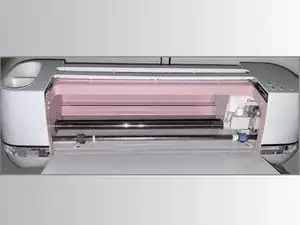
Replacing the rubber rollers begins with the movement of removing the top white rectangle plaque that sits at the top of the Cricut.
-
Use a 1.5mm flat-head bit for removal of the plastic white plaque.
-
-
-
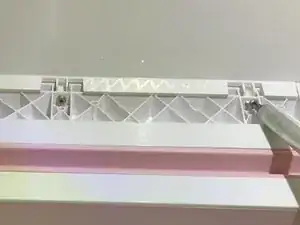
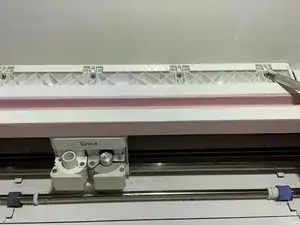
Below the white plaque that has now been removed are four silver screws that secure the position of the lid. Using a Phillips #1 bit, remove all four screws.
-
-
-
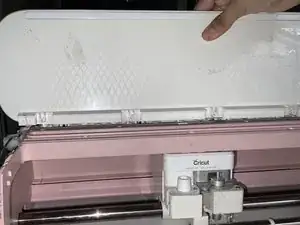
After removing the four silver screws and putting them aside, lift the lid of the Cricut Maker to detach it from the machine.
-
-
-
When the lid is removed, flip the Cricut machine so that the bottom of the machine is facing upward.
-
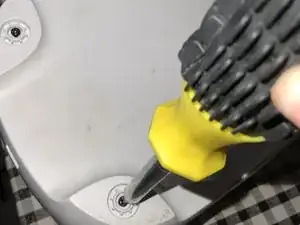
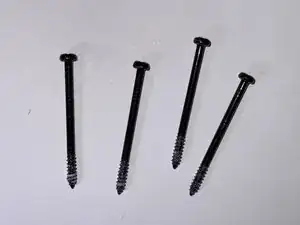
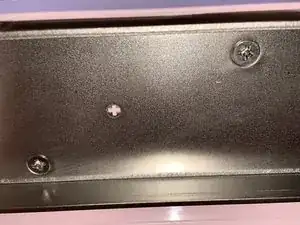
Locate each corner that shares a black screw. Remove all four black screws with a Phillips #1 bit.
-
-
-
After removing the four black screws, locate the seven silver screws that then sit below the top portion of the machine. They can be challenging to identify as they are hidden, so move the machine to an angle where each screw is visible to remove.
-
Remove all seven silver screws using a 1 mm flat-head bit.
-
-
-
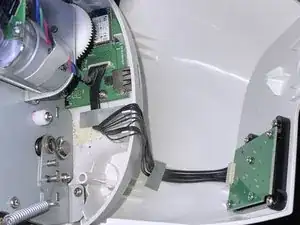
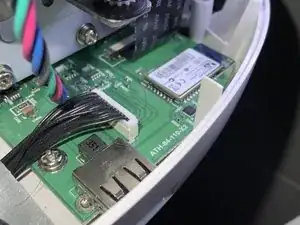
When gently removing the top case, locate the right side of the machine where the wires are connected.
-
Disconnect the wire on the end that's located in the machine.
-
-
-
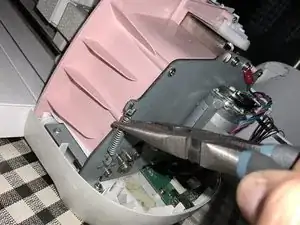
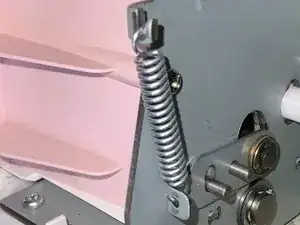
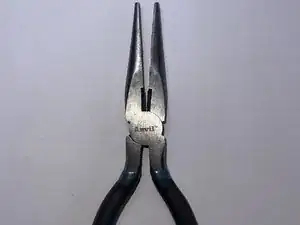
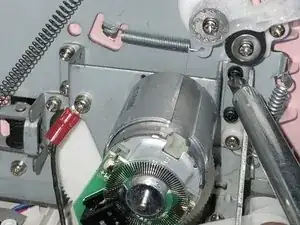
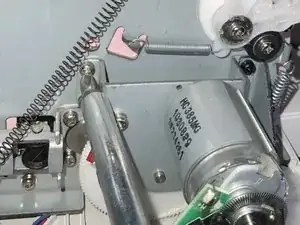
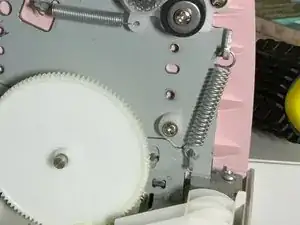
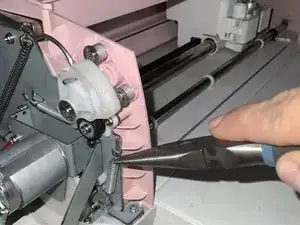
On the right side of the machine is a silver spring on the edge. Remove the spring with small needle nose pliers for easy removal.
-
-
-
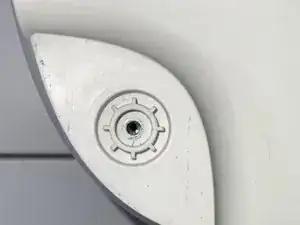
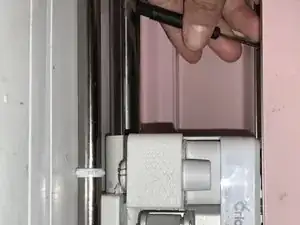
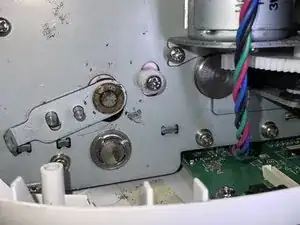
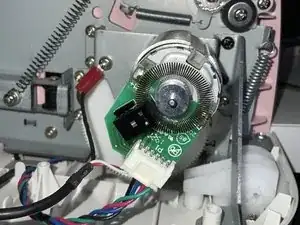
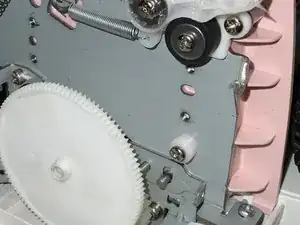
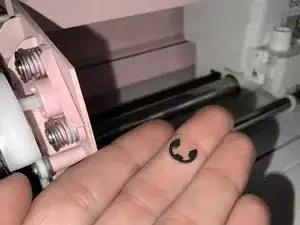
On the right side, locate the top circular part and remove the little c-clamp that holds the y piece with a 1 mm flat-head bit.
-
After removing the c-clamp, remove the y-piece.
-
-
-
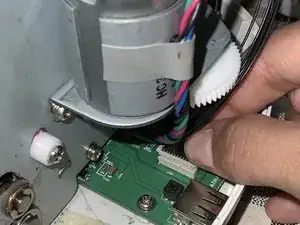
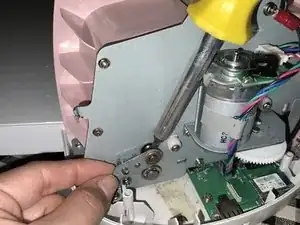
Moving onto the left side of the machine is the mini generator held with four screws.
-
Remove all four screws with a Phillips #1 bit.
-
-
-
Repeat step 9 to remove the c-clamp and y-piece on the machine's left side with a 1mm Flathead bit.
-
-
-
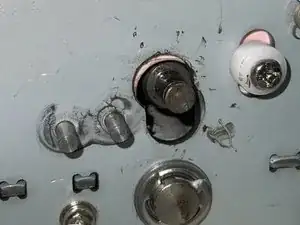
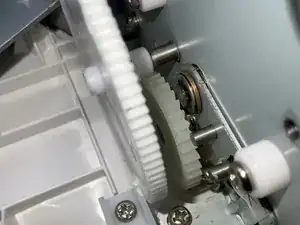
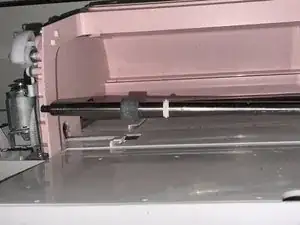
Now that all screws are removed, wiggle the silver rod towards the right to pop out the silver rod from its place.
-
Once the left side of the rod is out, wiggle the rod out of the right side.
-
-
-
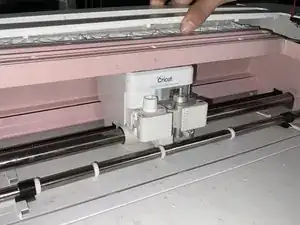
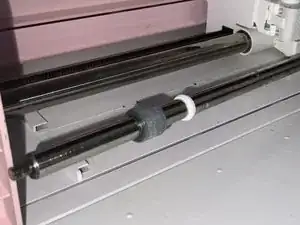
Now that the rod is removed from the machine, remove old rubber rollers in a wiggling motion for easier removal.
-
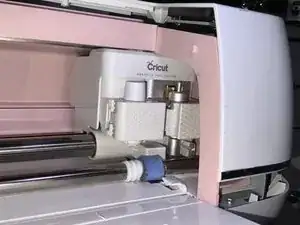
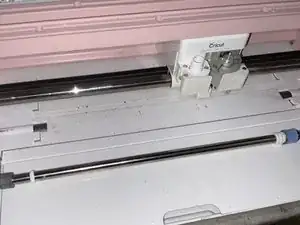
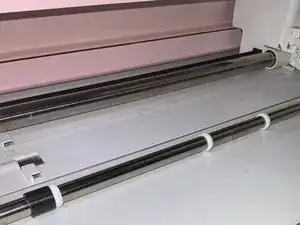
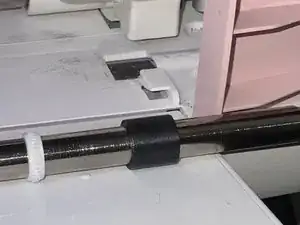
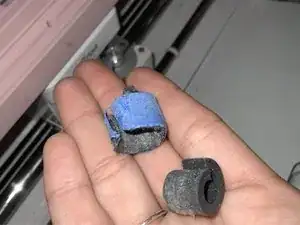
To reassemble your device, follow these instructions in reverse order.

3 comentários
Tutoriel au top, ma maker peut encore avoir de longues heures devant elle. Merci!
It’s good information to know which screwdrivers to use, but I really wanna know where to get the replacement rollers??? it doesn’t do me any good to tear it apart if I don’t have the new parts to put on. Did I miss that information somewhere?
Pat -
Replacement rollers are available as a kit from Amazon for Cricut Maker 3:
Waterit -
Be careful removing this piece as on the model we have this piece was tacked down on both ends with a little bit of glue. Gentle but firm pressure removed it but too much and you can crack the cover.
Daniel Kuwahara -
Where does one buy/ locate the rubber rollers? I was told by Cricut helpline all parts are irreplaceable.
LauraRock -