Introdução

  1. lqAvSa3ViPp1bJAD
    lqAvSa3ViPp1bJAD
    g42hlLPtoSeQZ4Ib
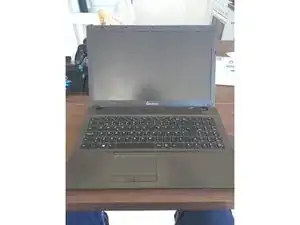
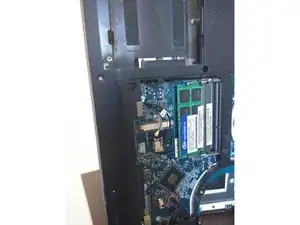
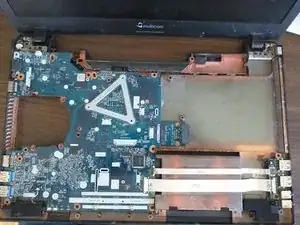
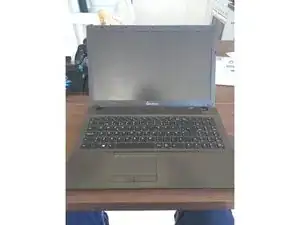
    • Going to pick apart this Multicom/Clevo W550su and see if I can fix the charging port.

  2. WTLMIWYFQVAJGXwe
    WTLMIWYFQVAJGXwe
    hD4Wg3tSuwJnggtb
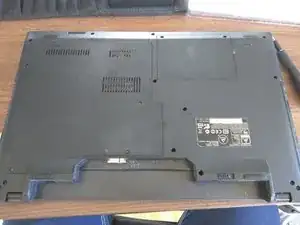
    • I startet with removing the batteries

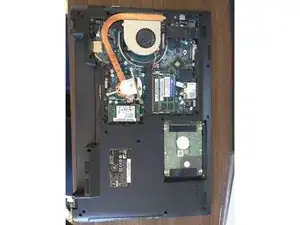
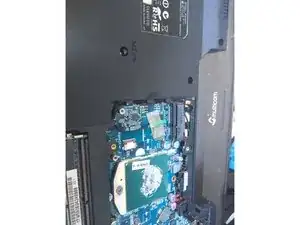
    • Next I remove the panels covering the back

  3. HMUPqqsi1JOgmGmi
    HMUPqqsi1JOgmGmi
    DZYlQtqhTsjqrRoH
    NQiwpR1cBMReRADt
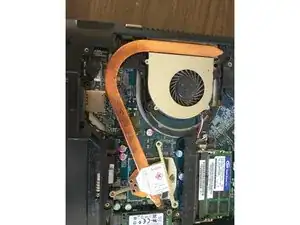
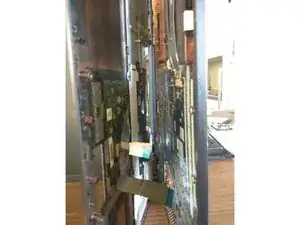
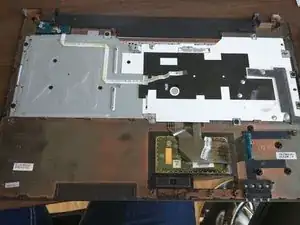
    • Now the heatsink for the CPU must go to get the back cover off

    Well, it is a start. I have one of these clevo's and have the service manual. Disassembly is really quite complex and involves a dizzying array of screws and connectors. There is so much omitted in this ifixit guide that I would be very hesitant to suggest that anyone tries to follow it without consulting the service manual. I hope to take mine apart (one of the hinges is no longer properly anchored and causes problems with the screen connection) and when I have time to

    take it apart, I will try to post a far more complete guide with higher resolution images. But, as I say, at least the current guide gives some idea including the pictures, such as they are.

    Querty -

  4. hkNnxWXbqjbYHJCD
    hkNnxWXbqjbYHJCD
    ujVoLGLvlA2DvapN
    4kWQfxwXvblPvPrZ
    • Filler text

Conclusão

To reassemble your device, follow these instructions in reverse order.

Sebastian van Veen

Membro desde: 12/03/16

271 Reputação

2 comentários

To reassemble you must use thermic paste right?

Romain Charles -

You should always apply new thermal paste between the CPU and it's heatsink. And if applicable between the GPU or other chipsets and their respective heatsinks.

Sebastian van Veen -