Introdução

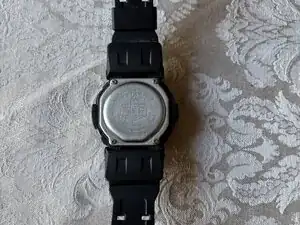
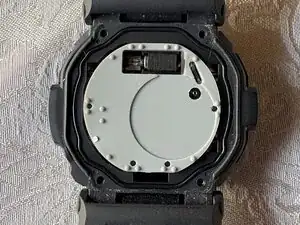
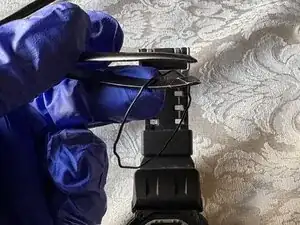
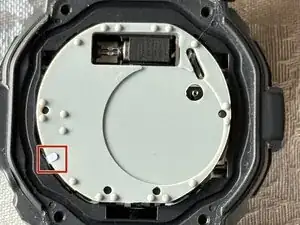
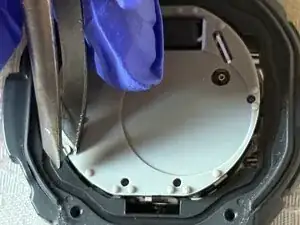
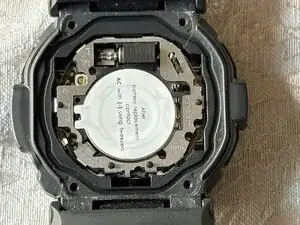
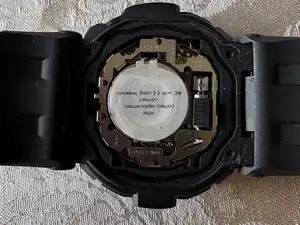
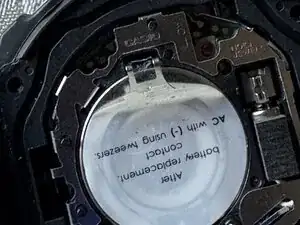
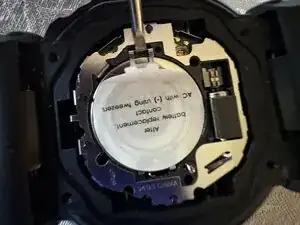
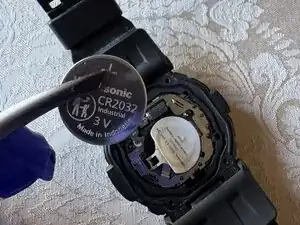
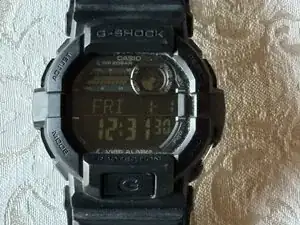
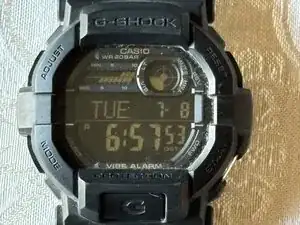
Is your G-Shock telling you the battery is low? This guide will demonstrate how to replace the battery for a Casio G-Shock GD-350 watch. This particular watch has a negative display, but the steps are the same whether your watch has a positive or negative display.

The steps for this guide should be a straightforward process without needing any special skills. Many of the basic tools for this guide may already be at your disposal, and if not, they're accessible to acquire. Latex or nitrile gloves should be used. Gloves are recommended for this guide to protect any of the components from the watch being shorted or damaged.

  1. 2dhibZUwiFxbvXyg
    2dhibZUwiFxbvXyg
    MnPxIK2coE5NSls1
    • Flip your watch over so the bottom is facing up.

  2. aTerPYOYwbXsEBXV
    aTerPYOYwbXsEBXV
    I5m3YQtOVwhGDtcL
    RddGkmZhhHWuQEbM
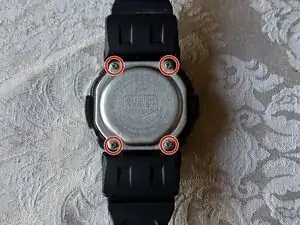
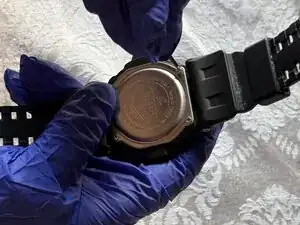
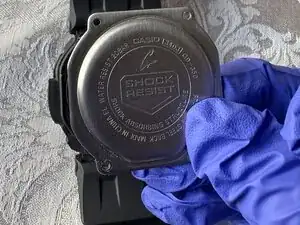
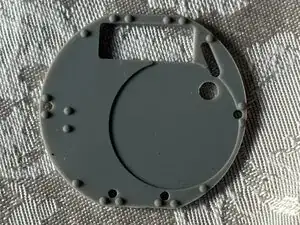
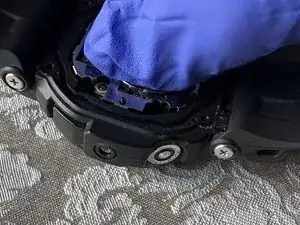
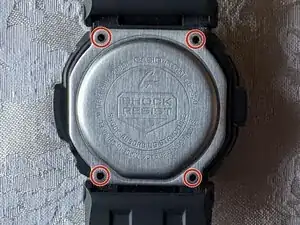
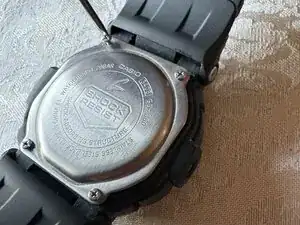
    • Use a small Phillips screwdriver to remove four screws from the caseback, and place the caseback and screws to the side for later.

  3. EhFMMSdAk5HttPf5
    EhFMMSdAk5HttPf5
    4pkLPYLdpDqyPwiO
    3YIKmqWcFKarIoti
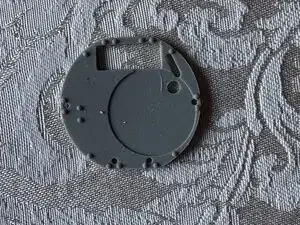
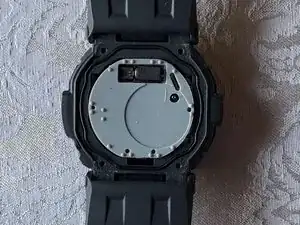
    • Use tweezers to remove the black gasket surrounding the rubber cover.

  4. CEVFTXj6DX1AjTmN
    CEVFTXj6DX1AjTmN
    gF36QsVbGWrQYx2r
    HVhLXrU1n51PCIOO
    • Use tweezers to lift the metal tab and remove the rubber cover from the watch and place it to the side.

  5. 2M5jJA4skZfm6cyC
    2M5jJA4skZfm6cyC
    11BWmIE4QYCJtMSV
    wkDMefTXmfaSt2M6
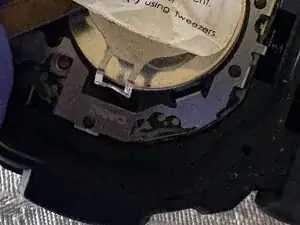
    • From the prong side, peel the sticker halfway or just enough to create an opening for the next step.

  6. NdRIJfWaeUVon6Xi
    NdRIJfWaeUVon6Xi
    EAL1vRWGSnrxjRIk
    RlIR1m4hicTUOolE
    • Place the pointed end of a spudger into the notch or gap of the silver latch that secures the battery, and gently pull the latch up.

    • Be careful when pulling the latch out to avoid damaging any internal components.

  7. edtooEwhoFCHbwSi
    edtooEwhoFCHbwSi
    bxVtDl1v3HfnEqoH
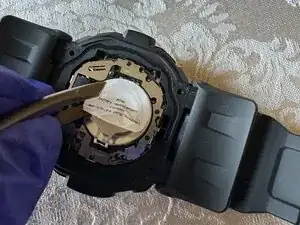
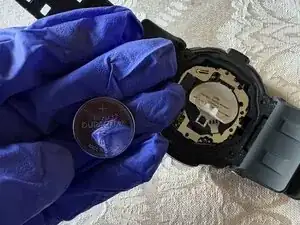
    • After lifting the latch, remove the battery with tweezers.

    • If the battery clamp that the latch is connected to does not open enough to remove the battery, peel back the sticker further to make room for the clamp to open.

  8. i3B4xKQwSwHNtV3t
    i3B4xKQwSwHNtV3t
    4dqJmS6Oe1dVaS1u
    uvKRHs2nZMLnfHKH
    • Use your hand to place the new battery underneath the clamp.

    • Close the clamp after installing the new battery.

    • If the latch doesn’t stay down when the clamp is closed, it may be bent. Straighten the latch by bending it back into its proper position so it will stay closed.

  9. 36YOCcy5C6bbcHma
    36YOCcy5C6bbcHma
    cgPaXFEyG3bSxIvL
    Qk1awRc5cT4SCQuY
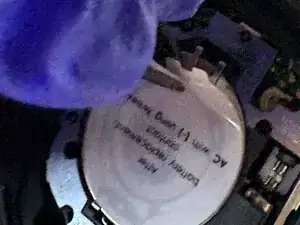
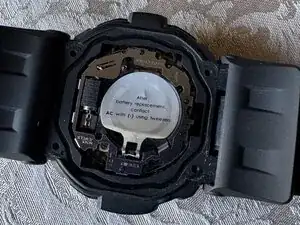
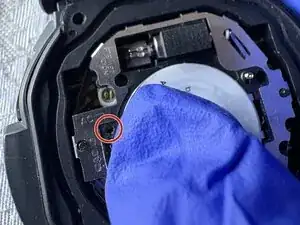
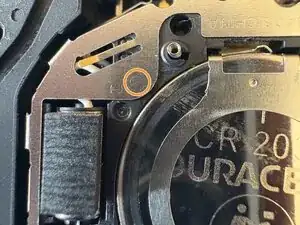
    • Find the AC sign and the arrow that points to a hole, then look for a (-) sign.

    • Stick one end of the tweezers on the hole where the AC sign points to, then another end of the tweezers on the circle next to the (-) sign, and hold it for 2 seconds.

    • If the tweezers are not pointy enough to stick into the AC hole, bending a paperclip into an arch will do the job.

  10. HAwJYHuPQracaqik
    HAwJYHuPQracaqik
    Qn3VP24FrfT3aujX
    VAMx1NW4U1nDJSaH
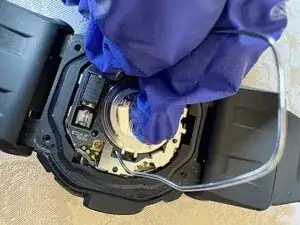
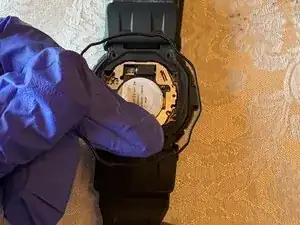
    • Place the black gasket and rubber cover back on the watch.

  11. g1MuVyZAMIQwh5JY
    g1MuVyZAMIQwh5JY
    YrrZEsPoyFBxpsFE
    6AhcNhJosDnQi2IZ
    • Place the caseback on the watch.

    • Use a Phillips screwdriver to replace the four screws that secure it.

Conclusão

To reassemble your device, follow these instructions in reverse order.

Matthew Ayala

Membro desde: 15/06/25

202 Reputação

0 comentários