Introdução
Casio Advanced Scientific FX-991CW Battery Replacement.
-
-
First, take the protective cover off the calculator.
-
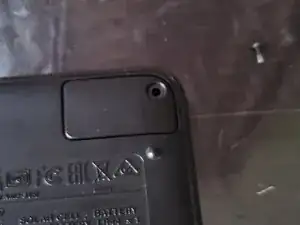
Then, turn the calculator over.
-
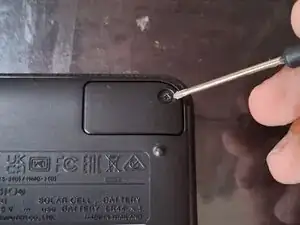
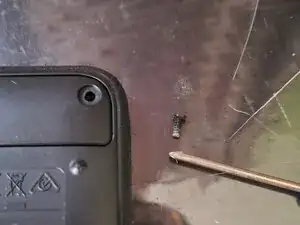
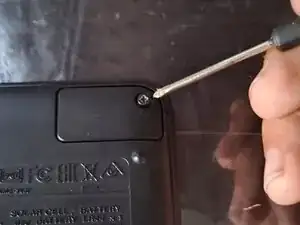
Remove the Philips screw that holds the battery cover in place in the top-right corner.
-
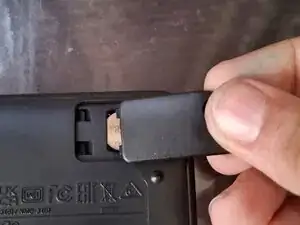
Then lift the cover off by lifting the right side of the cover up, and slide it out.
-
-
-
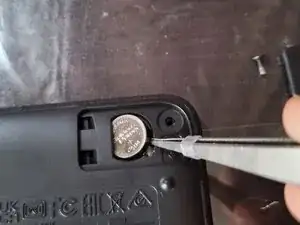
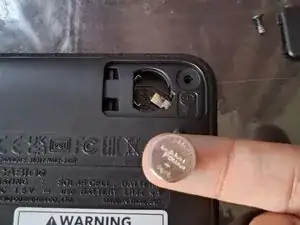
Take a pointy, flat tool, like a flathead screwdriver, to pry the battery out of the compartment.
-
-
-
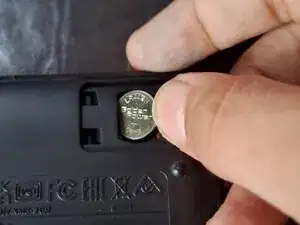
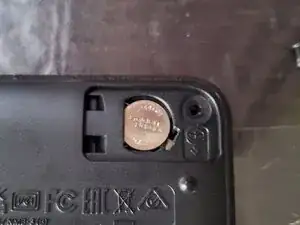
Insert the new battery into the calculator by sliding it into place, then pushing it down, to ensure a good connection.
-
-
-
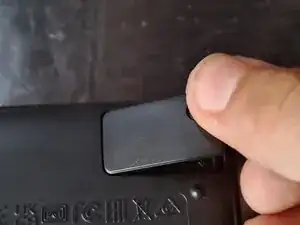
Slide the battery cover into place.
-
Then install the screw.
-
Tighten the screw.
-
NOTE: BELOW THIS GUIDE, THERE IS A NOTE THAT SAYS "TO REASSEMBLE THIS DEVICE, FOLLOW THESE DIRECTIONS IN REVERSE ORDER." DO NOT FOLLOW THAT STEP, AS THIS GUIDE IS COMPLETE!
-
To reassemble your device, follow these instructions in reverse order.
