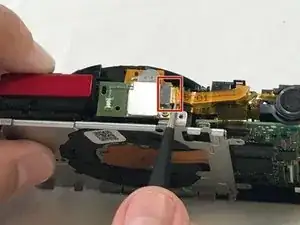
Introdução
By fixing your flash, you can once again take bright, vibrant photographs.


-
-
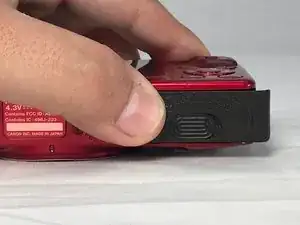
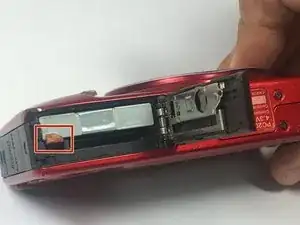
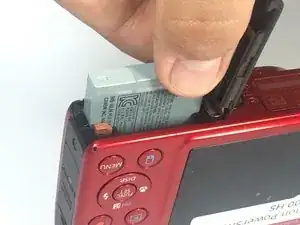
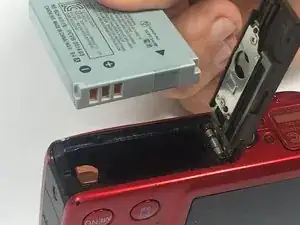
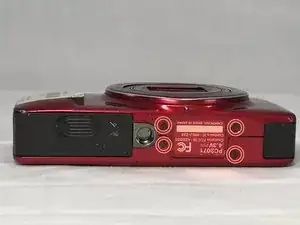
To remove the battery, locate the battery cover on the bottom of the camera.
-
Using your thumb, press down on the cover and slide it outwards.
-
-
-
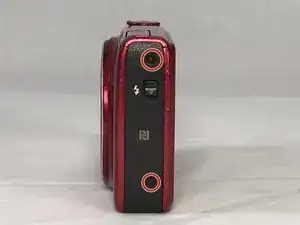
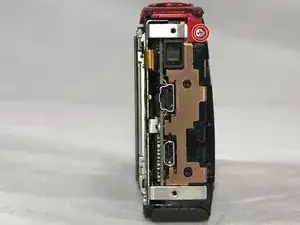
Use a #000 Phillips screwdriver to unscrew the four 4mm screws located on the sides of the camera (2 for each side).
-
-
-
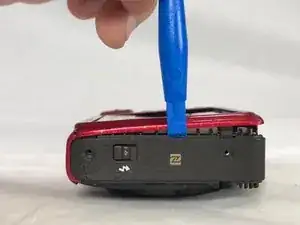
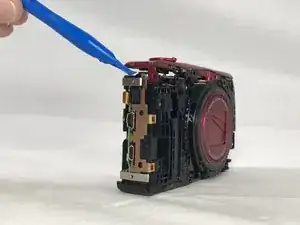
Use a plastic opening tool to loosen and remove both the front and back plates of the camera, as well as the two side pieces.
-
-
-
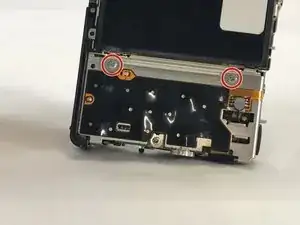
Unscrew the three 2mm screws attaching the piece to the camera frame with a #000 Phillips screwdriver.
-
-
-
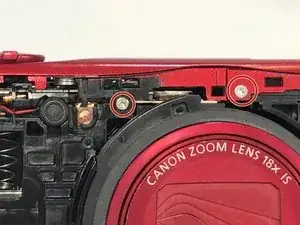
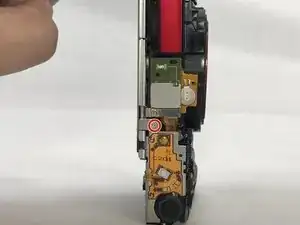
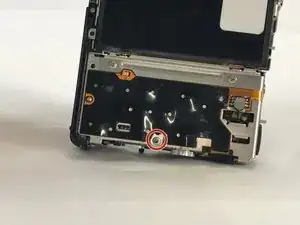
Unscrew the 2mm screw connections of the main board protector from the camera frame using a #000 Phillips head screwdriver (2 on front, 1 on top)
-
-
-
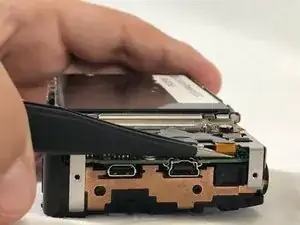
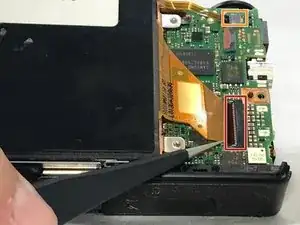
Lift the LCD screen ZIF connector tab and remove the ribbon cable.
-
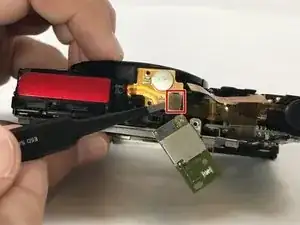
Detach the no-fuss connector.
-
Lift the screen from its holder.
-
-
-
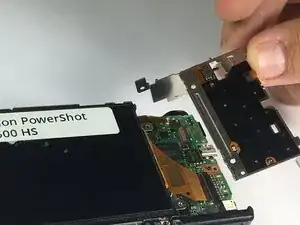
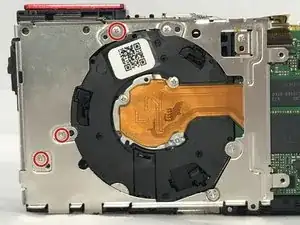
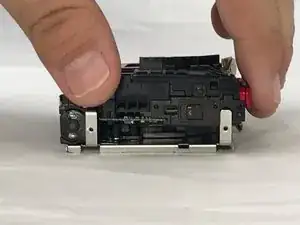
Use a #000 Phillips screwdriver to remove the three 4mm screws that hold the assembly to the frame.
-
Fix your Canon's flash in order to take bright, vibrant photographs.

Um comentário
my SX610 HS flash didn't work. im trying to just troubleshoot it to see if it might came loose or anything. do i still need to do all steps?