Introdução
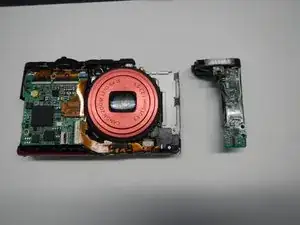
If your flash has burned out or just stopped working, here is how to replace it so you can continue taking great pictures!
Ferramentas


Peças
-
-
Turn off your camera by pressing the power button, located on the top-center of the device.
-
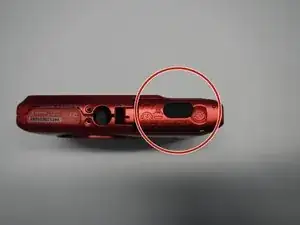
Locate the battery door on the bottom right area of the camera case.
-
Place your finger firmly on the black rubber pad on the battery door and slide the door to the right to open it.
-
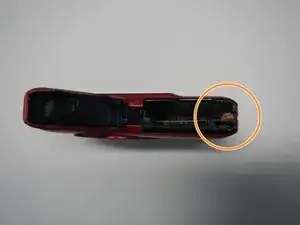
Locate the orange battery release button beneath the battery door.
-
Slide the battery release button downward to release the battery.
-
-
-
Remove the two screws located on the left side of the camera case, using the Phillips screwdriver #00 (2.0 mm).
-
-
-
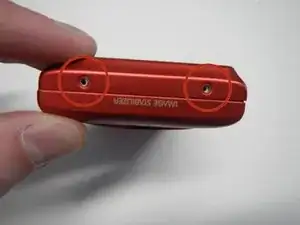
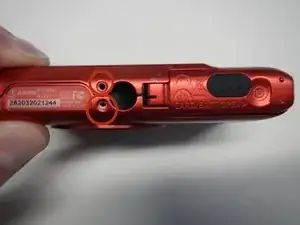
Remove the two screws on the bottom of the camera located near the battery door (Phillips #00 screwdriver) (4.0 mm).
-
-
-
Remove the screw located on the lower right side of the camera case (Phillips #00 screwdriver) (4.0 mm).
-
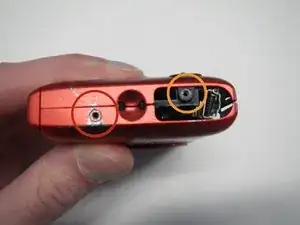
Remove the HDMI A/V out port cover located on the upper right side of the camera.
-
Remove the screw located just beneath the port cover removed in step 2. (Phillips #00 screwdriver) (2.0 mm).
-
-
-
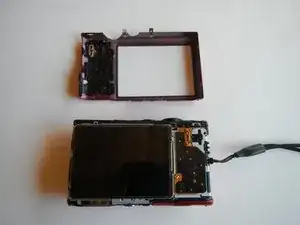
Remove the back portion of the camera case to reveal the screw located on the top of the case.
-
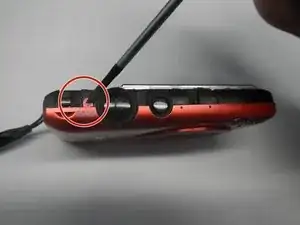
Remove the screw from the top of camera case, located next to the shutter button (Phillips #00 screwdriver) (1.5 mm).
-
-
-
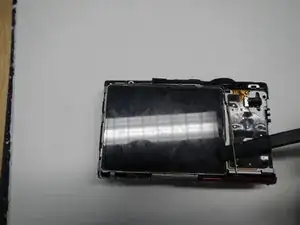
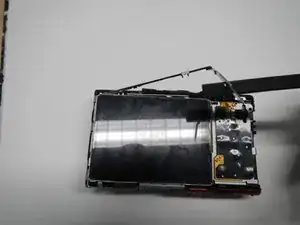
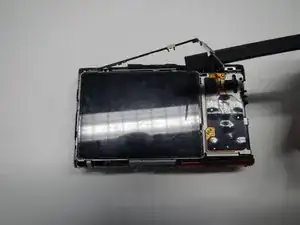
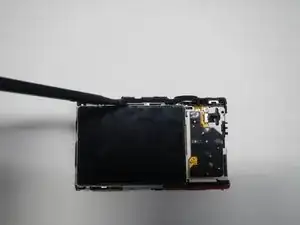
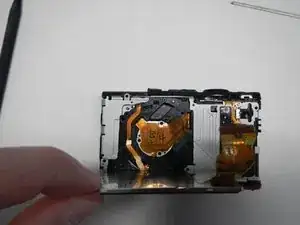
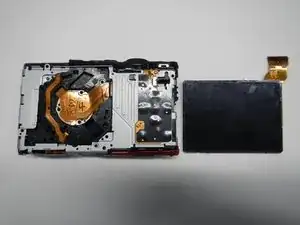
Insert the flat side of the spudger tool carefully on the top of the LCD screen and lift the screen free.
-
-
-
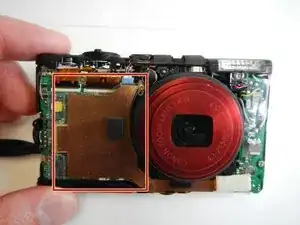
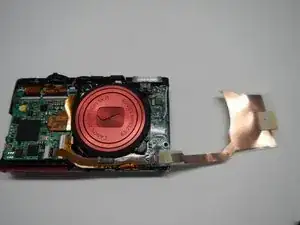
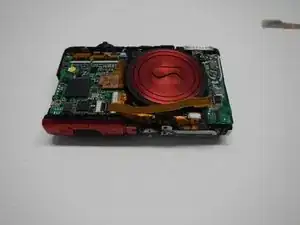
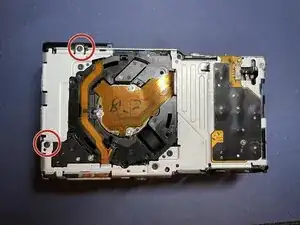
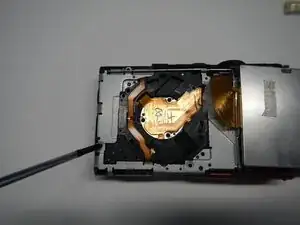
Carefully remove the large copper ribbon on the front of the camera (attached with adhesive pads).
-
-
-
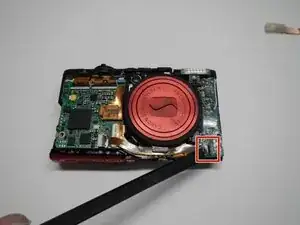
Remove the ribbon wire attached at the bottom right corner of the front of the camera. You do NOT need to remove this from the motherboard.
-
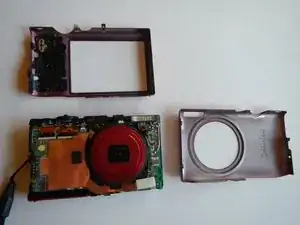
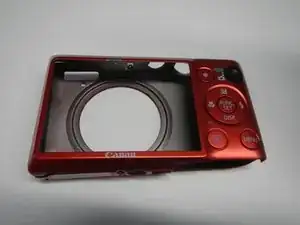
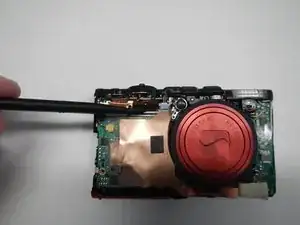
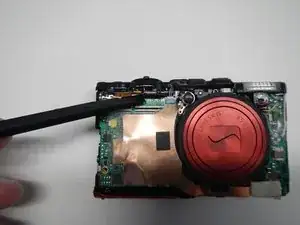
To reassemble your device, follow these instructions in reverse order. Take your e-waste to an R2 or e-Stewards certified recycler.

Can I use this tutorial to repair my ELPH 360 HS? Also, do I need to use the same screwdriver?
Jordan Vargas -