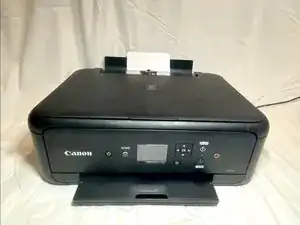
Introdução

  1. C1ASPsPY4CdMeZbV
    C1ASPsPY4CdMeZbV
    mG1IXR3eej36odx4
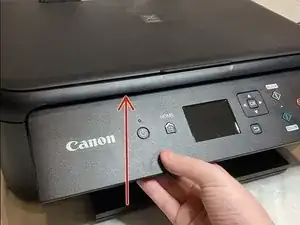
    • Lift the panel up

  2. FJLX1oQJCGHOI2xy
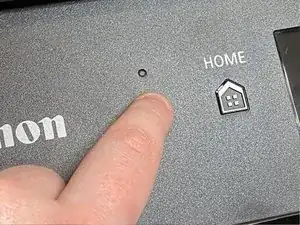
    • Power on the printer

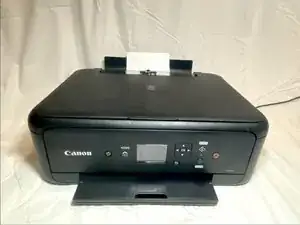
  3. Lift the top of the printer
    • Lift the top of the printer

  4. Open the cover by pressing the tabs
    • Open the cover by pressing the tabs

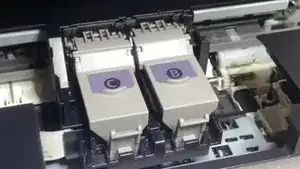
    • Press and then lift the ink

    • C is for Color Ink and B is for Black Ink

  5. miSrE4JeiHM1LJWN
    miSrE4JeiHM1LJWN
    PAVyfZSXPYWmOGBV
    • Close the top lid

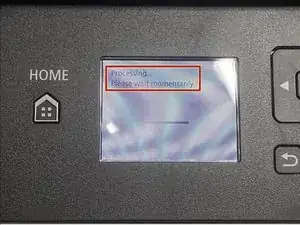
    • Wait for the printer to finish setting up the ink

    Hello.You did not show how to put new cartridges in.Important step! But thanks anyway.

    Ani Szijjarto -

Conclusão

To reassemble your device, follow these instructions in reverse order.
Artem Ivat

Membro desde: 05/02/20

3705 Reputação

Um comentário

L'explication pour changer les cartouches d'encre est bien faite, compréhensible.

Merci.

Maintenant,il me reste à trouver des nouvelles 'cartouches'...

Azur Méditerranée -