Introdução
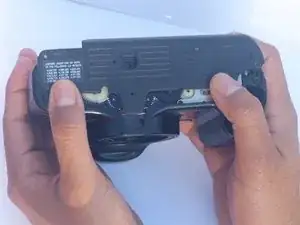
This guide shows how to replace the bottom cover of your Canon EOS Rebel XS 35 mm camera. Replacing the bottom cover may be necessary if it is cracked, damaged, or worn out. Following these steps will help you safely remove the old cover and install a new one.


-
-
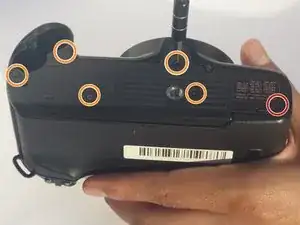
Use a Phillips #000 screwdriver to remove the 7 mm screw.
-
Use a Phillips #000 screwdriver to remove the five 4 mm screws.
-
-
-
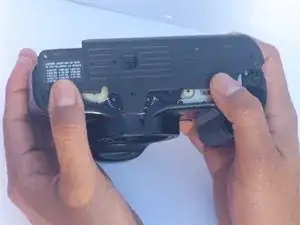
With your fingers, push on the bottom cover towards the back of the camera until it clicks and separates.
-
-
-
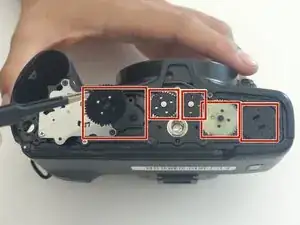
Using tweezers or your fingers, carefully remove the five gears and set them aside temporarily.
-
Conclusão
To reassemble your device, follow these instructions in reverse order.
