Introdução
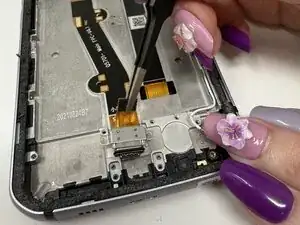
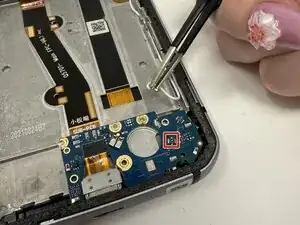
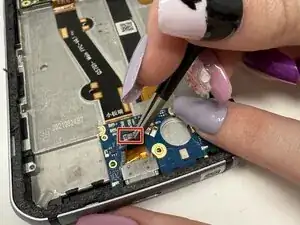
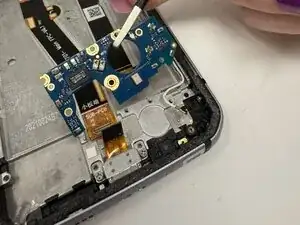
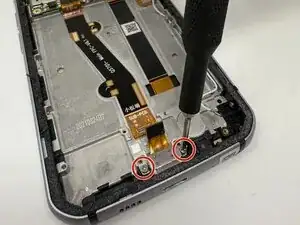
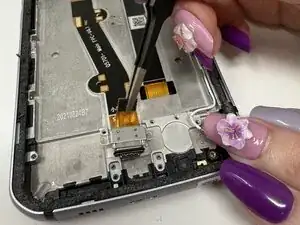
This is a comprehensive guide to replacing the USB-C charging port of the CAT S62 phone.
Symptoms of a faulty charging port include:
- Extremely slow charging.
- Phone does not charge when plugged in.
- Phone begins to overheat during charging.
- Charging port is bent or otherwise damaged.


-
-
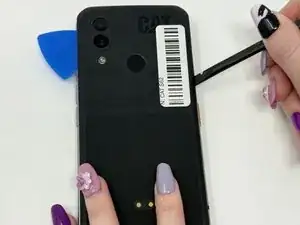
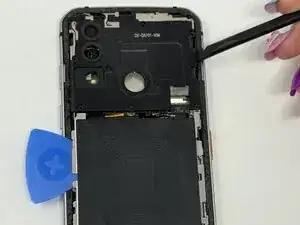
Use the plastic spudger to gently pry off the rubber back panel. If needed, use the plastic iFixit opening picks to help keep the plate separated. (Heating the back of the phone using a blow dryer may help loosen adhesive.)
-
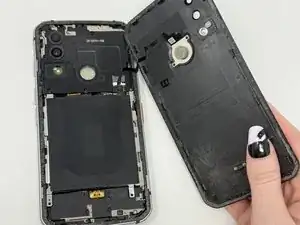
Gently pull the back panel away to avoid damaging the connecting wire for the fingerprint sensor.
-
-
-
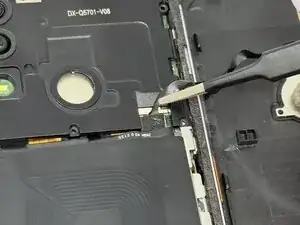
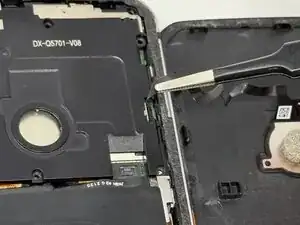
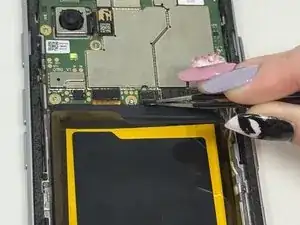
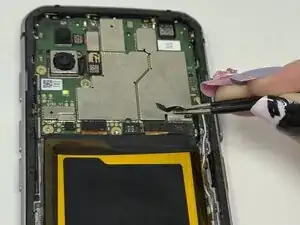
Gently remove the wire connecting the back cover to the rest of the phone using your fingers or tweezers.
-
-
-
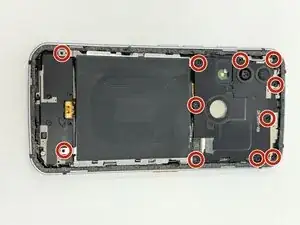
Remove the eleven 5mm screws with a JIS #00 screwdriver.
-
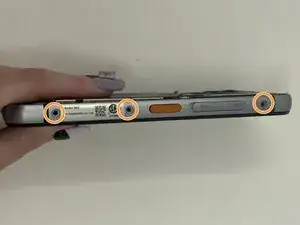
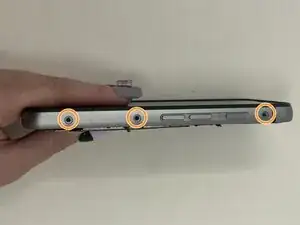
Remove the six 3mm screws (three screws on each side) with a Hex 1.3 mm screwdriver.
-
-
-
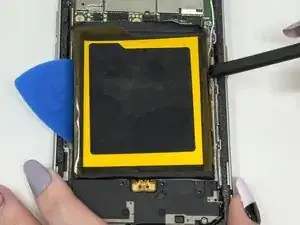
Use a blow dryer or other heating device for a few minutes to loosen the adhesive beneath the battery.
-
Pry the battery away using the plastic spudger and iFixit opening picks.
-
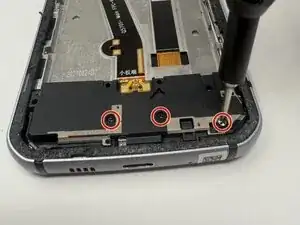
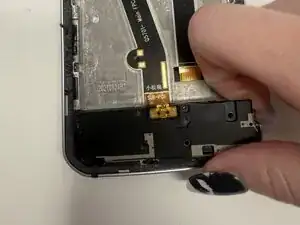
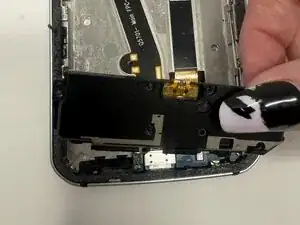
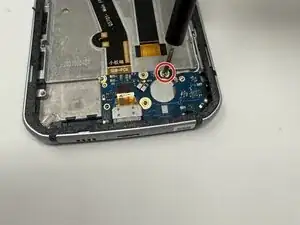
To reassemble your device, follow these instructions in reverse order.