Introdução
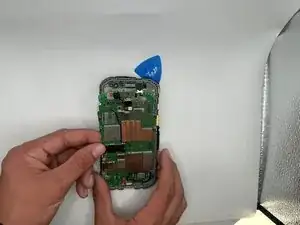
This is a guide for replacing the motherboard of the CAT S48c. You can find a replacement part on Ebay: OEM SPRINT CATERPILLAR CAT S48C 16GB LOGIC BOARD MOTHERBOARD.
Water may leak into your CAT S48c and fully damage your motherboard without you knowing. If the CAT S48c isn't powering on or experiencing hardware issues like not charging, screen flicker, or not powering on, this guide will show you step through step on how to replace it.
Common symptoms are:
- Overheating
- Frequent reboots
- Not turning on
- Screen malfunctions
- Charging issues
A charging port does come with the motherboard, and if you're not adept to soldering, a motherboard replacement may be the only option for you.


-
-
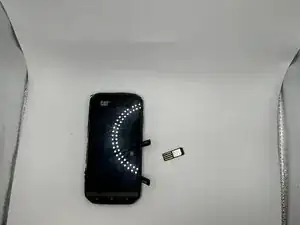
Open the side covers and remove the SIM card with tweezers or a pick.
-
If there is an SD card remove that as well.
-
-
-
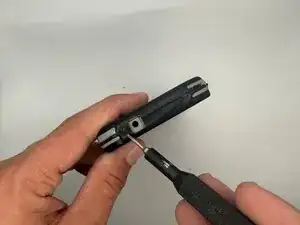
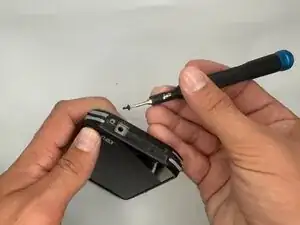
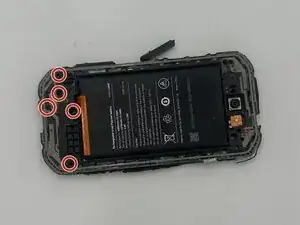
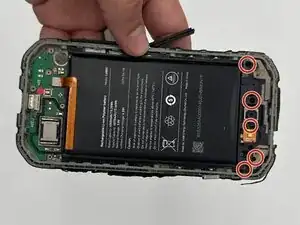
Remove the five 3 mm-long Phillips #000 screws from the top section of the midframe.
-
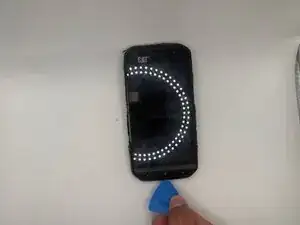
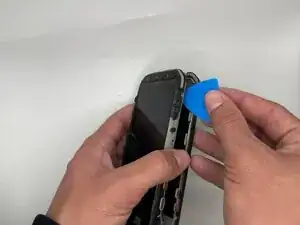
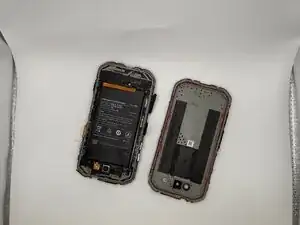
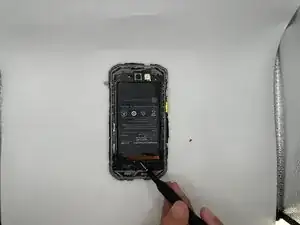
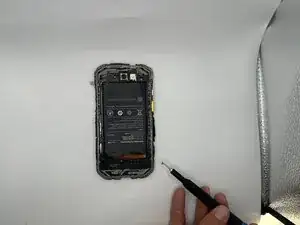
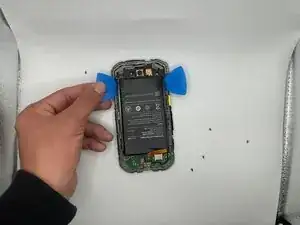
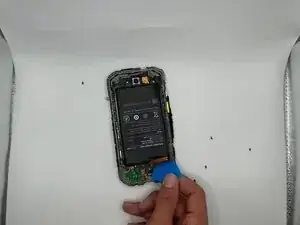
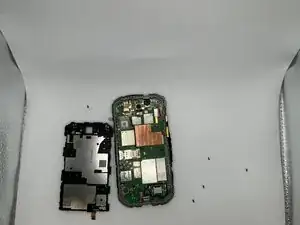
Gently pry the section along with the battery off of the case.
-
-
-
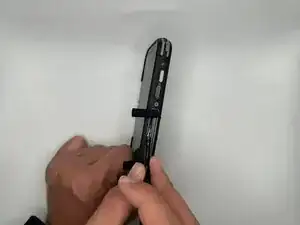
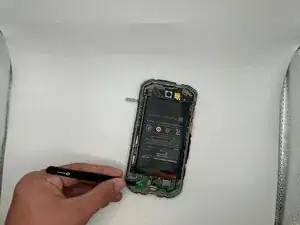
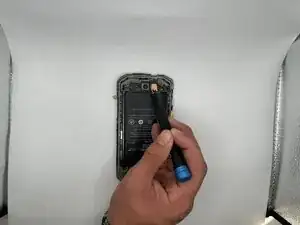
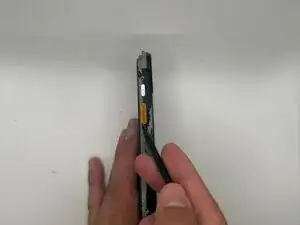
Once the battery has been removed look for the bright orange power button on the side of your phone.
-
-
-
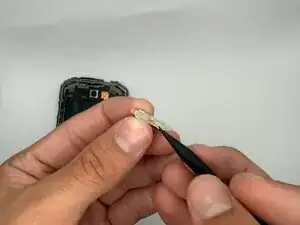
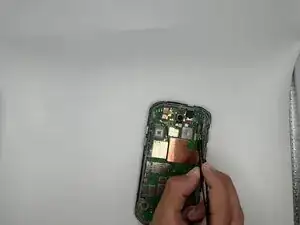
Detach the headphone jack press connector at the top of the motherboard with tweezers, an opening pick, or your finger tips.
-
-
-
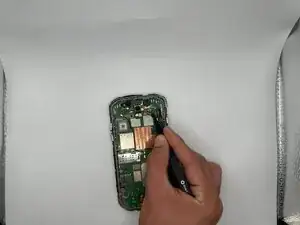
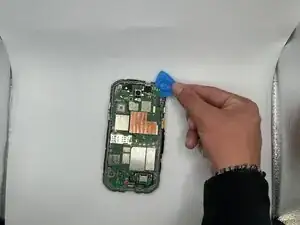
Detach the display press connector the top-right of the motherboard with tweezers, a pick, or your fingertips.
-
-
-
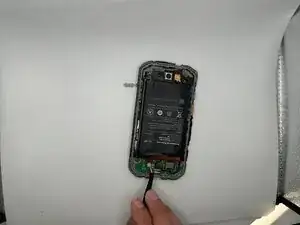
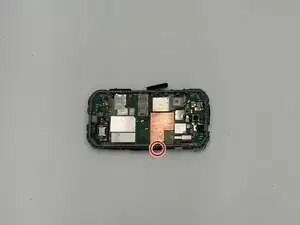
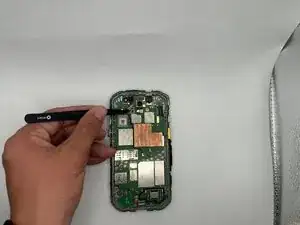
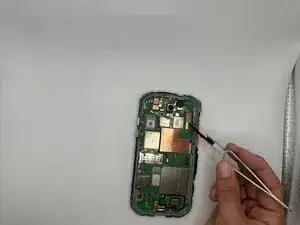
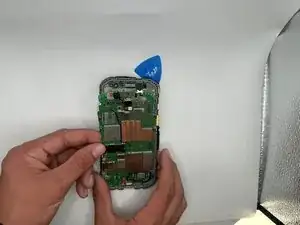
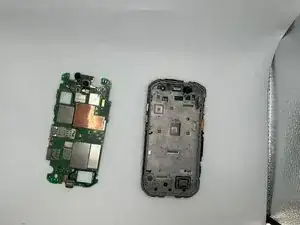
The charging port will be somewhat lodged into the frame to keep in tact, move it up and pop it out to remove the motherboard.
-
To reassemble your device, follow the above steps in reverse order.
Take your e-waste to an R2 or e-Stewards certified recycler.
Repair didn’t go as planned? Try some basic troubleshooting or ask our Answers community for help.