Introdução
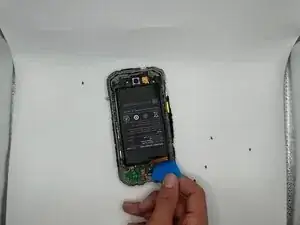
This is a guide to replace the battery of the CAT S48c.
If your CAT S48c isn't powering on, then this guide will help replace the battery to fix your issues. The battery is one of the main issues of a phone not charging or turning on. The battery is what powers the device and can charge once dead.
After about 500 full charge cycles, most lithium-ion batteries in phone's will die out.
Some symptoms of a battery issue are:
- Overheating
- Sudden shutdowns
- Not powering on
- Not charging
If you're dealing with a swollen battery remember to be cautious of it catching fire, and handle it on a non flammable surface.
The battery replacement can be found on Ebay, the name is OEM SPRINT CATERPILLAR CAT S48C REPLACEMENT FRAME BATTERY L6880 4070mAh 3.8V.


-
-
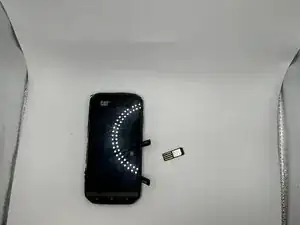
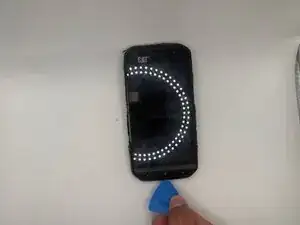
Open the side covers and remove the SIM card with tweezers or a pick.
-
If there is an SD card remove that as well.
-
-
-
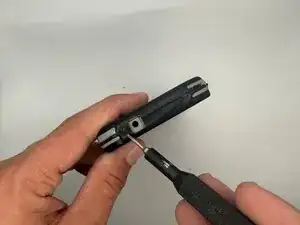
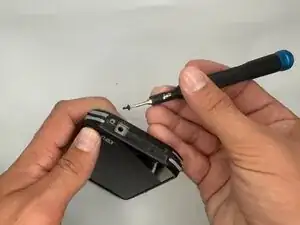
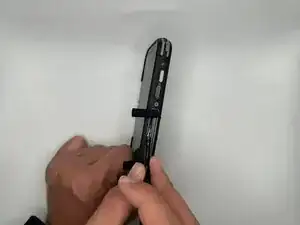
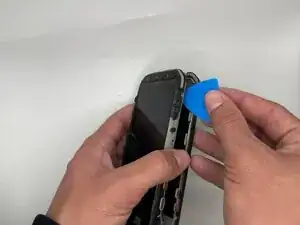
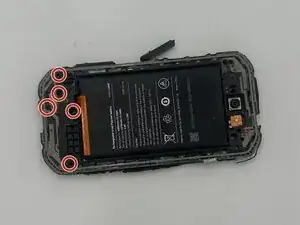
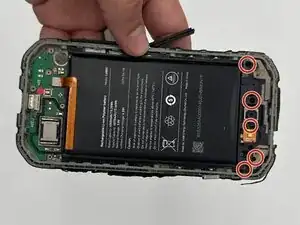
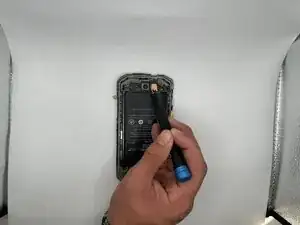
Remove the five 3 mm-long Phillips #000 screws from the top section of the midframe.
-
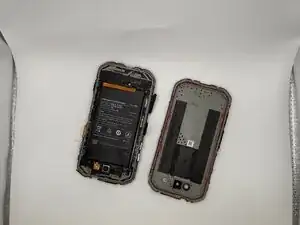
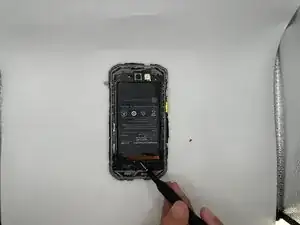
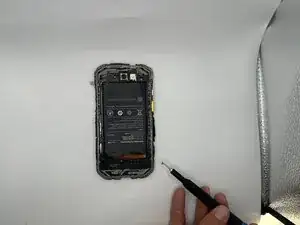
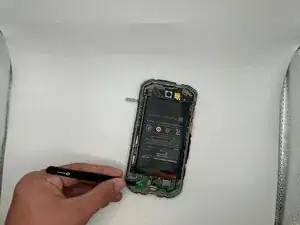
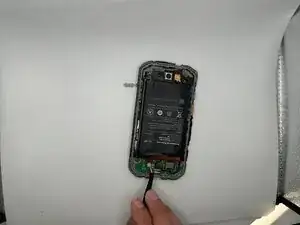
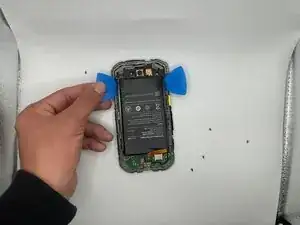
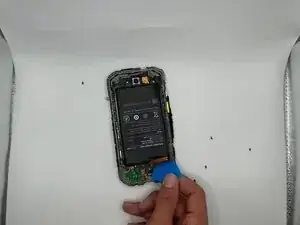
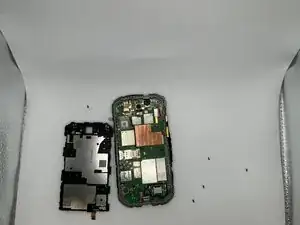
Gently pry the section along with the battery off of the case.
-
To reassemble your device, follow the above steps in reverse order.
For optimal performance, after completing this guide, calibrate your newly installed battery.
Take your e-waste to an R2 or e-Stewards certified recycler.
Repair didn’t go as planned? Try some basic troubleshooting or ask our Answers community for help.