Introdução

How to remove the button board in your Analogue Pocket.

  1. eXUmKnJqwYHaCeDl
    eXUmKnJqwYHaCeDl
    AKRHSSWbTn11McCq
    SuZAEnRhvWATFtII
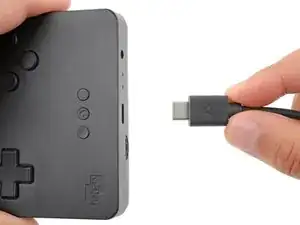
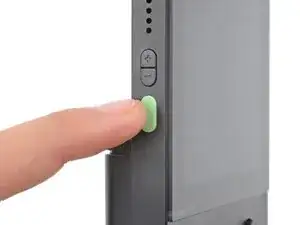
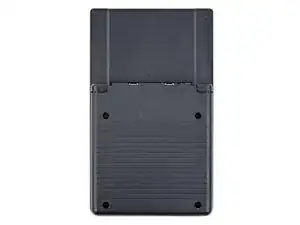
    • Unplug all cables and fully power off your device.

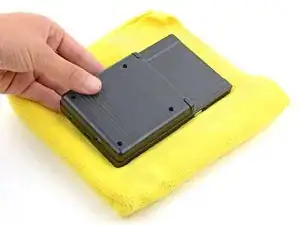
    • Working on your device requires laying it screen-side down. To prevent damage, lay it on a soft surface such as a towel.

  2. pkpOoGmtDyfQJsnu
    pkpOoGmtDyfQJsnu
    ixPZjIQftM1A1J6p
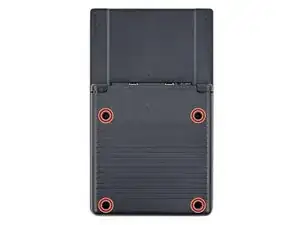
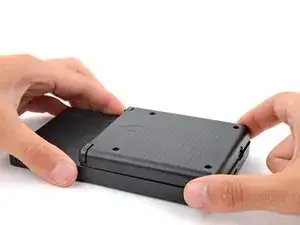
    • Use a T6 Torx screwdriver to remove the four 13.4 mm‑long screws securing the battery shell.

  3. RsoFYJTxLJmMNFQl
    RsoFYJTxLJmMNFQl
    UQtYtYKI14pPRCRj
    MYoWlAB5cBsTCZsn
  4. Z4SLDT4CtTcuqCMd
    Z4SLDT4CtTcuqCMd
    SPXSX3oZaSEX1sHL
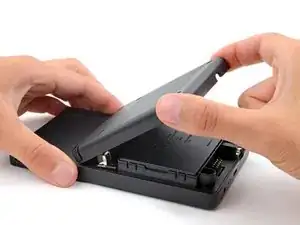
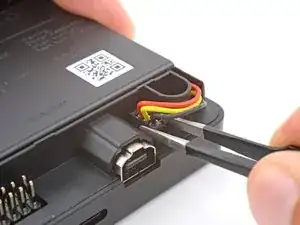
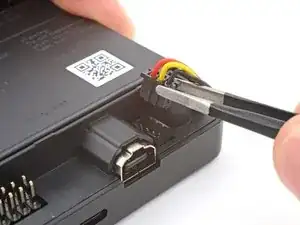
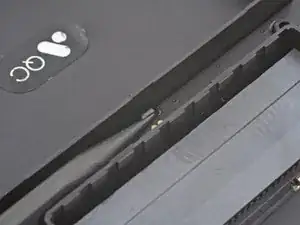
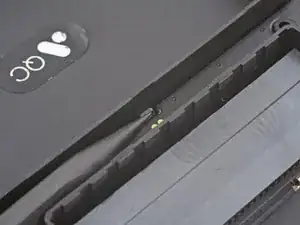
    • Use blunt nose tweezers to pull the battery connector out of its socket on the bottom right corner of your device.

    • If you're having trouble, try rocking the connector side-to-side to help loosen it.

    • During reassembly, use the flat end of a spudger to push down on the edges of the connector until it's secure in the socket.

  5. cUguvvZNeN5gBlnd
    cUguvvZNeN5gBlnd
    WiYLKuLF3FJfkDvR
    EwnPvTpCYcfsIVKP
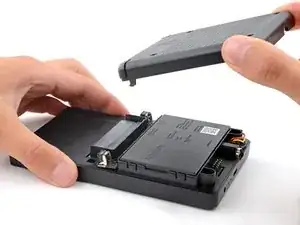
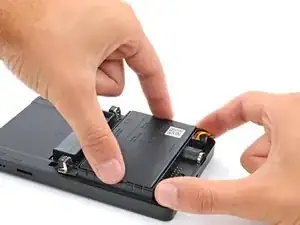
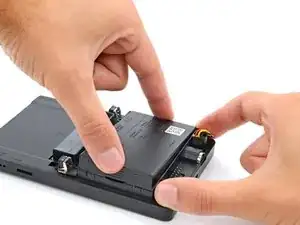
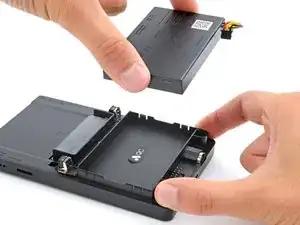
    • Lift one of the battery's short edges until the clips release.

    • Remove the battery.

    • During reassembly, push the battery into its recess until the clips engage.

  6. Vx3sWHBpTk3DrOU1
    Vx3sWHBpTk3DrOU1
    B4FAuWL4PrRbJpHC
    FqXmTEhQH41eDQyB
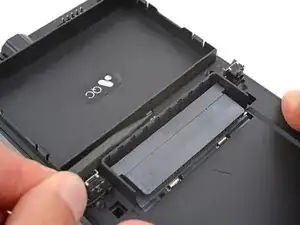
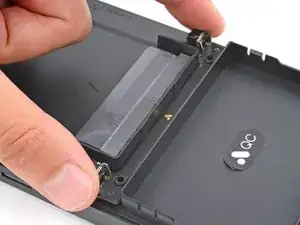
    • A plastic clip secures the center of the button board.

    • Use the point of a spudger to push the clip out and release the board.

    • Don't try to remove the board—a delicate ribbon cable secures it to the device.

  7. NRRbJHkHkgRPsZ2l
    NRRbJHkHkgRPsZ2l
    CMPOZxMmOcgwmw2B
    4ZywZ1UMXNvYI5pq
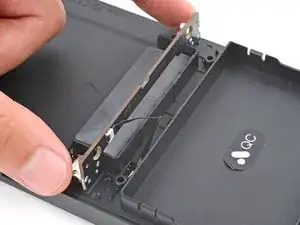
    • Swing the bottom edge of the button board up and over the cartridge reader.

    • Set the board on top of the cartridge reader so the cable's connector is facing the bottom of the device.

    • During reassembly:

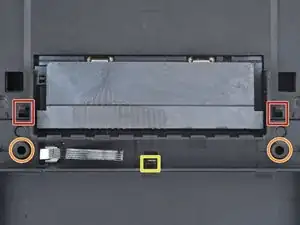
    • Put the top edges of the board under their tabs on the rear shell.

    • Lay the board onto the rear shell so the alignment posts go into their circular cutouts on the board.

    • Press the board down until the plastic clip engages.

  8. QsgPpOBeIXI1DYpH
    QsgPpOBeIXI1DYpH
    qyQPO4TjxfUWuBeb
    TqEXaGWFmddwMTeI
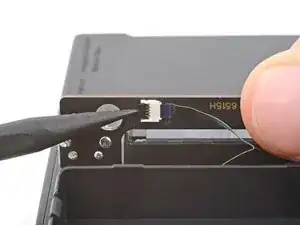
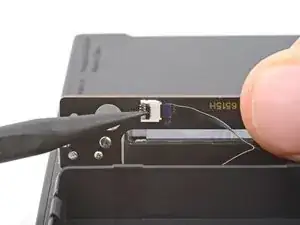
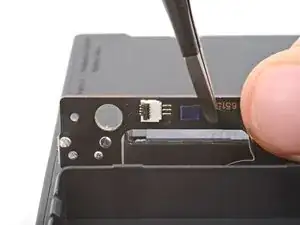
    • Use the tip of a spudger or a clean fingernail to flip up the hinged locking flap on the board cable ZIF connector located on the board itself.

    • Use blunt nose tweezers to pull the cable straight out of its socket.

  9. 1nTCZfS1ZQquJxZN
    1nTCZfS1ZQquJxZN
    IMKgbxoEQyoVIf5q
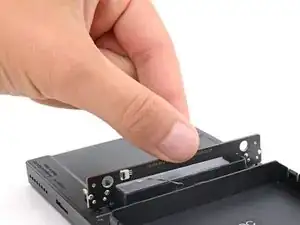
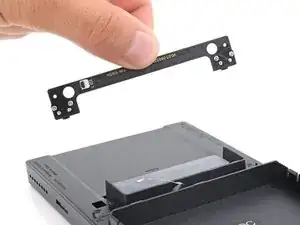
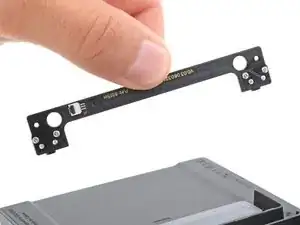
    • Remove the board.

Conclusão

To reassemble your device, follow these instructions in reverse order.

Spencer Day

Membro desde: 14/09/22

165254 Reputação

0 comentários