Introdução
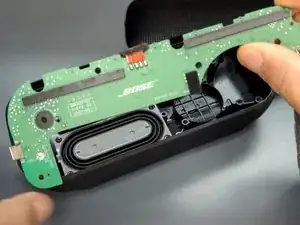
A very easy component to replace on the Bose Soundlink Flex is the charging port. If your speaker fails to charge, then your charging port might be broken. Otherwise, dust and sediment may have accumulated and needs to be cleaned out. The charging port is USB C, common in most Android devices.


-
-
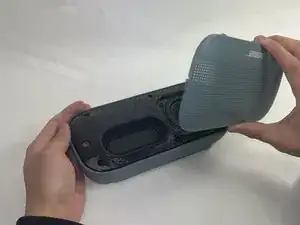
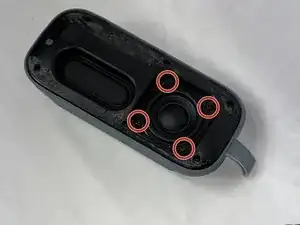
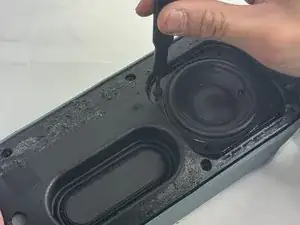
Remove the four 2.3 mm screws holding the driver in place using a TR8 Torx screwdriver.
-
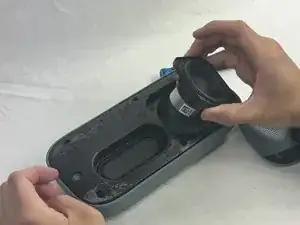
Lift the driver out, being cautious of the wires still connected to the device.
-
-
-
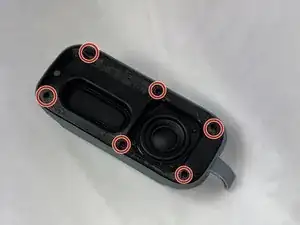
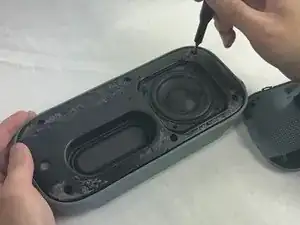
Remove the six 2.3 mm screws around the edge with a TR8 Torx screwdriver.
-
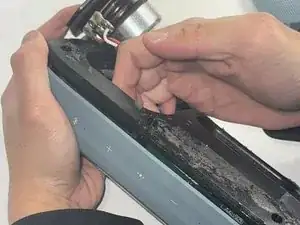
Pull the back panel off exposing the motherboard.
-
-
-
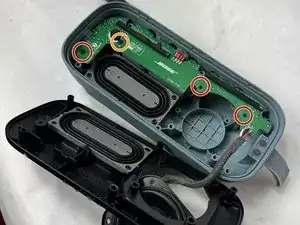
Remove the three 1.7 mm screws from the motherboard using a TR6 Torx screwdriver.
-
Remove the single 1.4 mm screw from the motherboard using a TR5 Torx screwdriver.
-
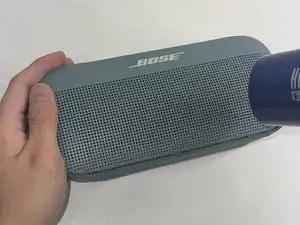
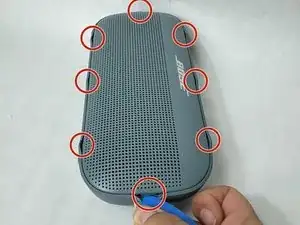
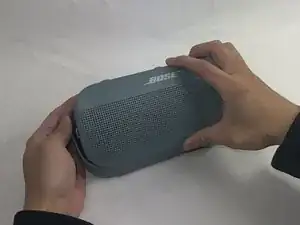
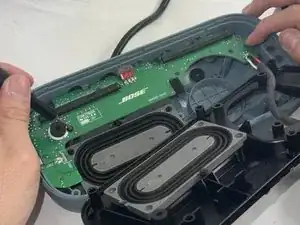
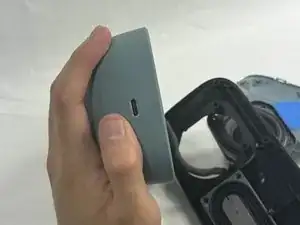
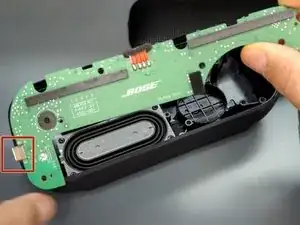
To reassemble your device, follow these instructions in reverse order.

5 comentários
Where did you get the port from ?
Can we get the link to the charging port so I can purchase one? Mine fell and broke while charging. Appreciate the instructions.Thanks in advance for the link
Wins -
Rather than replacing the port on the motherboard, I will use a Female USB-C to wire power cable, run it through the hole, and seal it with hot glue, so I will not have to repeat this process. But many thanks for the "way in." so to speak.
James -