Introdução
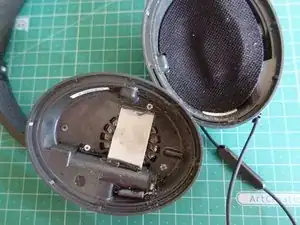
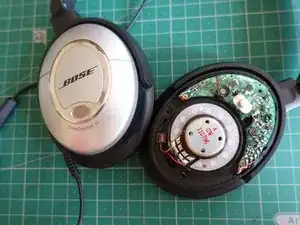
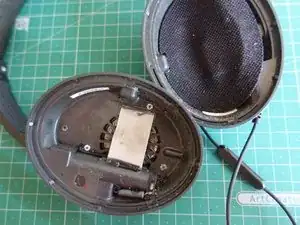
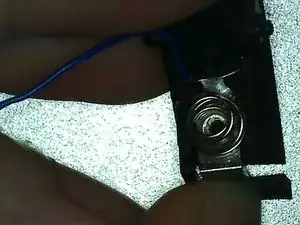
In case the QuietComfort 15 does not turn on every time, or requires the battery door to be pressed to work, the wire for the negative side of the battery might be damaged. This is a guide on how to replace it.
Ferramentas


Peças
-
-
Remove this cover sticker, to reveal the battery's door hinge. Press on the hinge using a wire, for example, to unhinge the door.
-
-
-
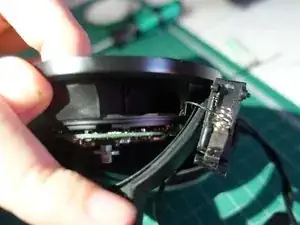
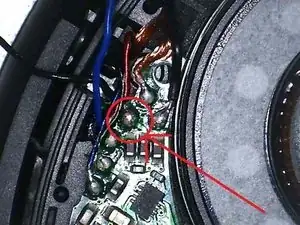
Pull on the other end of the cable (correct soldering point is shown). Pay attention to which hole the wire uses to reach the PCB
-
Thread the replacement cable through the same hole
-
Conclusão
To reassemble your device, follow these instructions in reverse order.

Um comentário
This guide is spot on. Headphones working again. Thanks for taking the time to document the guide, much appreciated.