Introdução
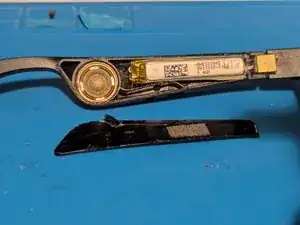
Prerequisite only guide for getting the battery out of the earpiece but not unsoldering it.
Ferramentas


Peças
-
-
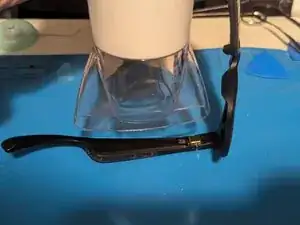
Heat the left earpiece for three minutes on high with a hair dryer to soften the adhesive holding the cover. An iOpener or a heat gun on low heat can also be used.
-
-
-
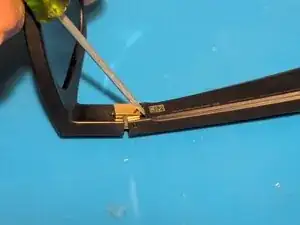
Insert a flat blade screwdriver between the hinge and the cover.
-
Use the hinge as a fulcrum to lever up the cover.
-
-
-
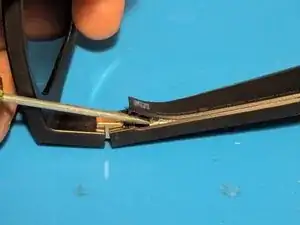
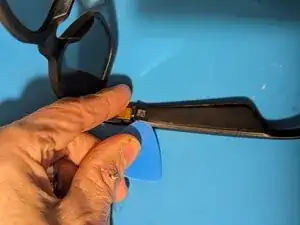
Insert an opening pick next to the hinge.
-
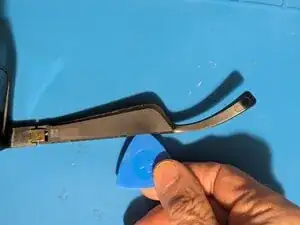
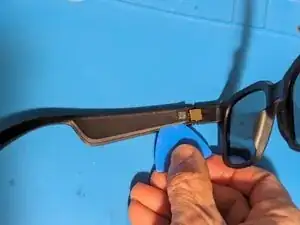
Slice the adhesive along the edge of the cover.
-
Repeat for the opposite side.
-
-
-
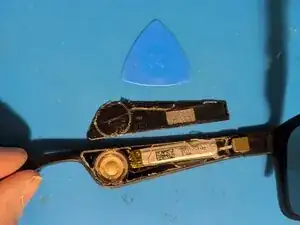
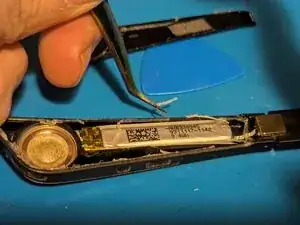
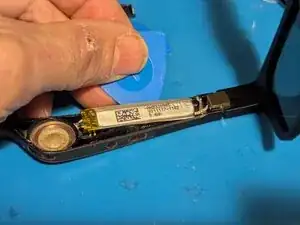
The battery is lightly adhered to the earpiece with double sided tape on the end next to the hinge. Pry it up with an opening pick.
-
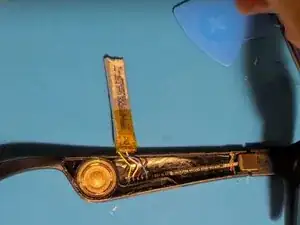
Turn the battery over and fold it out of the way.
-
-
-
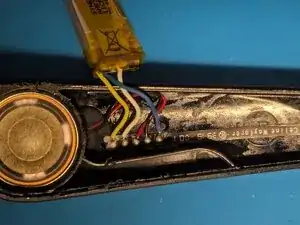
Note the positions of the wires in case your replacement battery doesn't use the same colors.
-
Yellow is the battery positive terminal (+)
-
White goes to the BMS board
-
Red is the speaker positive wire (+)
-
Black is the speaker negative wire (-)
-
Blue is battery negative (-)
-
To reassemble your device, follow these instructions in reverse order, gluing down the cover as the last step.