Introdução
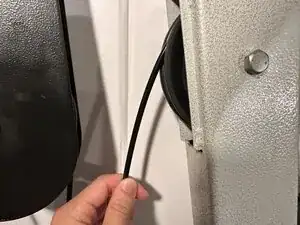
This replacement guide will demonstrate step-by-step how to replace a pulley cable in a BodyCraft XPress Pro home gym.
A worn or damaged cable can prevent the pulley system from running smoothly or even cause damage to other parts in the pulley system. You will know that the cable needs to be replaced if the equipment has choppy movement, makes grinding noises, or if the metal is exposed on the cable.
Replacing this part if it is damaged or worn out will greatly extend the lifespan of this equipment. When the cable is replaced, you will notice that the equipment moves smoothly and efficiently.
Ferramentas


-
-
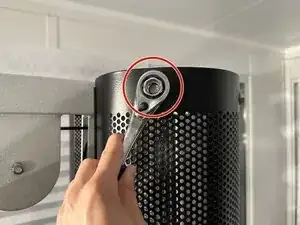
Use the ratchet to unscrew each of the 12.7 mm hex bolts from the outer case.
-
Remove the panels surrounding the weight stack.
-
-
-
Remove the pulleys.
-
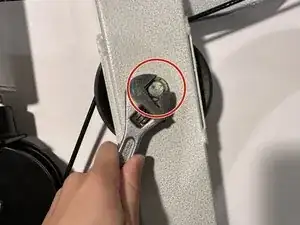
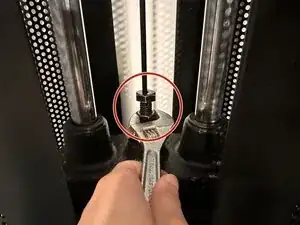
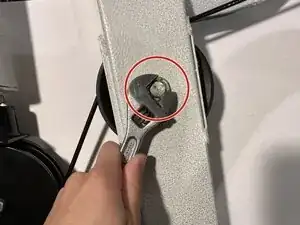
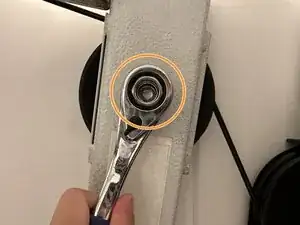
Use the wrench to hold the 44.5 mm hex bolt in place.
-
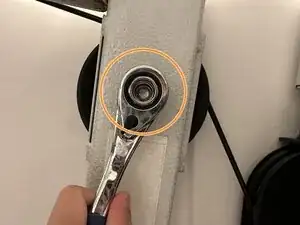
Use the ratchet to remove the nut.
-
Hold the pulley wheel in place while removing the 44.5 mm hex bolt.
-
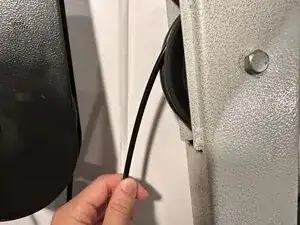
Hold the cable in place while removing the pulley wheel.
-
-
-
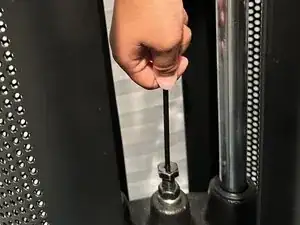
Thread the new cable through the pulley system.
-
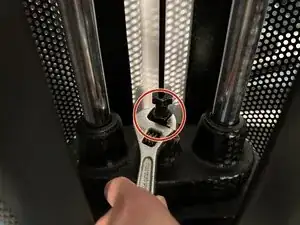
Use the wrench to attach the new cable to the weight stack.
-
-
-
Reattach the pulleys.
-
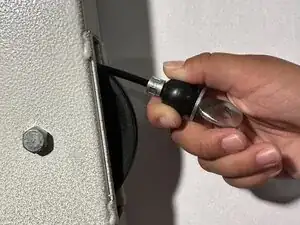
Hold the cable while replacing the pulley wheel.
-
Hold the pulley wheel in place while replacing the 44.5 mm hex bolt.
-
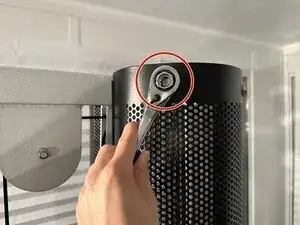
Use the wrench to hold the 44.5 mm hex bolt in place.
-
Use the ratchet to reattach the nut.
-
-
-
Reattach the panels surrounding the weight stack.
-
Use the ratchet to screw each of the 12.7 mm hex bolts back on.
-
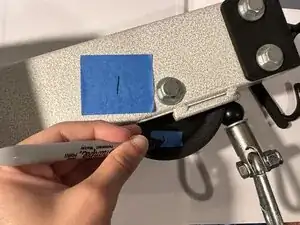
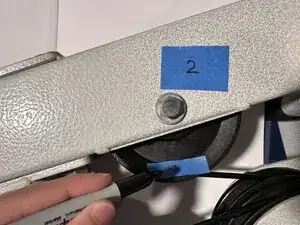
To reassemble your device, follow these instructions in reverse order.
