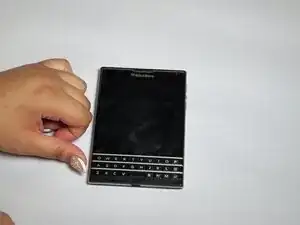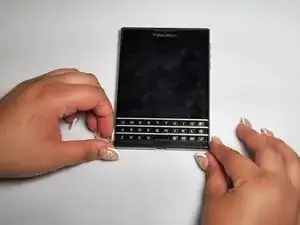
Introdução

The battery plays an important role in powering the BlackBerry Passport, and it can run out of power. No power to the battery can be caused by water damage, wear and tear, or charging port failure. BEWARE the dangers of puncturing a battery as it can explode, cause a fire, and cause other harmful hazards!

  1. AsKihjRqx1CQFVa2
    AsKihjRqx1CQFVa2
    ISTun4jFmT5CbJFc
    SOI4ueHR6rWSHGTg
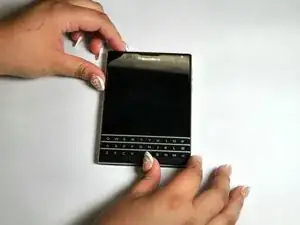
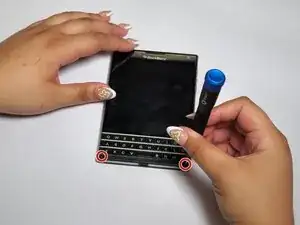
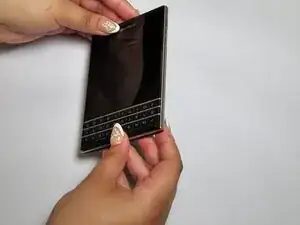
    • Flip the phone on its front.

  2. XPCbX4sRaLJaVL5R
    XPCbX4sRaLJaVL5R
    PqcJjsgdNr1OfcZy
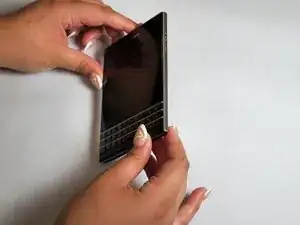
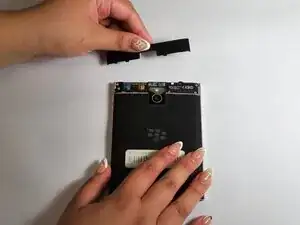
    • Remove the top SIM/microSD card cover by the notch.

  3. NMabnDWXKFwMjxZR
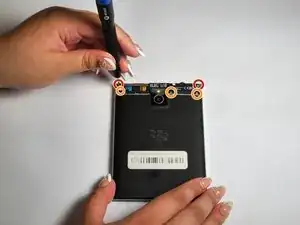
    • Remove the top two 7 mm screws using a T4 Torx screwdriver.

    • Remove the bottom three 5 mm screws using a T4 Torx screwdriver.

  4. nQaKFBElBd3eRUvE
    nQaKFBElBd3eRUvE
    HgsEvpIuVGZan6ei
    YWgUXwOt3sLeYacH
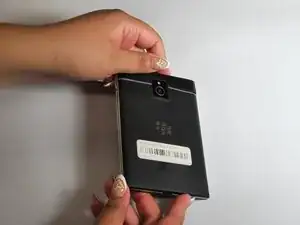
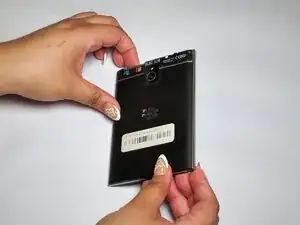
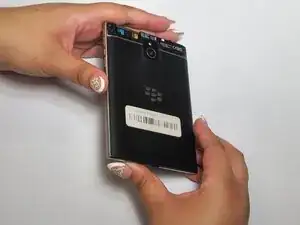
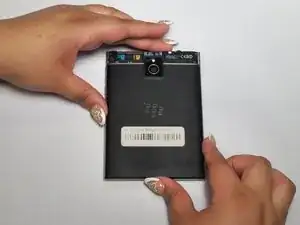
    • Flip the phone to its back.

  5. YyC4NCUnSeuqv1NS
    YyC4NCUnSeuqv1NS
    alOvQgWO4s1YHPSM
    T14iFBQ3Yl2bFlxL
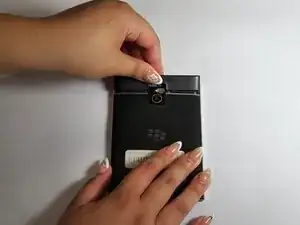
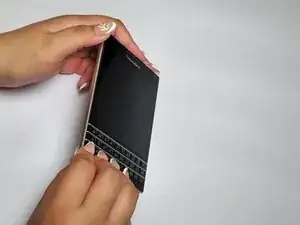
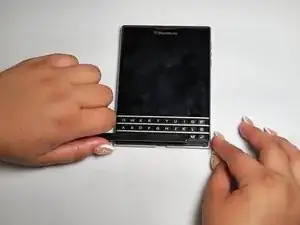
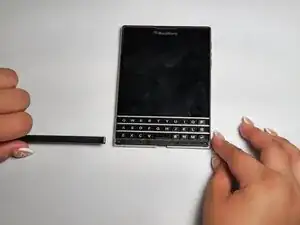
    • Remove the cover located under the keyboard.

  6. Y1NQn3rnBj2uVOkd
    • Remove the two 6 mm screws using the T4 Torx screwdriver.

  7. xfNrCSQAFHsjkfrJ
    xfNrCSQAFHsjkfrJ
    jf2KTNqkmr1XUKXy
    LnwMkvBRZslREb4g
    • Flip the phone on its front.

  8. PMeiAlYN4cauY2XD
    PMeiAlYN4cauY2XD
    ibwN31xvxZZC2K2W
    EHE46xfPADeuARBd
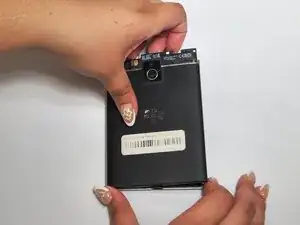
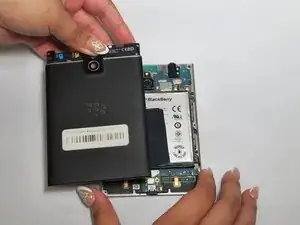
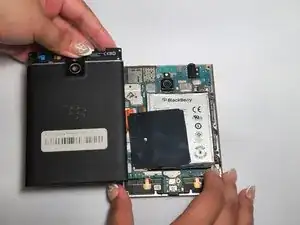
    • Remove the back cover.

  9. 1hrL4MeRwZQ1Q6uv
    1hrL4MeRwZQ1Q6uv
    GIZLn45UaejKY2nV
    Z6kbWrNcVYFINqFl
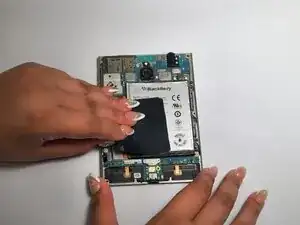
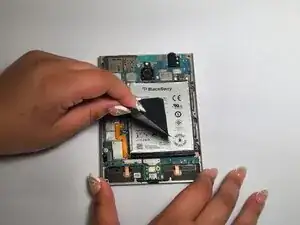
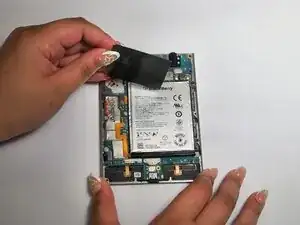
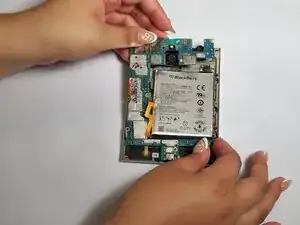
    • Remove the black tape from the battery and the motherboard.

  10. bUFBtMZaBrkAMBo6
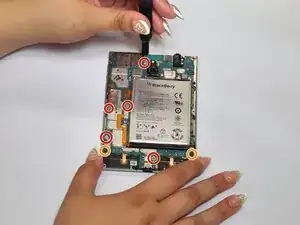
    • Remove the five 4 mm screws using a T4 Torx screwdriver.

    • Remove the two 3 mm screws using a T4 Torx screwdriver.

  11. b2W1xnVMeoWdGpXA
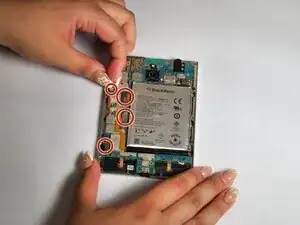
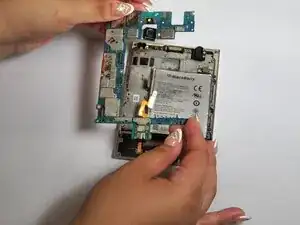
    • Disconnect the left four connectors.

  12. MlUycu3nqnXT131p
    MlUycu3nqnXT131p
    sKbDQedW6QMZWCw6
    MiLSdiZrTJwRnmJZ
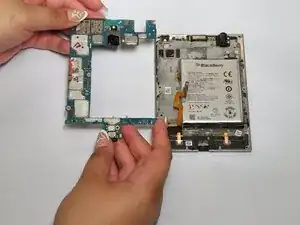
    • Remove the motherboard.

  13. sBpNtVYMEcBHRSde
    sBpNtVYMEcBHRSde
    1O5aLntOyci41CJA
    aPlKCObLT3JZ3lCY
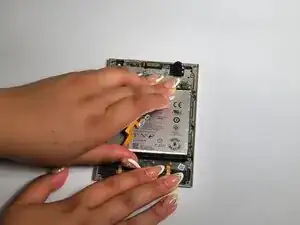
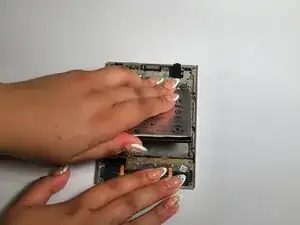
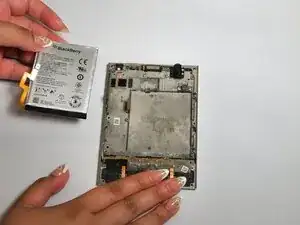
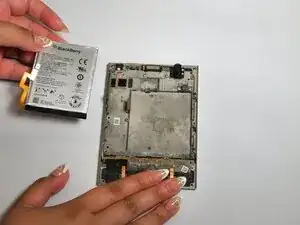
    • Remove the battery.

    • The battery might be glued in its place.

    • Be careful not to puncture the battery; it can cause fires, explosions, and other serious hazards!

Conclusão

To reassemble your device, follow these instructions in reverse order.

Elena Santana

Membro desde: 20/02/25

221 Reputação

0 comentários