Introdução
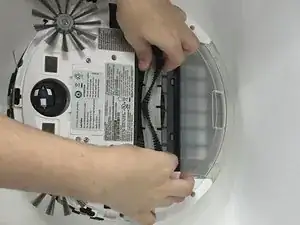
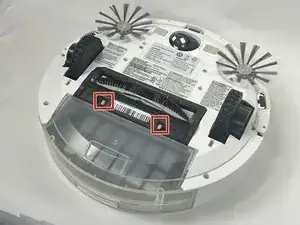
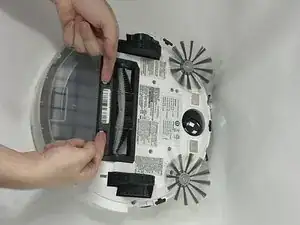
If the brush roll on your Bissell SpinWave Pet Robot Vacuum is damaged or not functioning properly, this guide will walk you through the process on how to replace the main brush roll located underneath the vacuum. The brush roll is a key component responsible for collecting dirt, hair, and debris. It is a detachable, spiraled brush that is made of plastic.
Before you begin this process, ensure that the vacuum is turned off and disconnected from any power source.
-
-
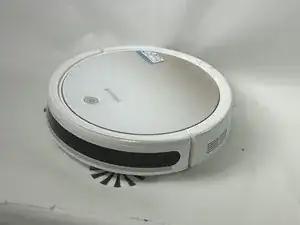
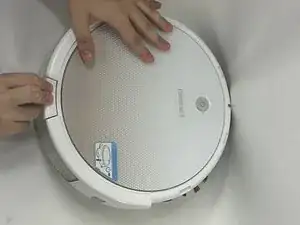
Power off the device by holding the power button down for 5-10 seconds.
-
Disconnect the device from any external power supply or charging station.
-
-
-
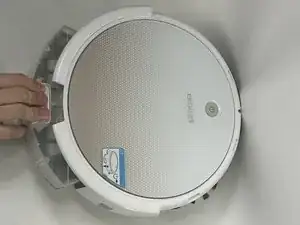
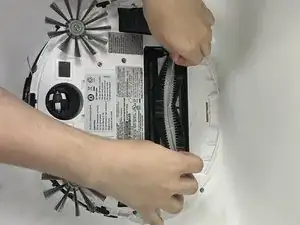
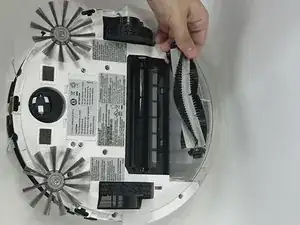
Gently lift the brush out of the device. If you are having trouble, try squeezing from the sides.
-
To reassemble your device, follow these steps in reverse order.
Make sure that each step that was done is properly working and put on correctly before reassembling.