Introdução
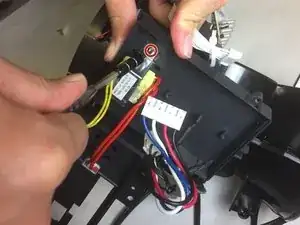
This is a tutorial on how to replace a Bionaire BAP 600 Transformer. You may need to replace the transformer if the device will not power on or there is insufficient quality of performance. This replacement will resolve issues related to losing power. Basic mechanical skills are sufficient.
Ferramentas


-
-
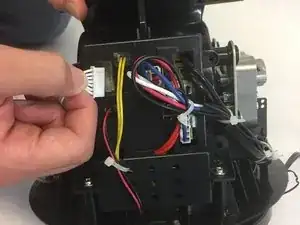
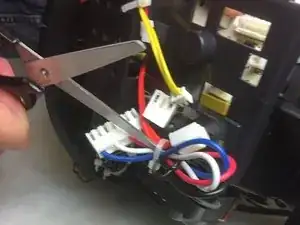
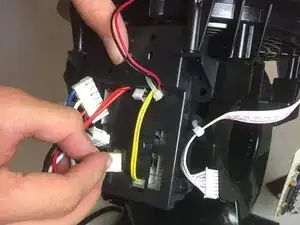
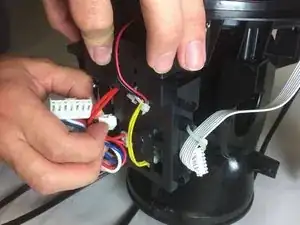
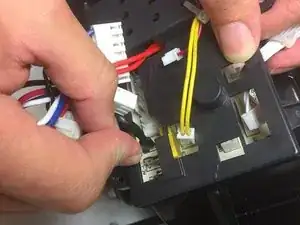
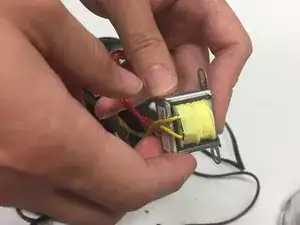
Unplug the rest of the pin connections.
-
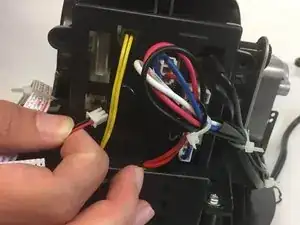
Remove the neutral and hot wires by pulling out the two black wires.
-
-
-
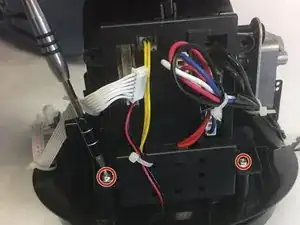
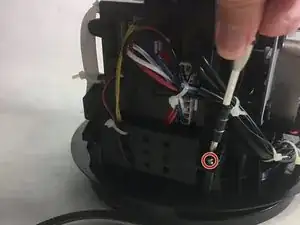
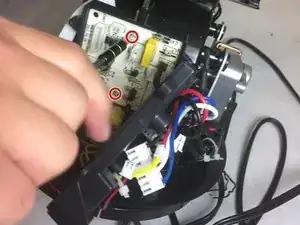
Unscrew the two screws.
-
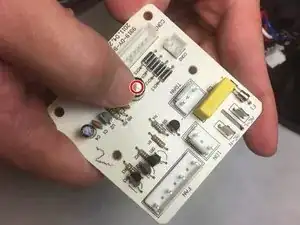
Inspect the capacitor for any bulges, as this is a sign that the capacitor must be replaced.
-
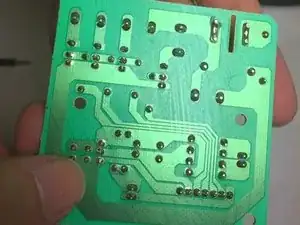
Look out for burnt solder on the back of the circuit board.
-
Conclusão
To reassemble your device, follow these instructions in reverse order.
