Introdução
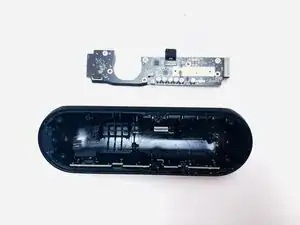
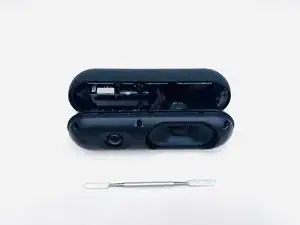
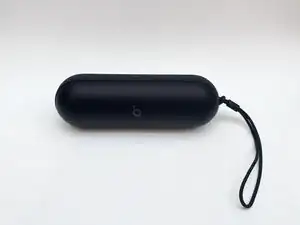
This guide details how to replace the motherboard of the 2024 Beats Pill. A motherboard replacement might be necessary after unsuccessful troubleshooting of connectivity issues or a non-functioning speaker.


-
-
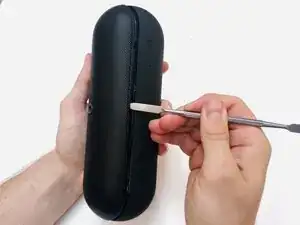
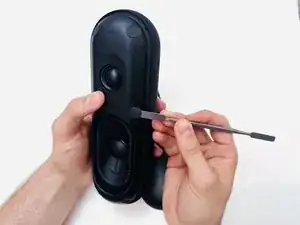
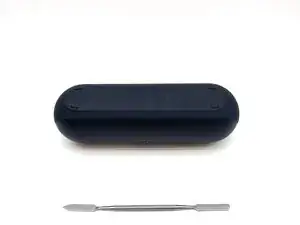
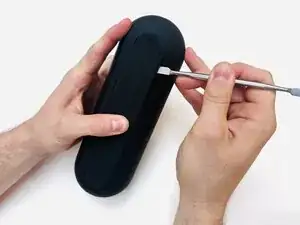
With the Beats Pill sitting on a flat surface, insert a spudger into the seam between the chassis and grille.
-
Slide the spudger around the entire perimeter of the grille to sever the adhesive securing the grille.
-
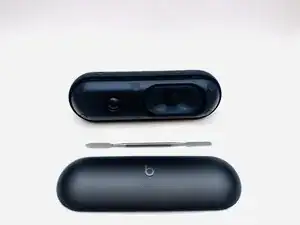
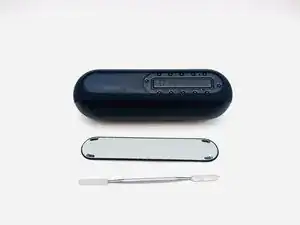
Remove the grille.
-
-
-
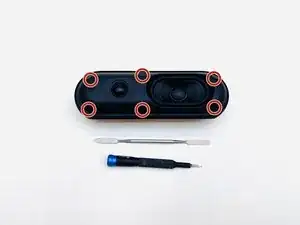
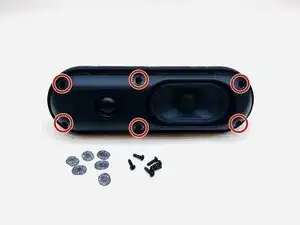
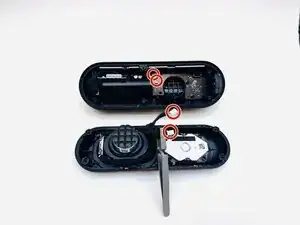
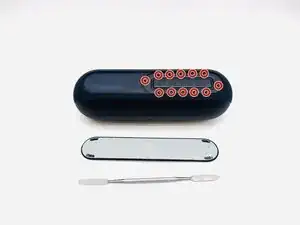
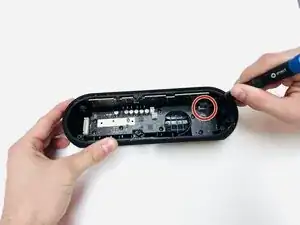
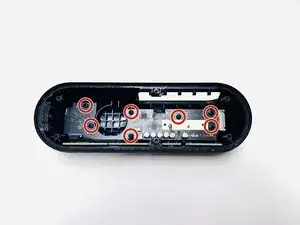
Use a Phillips #1 screwdriver to remove the six 14.3 mm screws that secure the driver assembly and speaker body together.
-
-
-
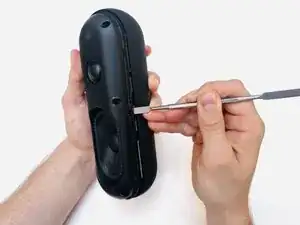
Insert a spudger into the seam between the driver assembly and speaker body.
-
Gently slide the spudger around the perimeter while prying to separate the driver assembly from the speaker body.
-
-
-
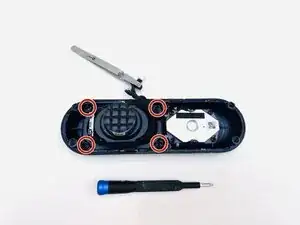
Use a Phillips #1 screwdriver to remove the four 12.4 mm screws securing the subwoofer.
-
Use a spudger to lift the subwoofer up and off of the driver assembly.
-
During reassembly, apply an adhesive to the new subwoofer before reinstallation.
-
-
-
Use a hairdryer to lightly heat the bottom foot of the speaker.
-
Insert a spudger into the seam between the bottom foot and speaker body.
-
Pry around the perimeter of the foot until it fully releases.
-
-
-
Use a spudger to dislodge the battery compartment from its housing.
-
Before complete removal, disconnect the battery compartment motherboard connector.
-
-
-
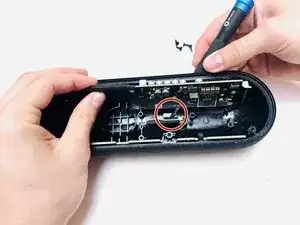
Lift the black ZIF locking tab in the top-right corner of the motherboard.
-
Disconnect the ribbon cable.
-
-
-
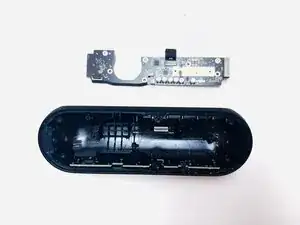
Gently lift the motherboard perpendicular to the housing, with care not to strain the connected cable.
-
Disengage the ZIF locking flap and disconnect the ribbon cable.
-
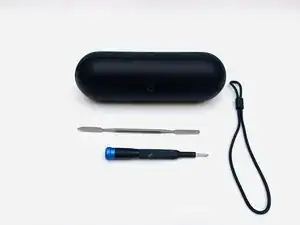
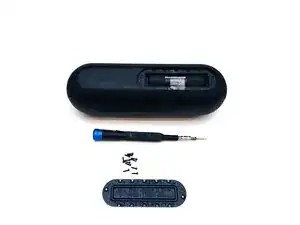
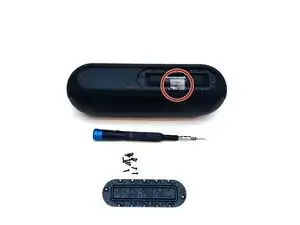
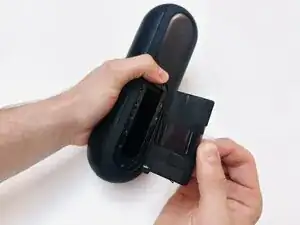
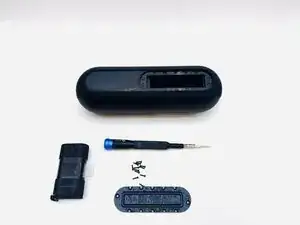
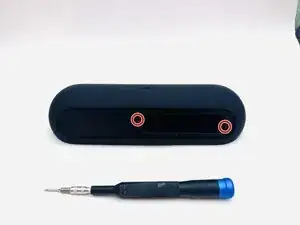
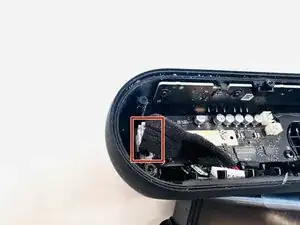
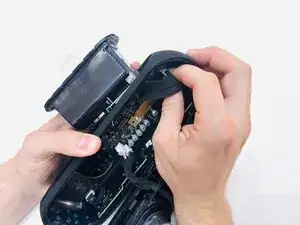
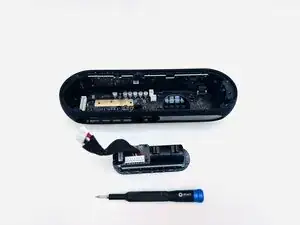
To reassemble your device, follow the above steps in reverse order.
Take your e-waste to an R2 or e-Stewards certified recycler.
Repair didn’t go as planned? Try some basic troubleshooting or ask our Answers community for help.
