Introdução
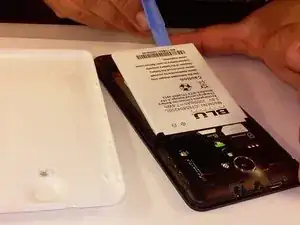
This guide is to teach you step by step process on how to replace the battery of a BLU Studio 5.0 S II
Ferramentas

Conclusão
To reassemble your device, follow these instructions in reverse order.

Um comentário
And if I don't have the plastic opening tool???
galabb -