Introdução
If your BLU Dash Music 4.0 has no sound, distorted audio, or a speaker that cuts in and out, the internal speaker may be damaged or disconnected. This guide will walk you through replacing the speaker to restore audio functionality. You’ll need basic tools and a soldering iron to complete this repair, as the speaker wires are soldered to the circuit board. Be careful when prying the covers apart to avoid damaging the internal components.


Peças
-
-
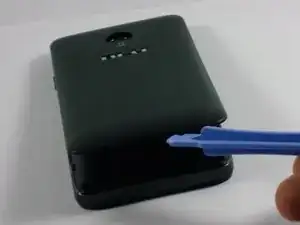
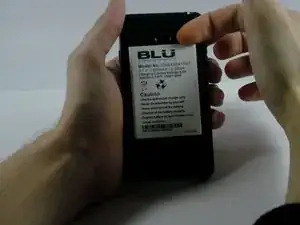
Use the plastic opening tool or your fingernail to pry off the battery from the top right corner.
-
-
-
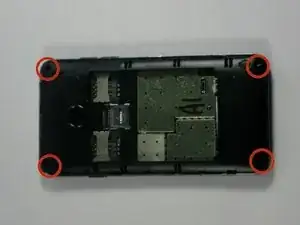
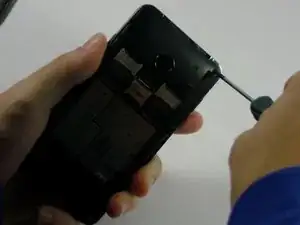
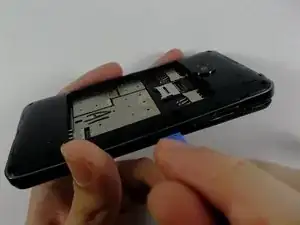
Take the plastic opening tool and insert it in the crease between the front screen and the inner back cover.
-
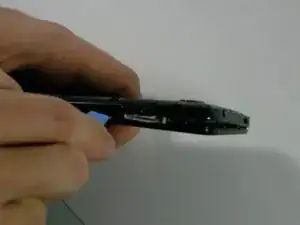
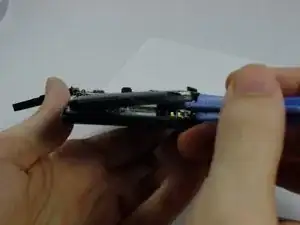
Slide the plastic opening tool along the edge of the phone to pry the covers apart.
-
-
-
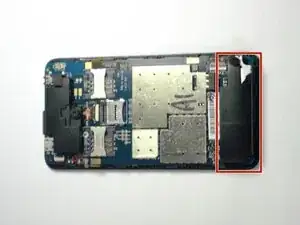
Locate the speaker.
-
Wedge the plastic opening tool between the speaker and the circuit board. Gently pry the speaker off the circuit board.
-
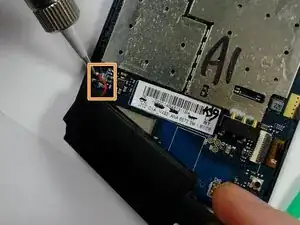
Use a soldering iron to remove the two wires that connect the speaker to the circuit board.
-
-
-
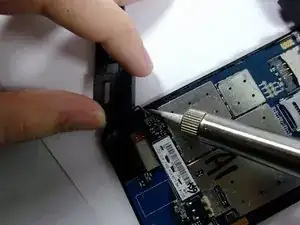
Use the soldering iron to connect the two wires, that are attached to the speaker, to the circuit board.
-
Place the new speaker onto the circuit board.
-
To reassemble your device, follow these instructions in reverse order.
