Introdução
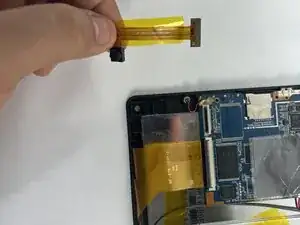
This guide will show you how to properly locate and replace the front camera on your Azpen 1045 tablet. If your camera is blurry, cracked, or not working, follow these simple steps to safely remove and install a new one. No advanced tools or skills are needed just patience and care.
Ferramentas

-
-
Power off the tablet by holding the side button for five seconds.
-
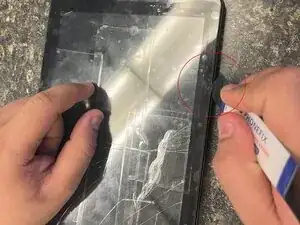
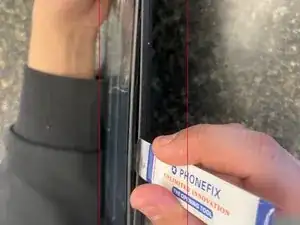
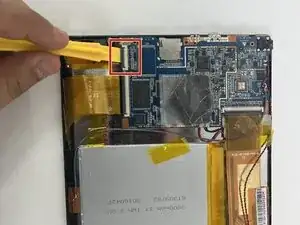
Insert an opening tool into one of the sides and lift until the screen comes off.
-
-
-
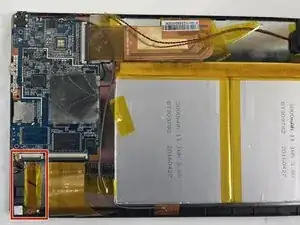
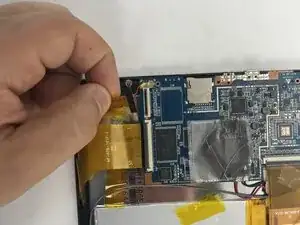
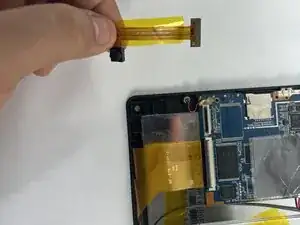
Start by locating the camera, which is directly above the battery if you are holding the tablet front side up.
-
Conclusão
To reassemble your device, follow these instructions in reverse order.
