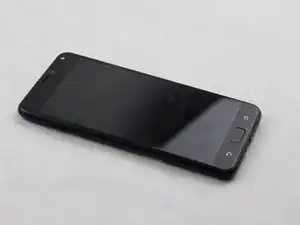
Introdução
Replace your screen to restore your Asus Zenfone 4 Max phone screen's capabilities or appearance


-
-
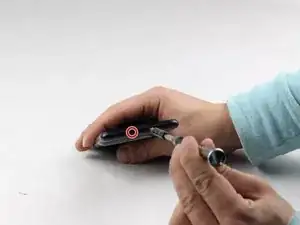
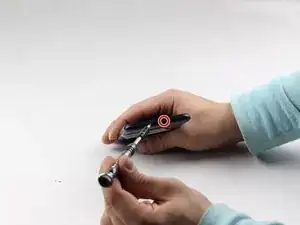
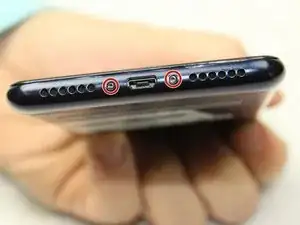
Using a removable head screwdriver and a T3 bit, begin by removing the two screws located on either side of the charging port.
-
-
-
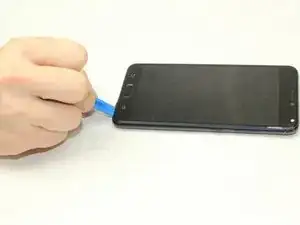
Gently wedge the opening tool between the phone and the back casing.
-
Move the opening tool up and down to pry the back off of the device.
-
-
-
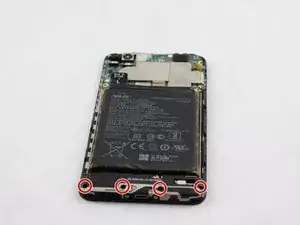
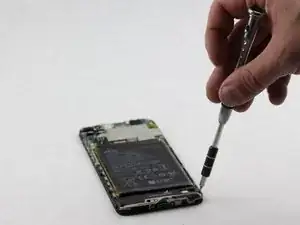
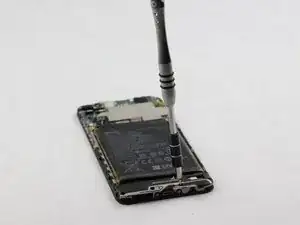
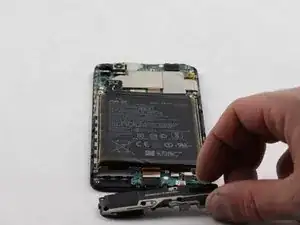
Once the back has been removed, you will need to unscrew the four screws on the bottom panel with an AT3 bit.
-
-
-
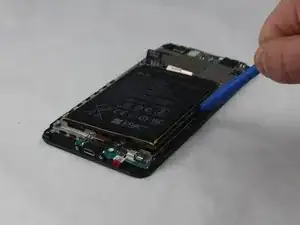
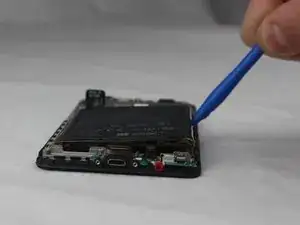
Wedge an opening tool between the battery and phone.
-
Gently pry the battery out of the device.
-
-
-
Using a removable head screwdriver and a T4 bit, remove the screws on the base of the phone on either side of the charging port.
-
-
-
Starting near either of the 4 corners of the device notice the seam of the case around the front of the device.
-
Begin using the opening tool with a moderate amount of force to wedge between the back case and the phone.
-
Gently move the tool around the edges towards each corner until the back is removed.
-
-
-
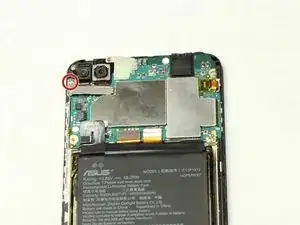
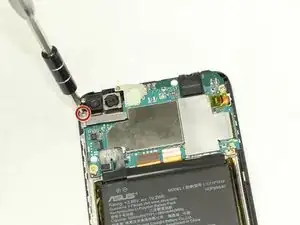
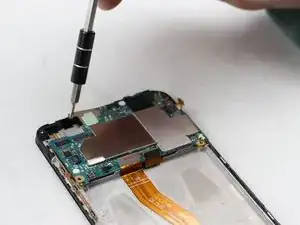
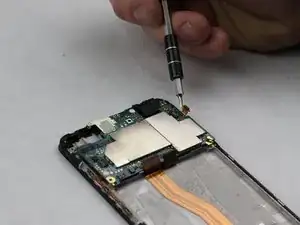
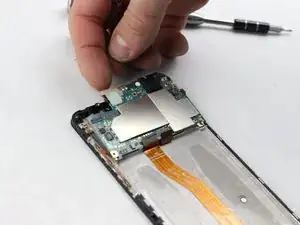
Using a removable head screwdriver and a PH0 bit, begin removing the panel beneath the two cameras by unscrewing the screw.
-
-
-
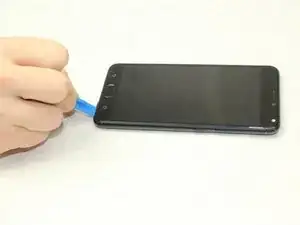
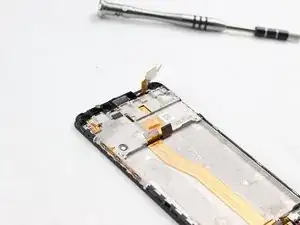
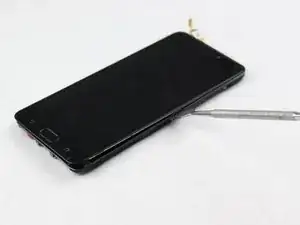
Using a metal spudger, separate the screen from the entire device by gently moving the tool around all edges.
-
-
-
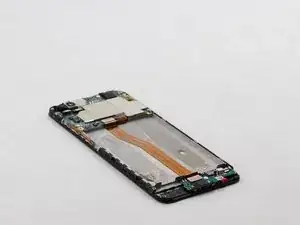
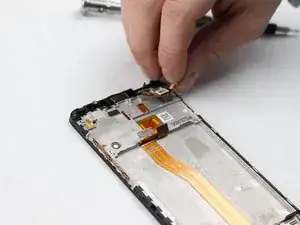
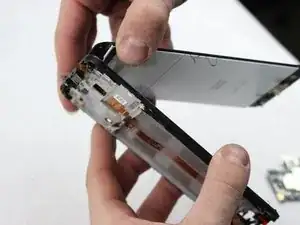
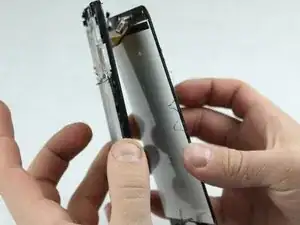
Gently separate the screen from the phone by pulling the two apart.
-
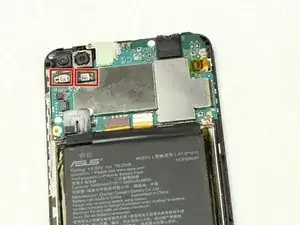
The power cables will be fed through the slots of the phone. Make sure the top power cable is disconnected and is removed along with the screen.
-
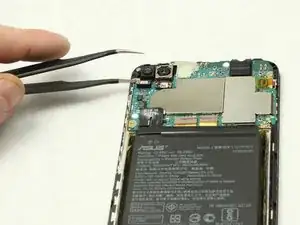
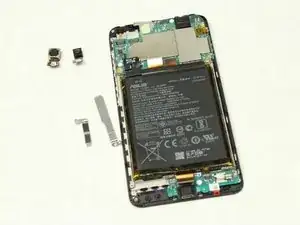
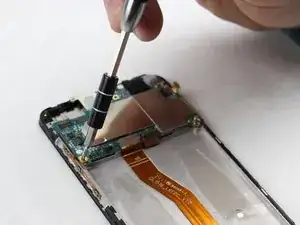
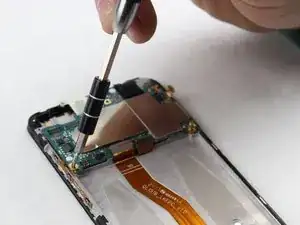
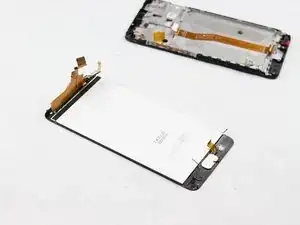
To reassemble your device, follow these instructions in reverse order.

2 comentários
in one step it says use a T3 for to the left and right of the charging port, later it says T4. also, the guide has what i believe to be a typo, as it mentions an “AT3” bit for removal of the internal bottom panel. just wanted to alert you to these inconsistencies. overall seems to be a good guide, i shall be replacing my screen soon as i have cracked the corner and find it unsightly. thank you, have a nice evening.
This was a fun fix, usually I fix iPad or iPhone, so this was my first time fixing an Asus and was easier than I thought it was gonna be. Just take your time as I didn't now I'm fixing something else .
A T3 FEELS too small and a T4 IS too big,the T3 sits in the screw but when I turn it,it strips.
Sir Frank Macias -
préciser de retirer le tiroir de la carte sim
SKRAF Durand -
Bonjour j'ai un ASUS Zenfone 4 max mais je ne vois pas de vis de part et d'autre du port de charge. Merci de m'en dire plus. Cordialement.
Il semblerait qu'il n'y ait pas de vis ça semble être collé !
Ardibae -