Introdução
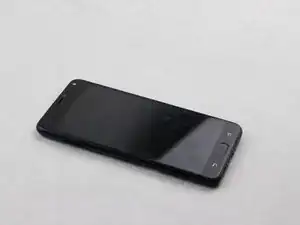
If your phone fails to charge, it could be due to a malfunctioning charging port. A charging port can be easily damaged by water, corrosion, and debris. This guide will help you replace your damaged charging port


-
-
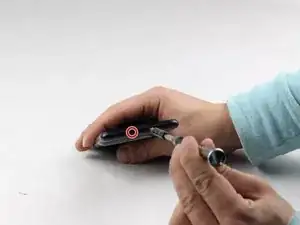
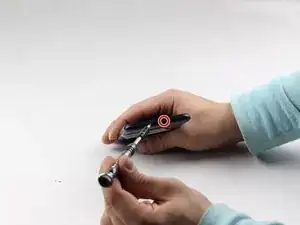
Using a removable head screwdriver and a T3 bit, begin by removing the two screws located on either side of the charging port.
-
-
-
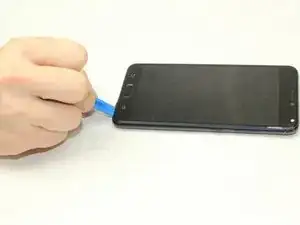
Gently wedge the opening tool between the phone and the back casing.
-
Move the opening tool up and down to pry the back off of the device.
-
-
-
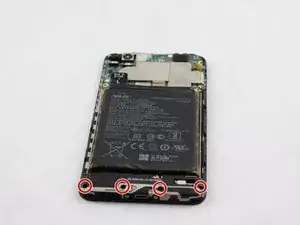
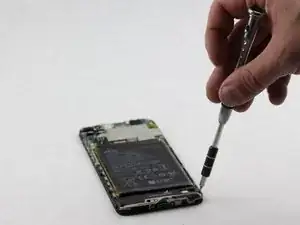
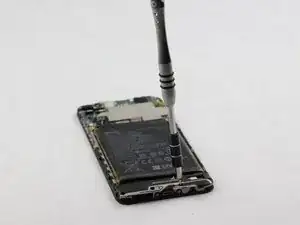
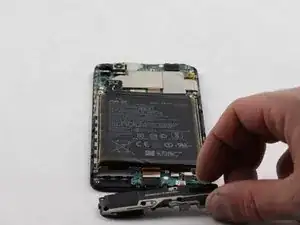
Once the back has been removed, you will need to unscrew the four screws on the bottom panel with an AT3 bit.
-
-
-
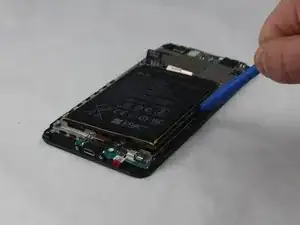
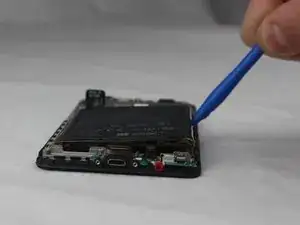
Wedge an opening tool between the battery and phone.
-
Gently pry the battery out of the device.
-
-
-
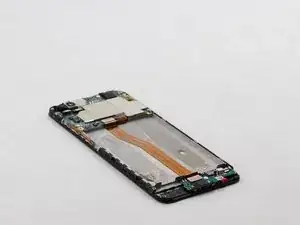
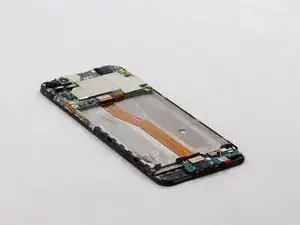
Once the battery has been removed, gently wedge the metal spudger beneath the green panel.
-
Lift the panel along with the charging port out the device and replace with the new charging port.
-
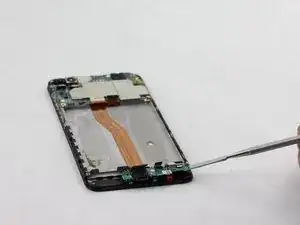
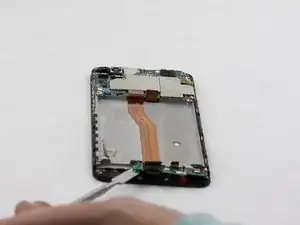
To reassemble your device, follow these instructions in reverse order.

2 comentários
repair microfone asus zenfone 4 selfie pro please
I have managed to replace the charging port but now it shows Charging Port Temperatures Abnormalities Reminder which is loud and annoying to see every time. I also see that one of my sensors in the cpu-z program (thermal sensor pa_therm0) hitting a constant 75-84 degree centigrade and another sensor (chg_temp) hitting 65 constantly. Any help in regards to this manner?
A T3 FEELS too small and a T4 IS too big,the T3 sits in the screw but when I turn it,it strips.
Sir Frank Macias -
préciser de retirer le tiroir de la carte sim
SKRAF Durand -
Bonjour j'ai un ASUS Zenfone 4 max mais je ne vois pas de vis de part et d'autre du port de charge. Merci de m'en dire plus. Cordialement.
Il semblerait qu'il n'y ait pas de vis ça semble être collé !
Ardibae -