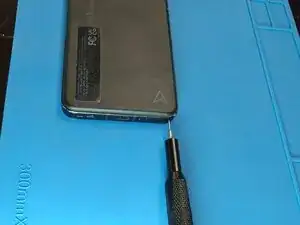
Introdução
The USB-C charging port is no longer maintaining a reliable connection. The issue persists across multiple known-working power adapters and cables, ruling out external hardware failure. Physical inspection and cleaning of the port have been performed with no improvement in connectivity.


-
-
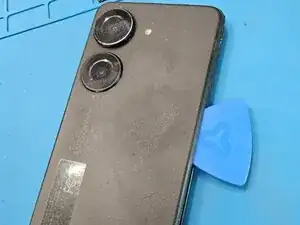
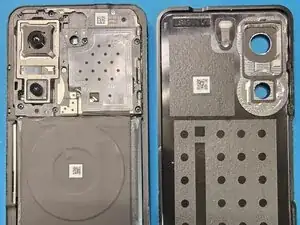
Using an heat gun, warm the adhesive around the edges of the back cover to soften it.
-
Run an opening pick around the edge of the phone to separate the back cover from the phone.
-
-
-
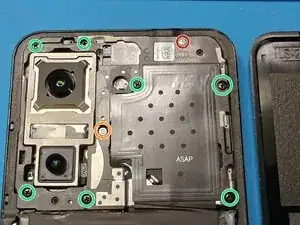
Use a Phillips #000 Screwdriver or a bit to remove the nine highlighted screws.
-
The screw highlighted in orange has a decal on top of it which you can easily remove with a sharp instrument like flathead screwdriver bit.
-
The screw highlighted in red differs from the others.
-
-
-
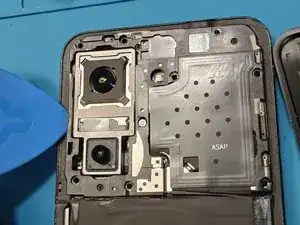
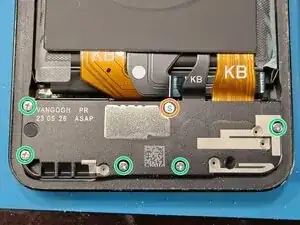
Use a Phillips #000 Screwdriver or a bit to remove the six highlighted screws.
-
The screw highlighted in orange has a decal on top of it which you can easily remove with a sharp instrument like flathead screwdriver bit.
-
-
-
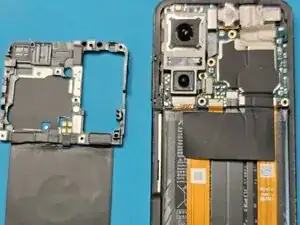
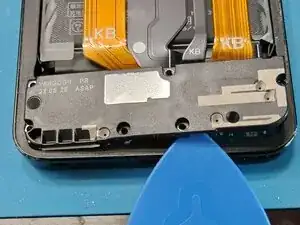
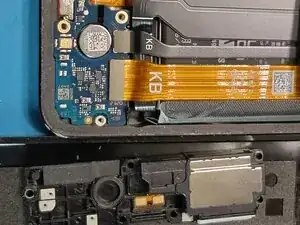
Using a opening pick remove the circuit board.
-
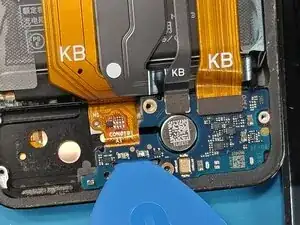
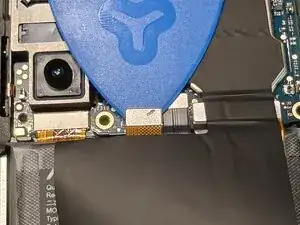
Using a opening pick disconnect the two flat cables.
-
-
-
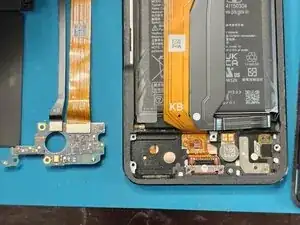
Detach the flat cable from the case to free the USB-C port.
-
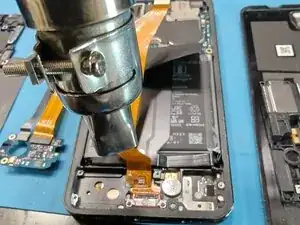
Heat the flat cable to help loosen the adhesive if it feels stuck.
-
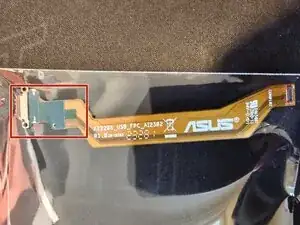
Insert the new part where the old one was.
-
Make sure to peel off the blue film covering the adhesive before installing the new cable.
-
To reassemble your device, follow these instructions in reverse order. Use T7000/B7000 or suitable adhesive for the back cover and threadlocker for the screws.