Introdução
Ferramentas

-
-
If a case is installed, remove it.
-
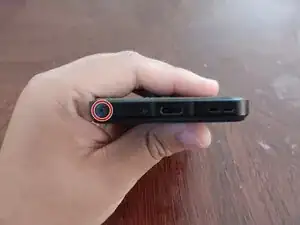
Locate the SIM eject hole on the left side of the SIM tray.
-
-
-
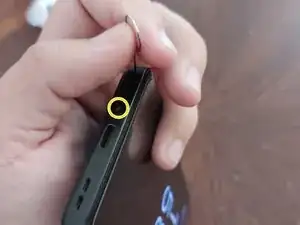
Insert a SIM eject tool (or an unfolded paper clip, if you don't have a tool) into the SIM eject hole.
-
-
-
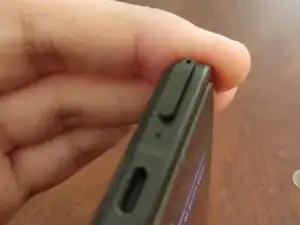
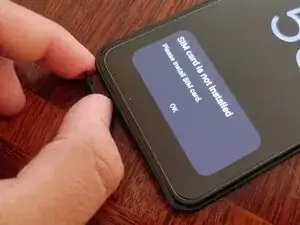
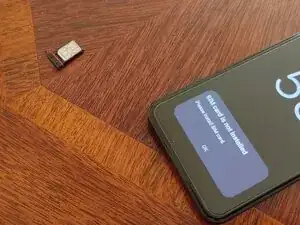
Once the SIM tray pops out, remove the SIM eject tool.
-
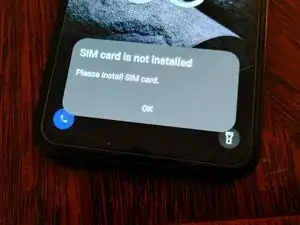
A "SIM card is not installed" message will appear on the screen, provided the phone is turned on.
-
Conclusão
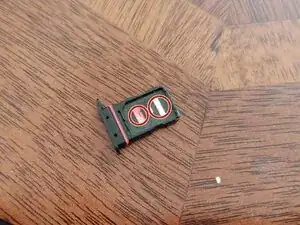
To re-insert the SIM card(s), insert them contact-side-up, ensuring that the notches are aligned with the notches in the tray. Then, re-insert the tray, with the eject hole facing left, provided the Zenfone is screen-side-up.
