
Introdução
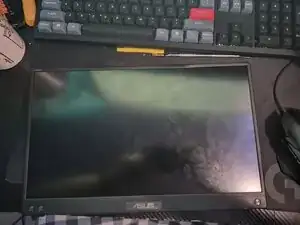
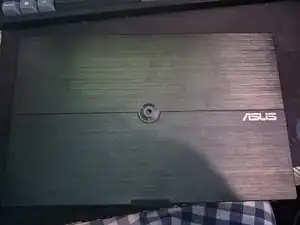
The ASUS ZenScreen MB16ACV, is a portable monitor, but once you crack the display, it's worthless. Or is it? You can easily replace the display by following these instructions!
-
-
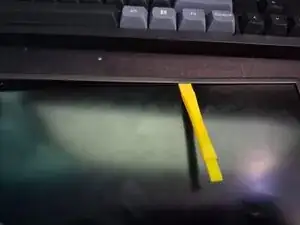
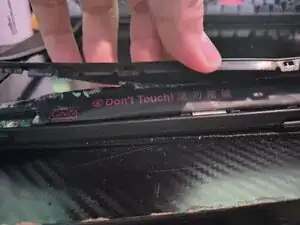
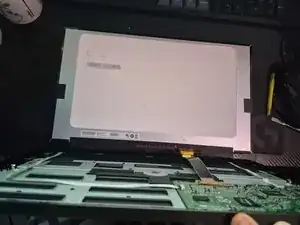
Start carefully prying on the edges of the bezel with a plastic pry tool.
-
BE CAREFUL OF THE BOTTOM SCREEN GLUE, IT MAY CRACK, BEND, OR BREAK YOUR BEZEL.
-
-
-
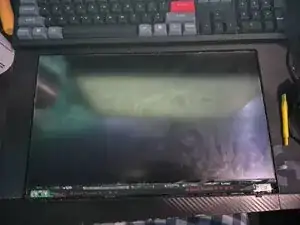
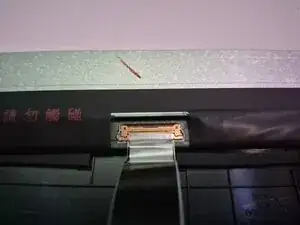
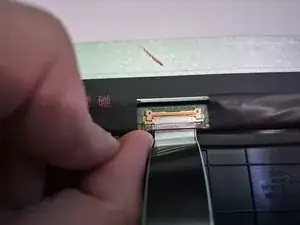
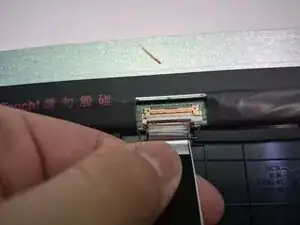
Lift the latch on the cable that is colored red above the plug and fully push it back.
-
Pull gently on the cable, and it should pop right out!
-
Conclusão
To reassemble your device, follow these instructions in reverse order.