Introdução
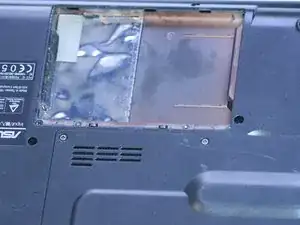
This guide will explain how to replace the hard drive for the ASUS V6800V laptop. A hard drive is large form storage that your computer utilizes and replacing it would allow you to increase your storage size.
Please note the ASUS V6800V only supports 2.5 inch IDE/ATA hard drives. This laptop may also not support high capacity hard drives.
Ferramentas


-
-
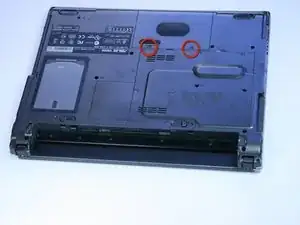
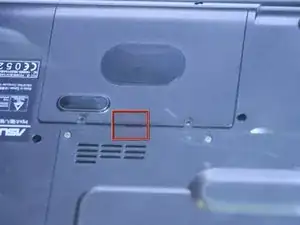
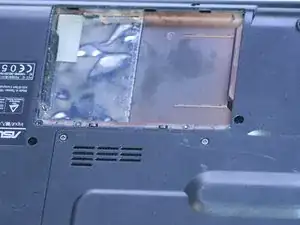
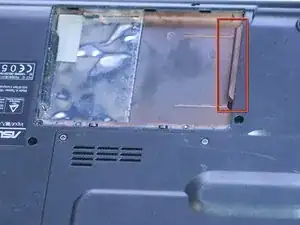
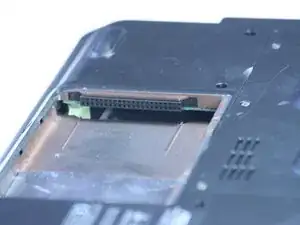
The highlighted area is where your hard drive would be. Slide it out away from its slot and pull it gently to remove.
-
Conclusão
To reassemble your device, follow these instructions in reverse order.
