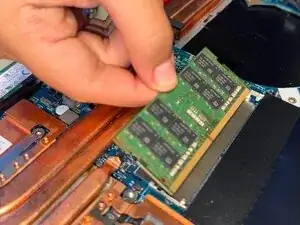
Introdução
If your Asus TUF Gaming FX705G is having problems, such as slowdowns, memory errors, freezing, or crashing, those might be signs that it's time to replace your laptop's RAM.
Replacing your laptop's RAM can not only improve its performance but also increase your internet browsing, allowing data to transfer at a faster speed, and resolving storage.
Tools required:
- Tweezers


-
-
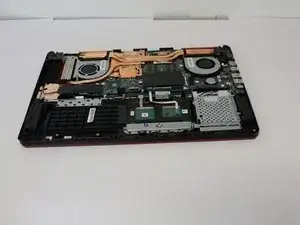
Use the iFixit opening tool to lift the back cover's seam, then insert the spudger parallel to the back cover and lift gently upward.
-
-
-
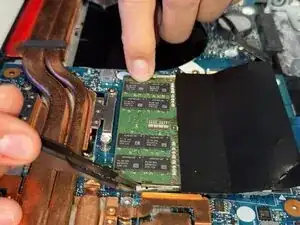
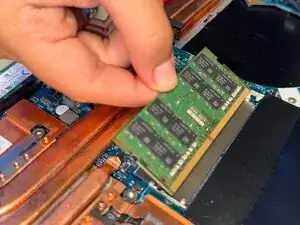
Two clips secure the RAM module in place, one on each side. Using your fingers, spread the clips away from the RAM module.
-
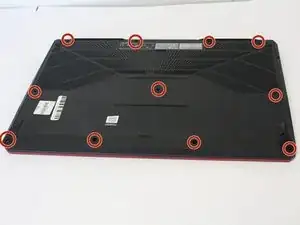
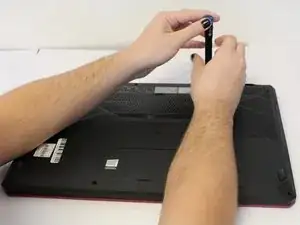
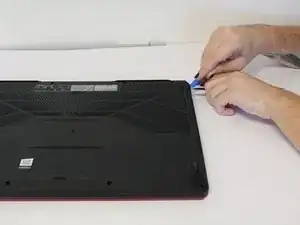
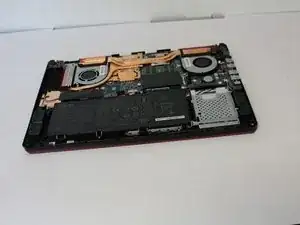
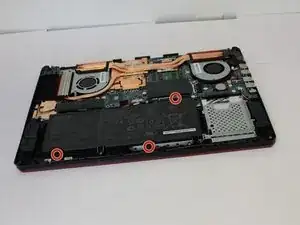
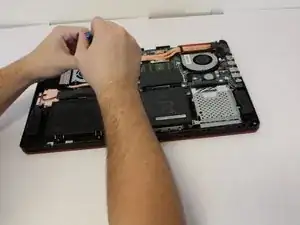
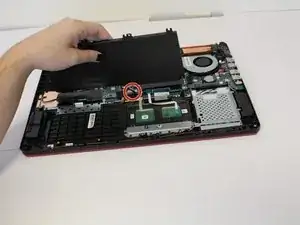
To reassemble your device, follow the above steps in reverse order.
Take your e-waste to an R2 or e-Stewards certified recycler.
Repair didn’t go as planned? Try some basic troubleshooting or ask our Answers community for help.