Introdução
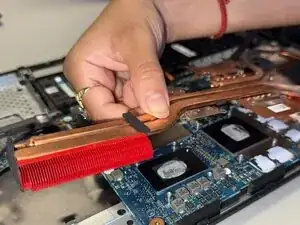
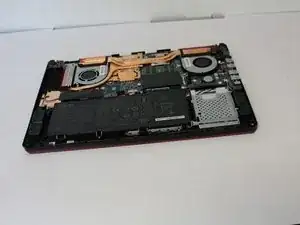
If your Asus TUF gaming FX705G laptop is overheating or overusing its cooling fan, it might be a sign to replace your heatsink. Heatsinks may be damaged for multiple reasons including physical damage, corrosion or oxidization, or compatibility issues.
The heatsinks job is to distribute the heat generated by the laptop while in use. It is normal for the heatsink to be hot to the touch directly after use, especially when it has been used for a long period of time. Make sure to let the laptop sit after use before trying to take it apart.
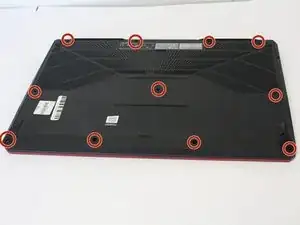
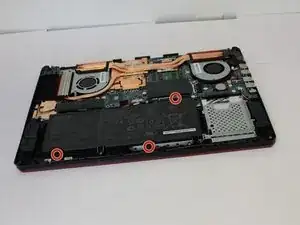
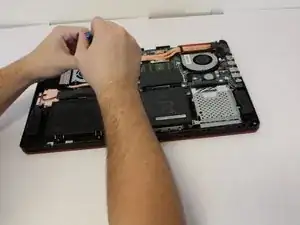
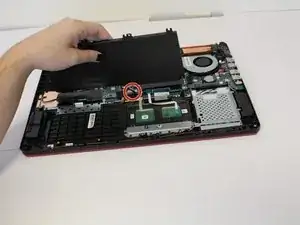
You will need a #00 Phillips Screwdriver to remove this part.


-
-
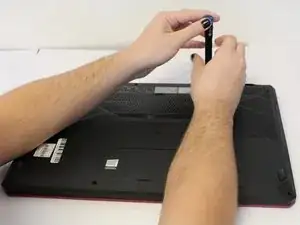
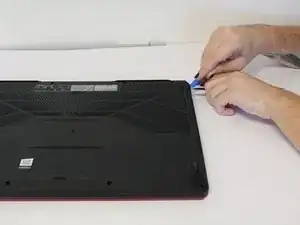
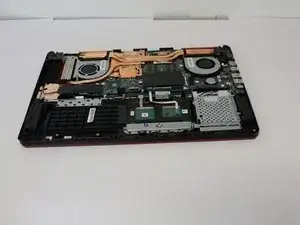
Use the iFixit opening tool to lift the back cover's seam, then insert the spudger parallel to the back cover and lift gently upward.
-
To reassemble your device, follow the above steps in reverse order.
Take your e-waste to an R2 or e-Stewards certified recycler.
Repair didn’t go as planned? Try some basic troubleshooting or ask our Answers community for help.