Introdução
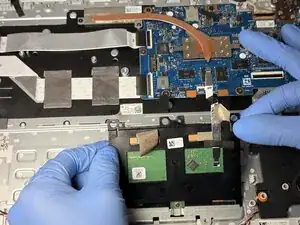
After years of usage, you may notice that the trackpad of your Asus Chromebook CX1500CKA-AS84F is beginning to be unresponsive. Without a trackpad, your laptop becomes difficult to navigate.
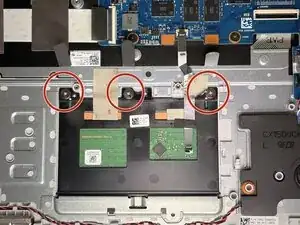
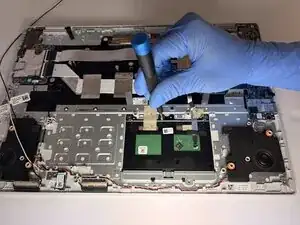
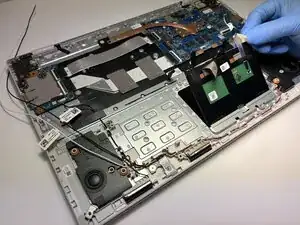
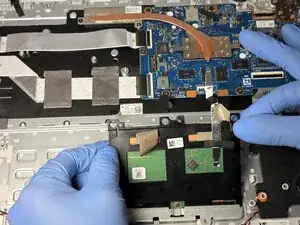
In this guide, we'll show you how to replace the laptop's trackpad.


-
-
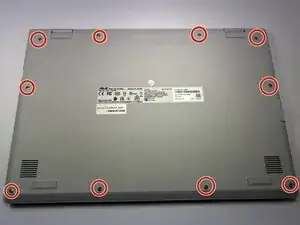
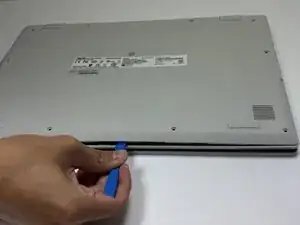
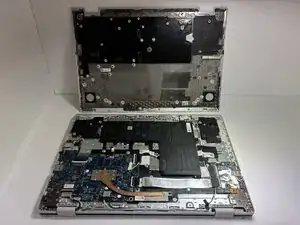
Remove the ten 7 mm JIS #00 screws from the bottom edge of the Chromebook.
-
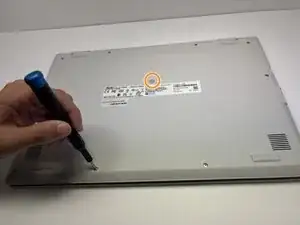
Remove the one 7 mm JIS #00 screw in the middle, above the tag.
-
-
-
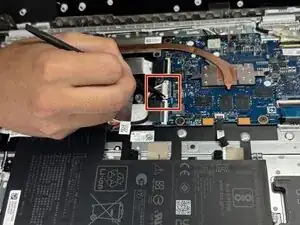
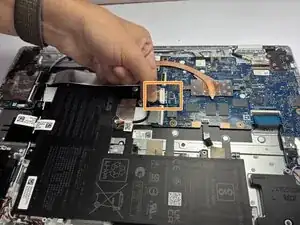
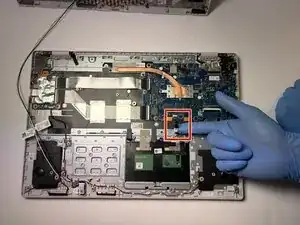
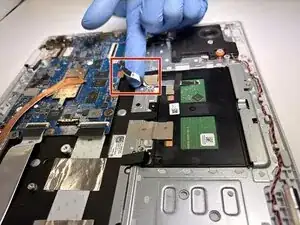
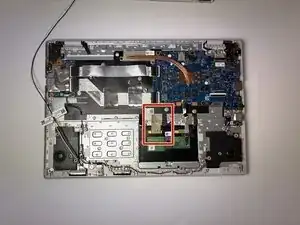
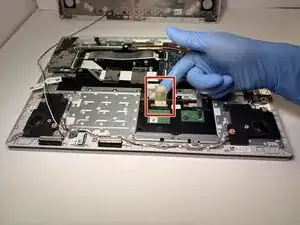
To disconnect the cable, use a spudger or your fingernail to lift the locking tab.
-
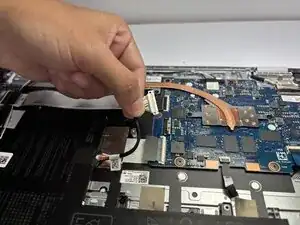
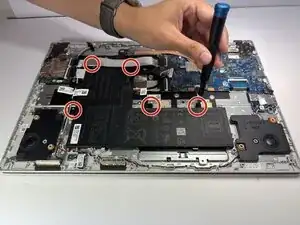
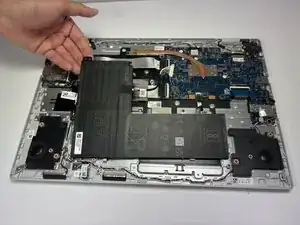
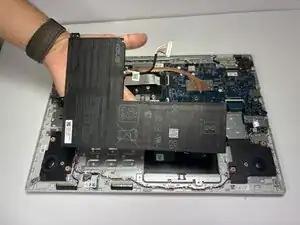
Use your hand to carefully unplug the battery cable from the motherboard.
-
Conclusão
To reassemble your device, follow these instructions in reverse order.