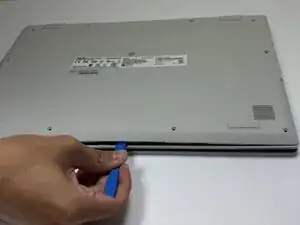
Introdução
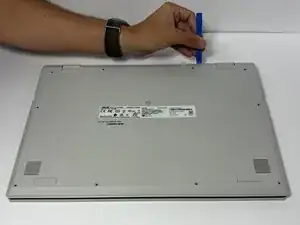
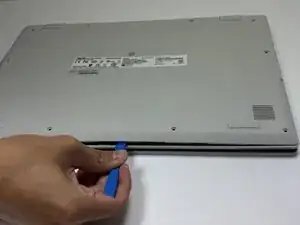
Before you can access the Asus Chromebook CX1500CKA-AS84F's internal components for repairs—such as replacing the battery, speakers, or motherboard—you’ll need to remove the back cover. This process is usually straightforward, but it does require careful handling to avoid damaging the clips or scratching the surface.
You may need to remove the back cover if your device is overheating, the battery needs replacement, or if you’re troubleshooting hardware issues. Make sure to power off your Chromebook completely and disconnect it from any chargers before starting.


-
-
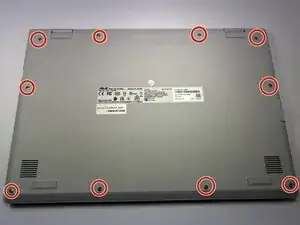
Remove the ten 7 mm JIS #00 screws from the bottom edge of the Chromebook.
-
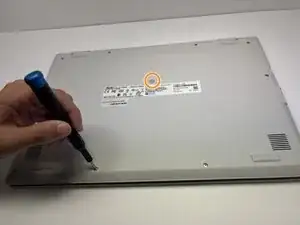
Remove the one 7 mm JIS #00 screw in the middle, above the tag.
-
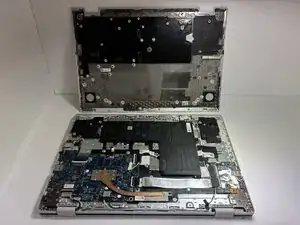
To reassemble your device, follow these instructions in reverse order.