Introdução
This guide will walk you through the removal and replacement process for the backplate of an Asus Chromebook CX1100CN. If there is a problem with the hardware of your laptop you will need to remove the backplate before accessing any components, since the internals are behind the backplate.
Ferramentas


-
-
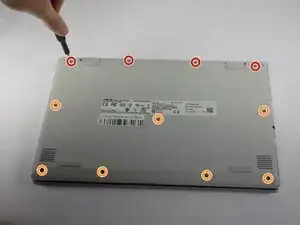
Remove the four 7.6 mm screws from the back panel using a Phillips #0 screwdriver.
-
Remove the seven 6.2 mm screws from the back panel using a Phillips #0 screwdriver.
-
-
-
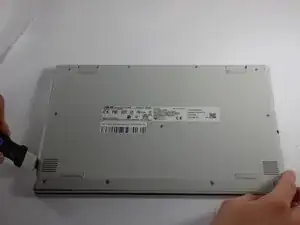
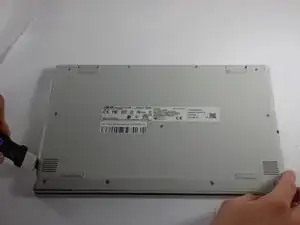
Place a Jimmy in the gap between the back plate and the laptop, along the bottom edge of the laptop.
-
Pry along the seam with the Jimmy to remove the back plate from the laptop.
-
Conclusão
To reassemble your device, follow these instructions in reverse order.
