Introdução
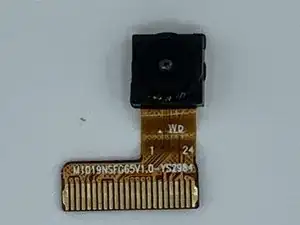
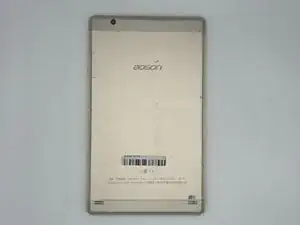
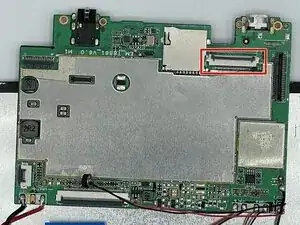
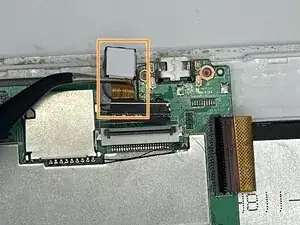
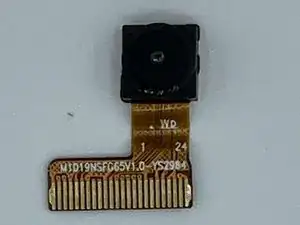
Use this guide to replace the front camera on your Aoson R103. Before doing this repair make sure that your tablet is turned off. Make sure to handle your device with care to prevent any further damage.
Ferramentas


-
-
Turn your tablet on its side and get the iFixit opening tool.
-
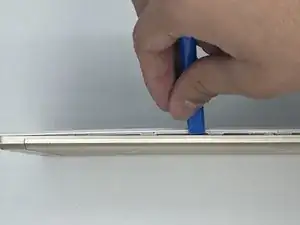
Put the iFixit opening tool inside the edge of the tablet and lightly start prying along the back panel.
-
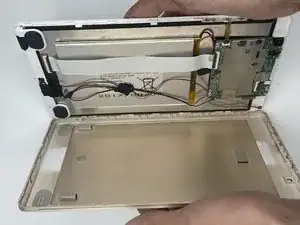
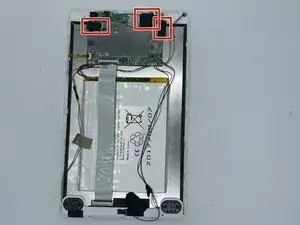
Open your tablet completely and lay it down on its screen.
-
Conclusão
To reassemble your device, follow these instructions in reverse order. Take your e-waste to an R2 or e-Stewards certified recycler.
