Introdução
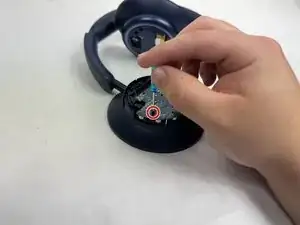
If you have noticed your headphones will not power on, hold a charge, or connect via Bluetooth then your motherboard is failing and needs to be replaced. The motherboard is an important piece of hardware for any electronical device seeing as it acts like the brain that sends signals to all other systems. This guide will walk you through the process of replacing the motherboard in your Anker Soundcore Space Q45 headphones. You will need to remove the outer casing of the right headphone to access the motherboard.


-
-
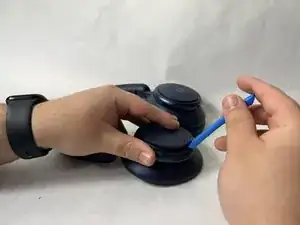
Use the iFixit opening tool to disconnect three clips holding the outer covering in place.
-
Clips at 3 o'clock, 7 o'clock and 11 o'clock
-
Image shows right headphone, battery is in left.
-
-
-
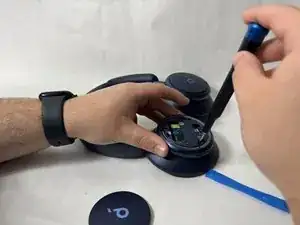
Remove three screws holding the inner plastic covering in place with a Phillips screwdriver.
-
Image shows right headphone, battery is in left.
-
-
-
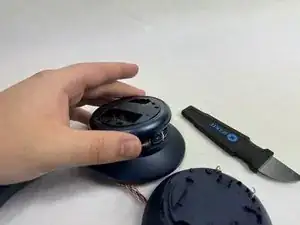
Remove two screws from the motherboard with a Phillips screwdriver.
-
Remove the motherboard from the headphones.
-
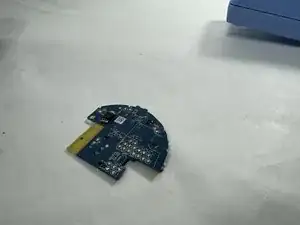
To reassemble your device, please follow these instructions in reverse order.

Um comentário
What is the IC chip on board?
GJN -
Battery is in left side, three clips to release
nic... -