Introdução

After a long time of use, the Angry Miao Xmas keyboard's aging key switch will lose contact at the junction of the PCB board, making it unusable. Here is how to replace the key switch so that you can continue using the keyboard.

  1. IEpNnVho2PTYYEhq
    IEpNnVho2PTYYEhq
    aOwIqa1gUnuMWsNg
    L3yFHlspDQBIQhfd
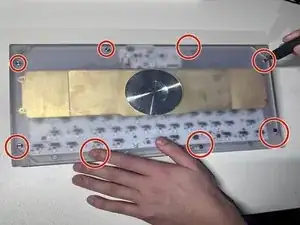
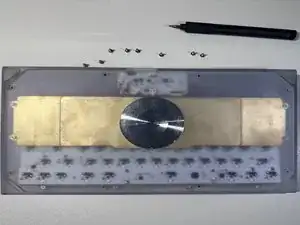
    • Facing the keyboard downwards, remove eight 26 mm screws holding the keyboard together.

    • Rotate the screws in a counterclockwise motion to unscrew.

  2. jTrD1hUPahVigDfF
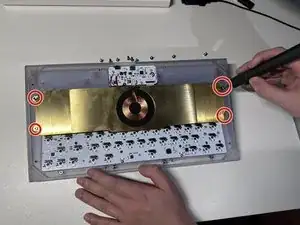
    • Remove the 4 screws of the brass weight in the same counterclockwise motion as done in previous steps.

  3. jbKspr6nE1tGKciy
    jbKspr6nE1tGKciy
    TLAaAeE1wHsSgrFP
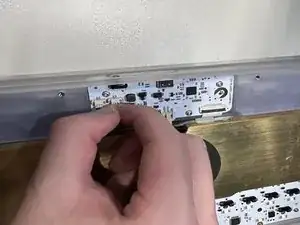
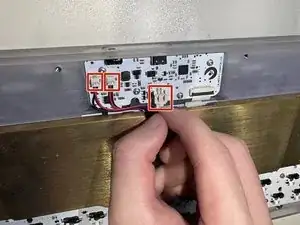
    • Carefully disconnect the brass battery from the top housing by removing the 3 cables.

  4. pogUrtUUuoTUftif
    pogUrtUUuoTUftif
    EHPgoGMYoE1Hw22q
    KXYVcvA2k3omVTmv
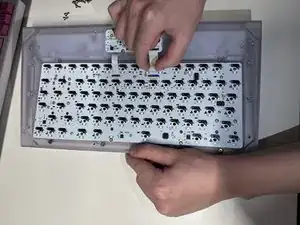
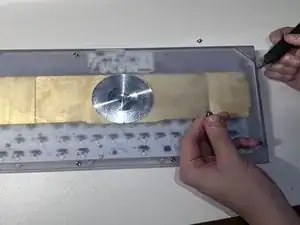
    • When flipped upside down, the back of keyboard will look like this.

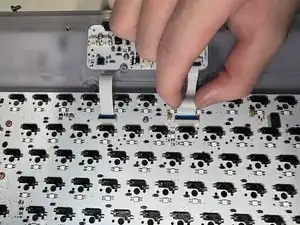
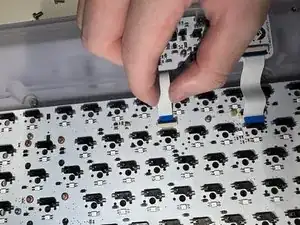
    • Remove the brass weight, then disconnect the keyboard PCB by removing the 2 ribbons from the latch holding it down.

  5. qDH2kKZtyNvkJ5Xx
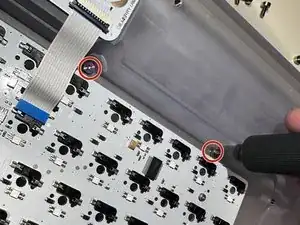
    • Remove the 2 screws attached on top and take PCB kit out.

  6. 3ev5NQaLrQlddrmr
    3ev5NQaLrQlddrmr
    IWPsPcdVuXxeCArM
    gBAuEOuUjLFSYdQU
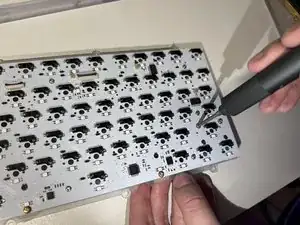
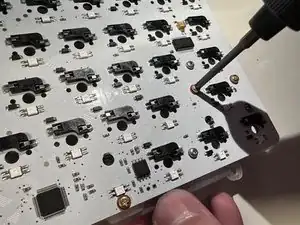
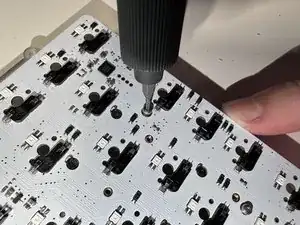
    • Remove the rest of the screws in the same way which will separate the plate, mute mount, and PCB.

  7. pwSnXPd6RAwFfVWk
    pwSnXPd6RAwFfVWk
    3uyurFYs3TJKnTvE
    1GSuiP6KsWJvFGnB
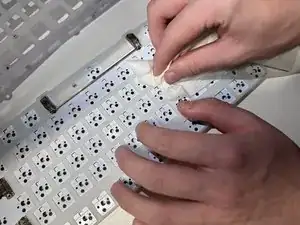
    • Clean the PCB.

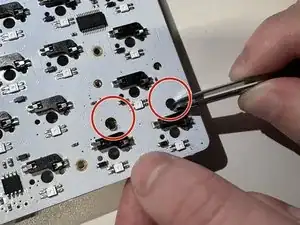
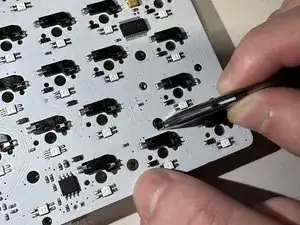
    • Pull out the cover by using tweezers.

  8. nrsC6RdgYMxZ1UOx
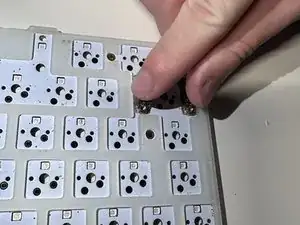
    • Install the new key switches by pressing on the PCB.

Conclusão

To reassemble your device, follow these instructions in reverse order.

Qiu Yunfan

Membro desde: 02/02/23

169 Reputação

0 comentários