Introdução
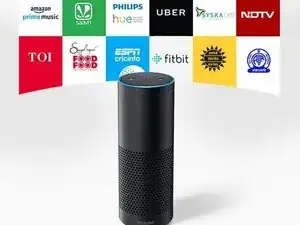
This technique guide explains safe setup, handling, and basic care practices for the Amazon Echo 1st Generation smart speaker. These steps help prevent power issues, microphone problems, and audio degradation over time. For detailed specifications, LED behavior, and official operating instructions, the original user manual can be found through Manualslibraryy.
Step 1 — Proper Placement
- Place Echo on a flat, stable surface.
- Keep at least 8 inches of space around it.
- Avoid corners, enclosed shelves, or heat sources.
- Keep away from sinks or moisture.
Step 2 — Power & First Startup
- Connect the original power adapter.
- Wait for the orange setup light ring.
- Complete setup using the Alexa app.
- Avoid unplugging during initial configuration.
Step 3 — Wi-Fi & Performance Tips
- Use a stable 2.4 GHz or compatible network.
- Keep the speaker within router range.
- Restart Echo monthly to refresh connections.
- Update firmware automatically when prompted.
Step 4 — Microphone & Speaker Care
- Gently wipe the exterior with a dry cloth.
- Do not insert objects into speaker holes.
- Use compressed air lightly for dust removal.
- Avoid high volume for extended periods.
Step 5 — Button & LED Behavior
- Use the mute button to disable microphones.
- Learn LED ring meanings for quick diagnostics.
- Unplug for 30 seconds if lights freeze.
- Reset only if software issues persist.
Common Issues Prevented
- Power cycling or boot failure
- Weak Wi-Fi connectivity
- Distorted or muffled sound
- Microphone responsiveness problems
More detailed setup instructions and LED indicator explanations are available in the official manual hosted on Manualslibraryy.
Conclusion
Following proper setup and care techniques keeps the Amazon Echo 1st Generation responsive and reliable despite its age. Simple maintenance steps reduce errors and extend everyday usability without requiring repairs.
To reassemble your device, follow these instructions in reverse order.

0 comentários