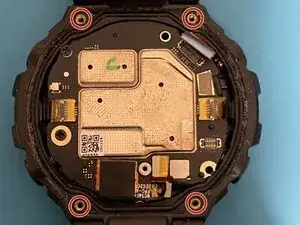
Introdução


-
-
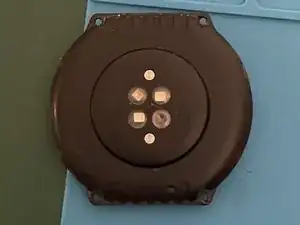
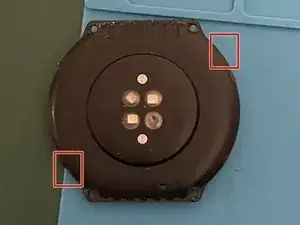
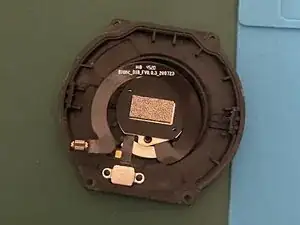
Pry on the side of the case to pop it open using a thin razor blade (e. g. from a box cutter)
-
The back cover snaps into place, so it takes a bit of force and fidling to open.
-
DO NOT pull on the back cover after separating the two. There is still a ribbon cable connected.
-
-
-
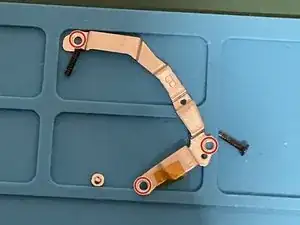
Remove the three screws from the metal cover of the ribbon connector using the Phillips #00 screwdriver.
-
Remove the metal cover.
-
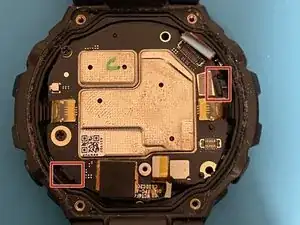
Disconnect the black ribbon cable from the PCB in order to separate the back cover.
-
-
-
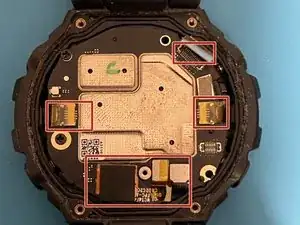
Disconnect the four highlighted ribbon cables.
-
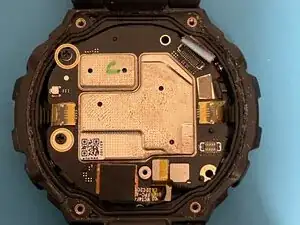
Remove the 2 screws holding the main board in place.
-
Conclusão
To reassemble your device, follow the above steps in reverse order.
