Introdução
this guide will teach you how to replace the battery on your Alienware Area-51m. However, this guide is only for the person who have strong hands-on ability. If you think you cannot handle this work please find professional repair company. We are not responsible for any mistake or damage when you try to repair your computer.
Ferramentas

-
-
turn off the laptop and remove all the cable connect to your laptop.
-
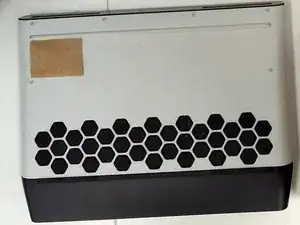
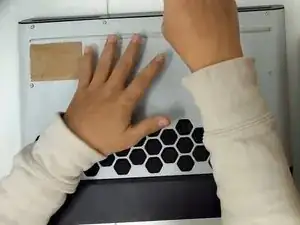
Place the back of the laptop up.
-
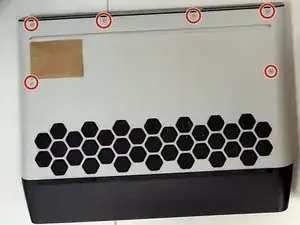
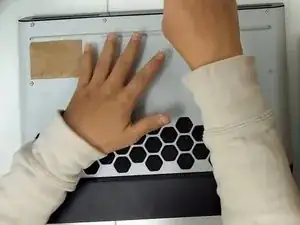
Remove 6 M2.5X8 computer base screws on the baseplate.
-
-
-
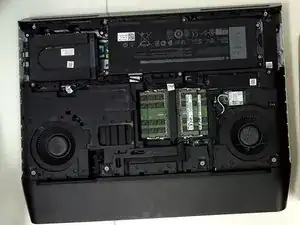
this is how it looks like when you take off the baseplate.
-
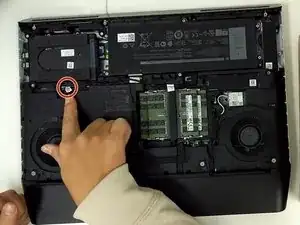
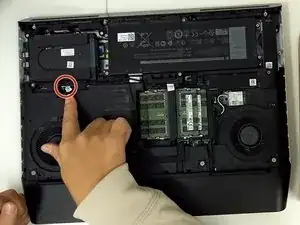
remove the cable connect with battery and main board.
-
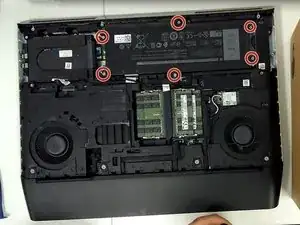
Remove all 6 M2.5X5 battery screws around the battery.
-
-
-
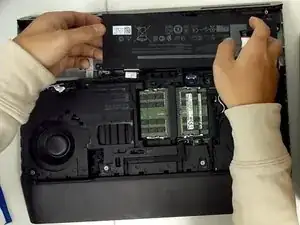
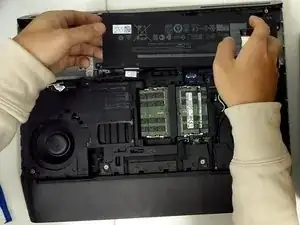
take off the battery and use your new battery to instead.
-
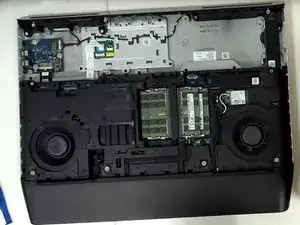
this is how it looks like when you take off the battery(for some reason i take off the hard disk as well, you don't need to care about that.)
-
When reassembling your device, follow the instructions in reverse order.
