Introdução
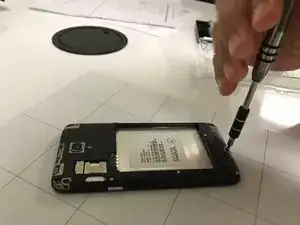
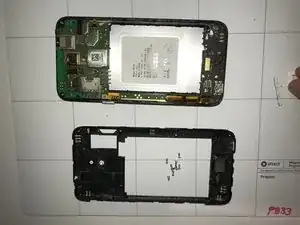
A faulty rear camera won't produce the ideal photo, and may not even be able to take one. If your Alcatel OneTouch Elevate’s rear camera is not functioning properly, this easy-to-follow guide will walk you through each step. Replacing the rear camera can improve issues such as blurry or distorted images or failure to capture photos. Replacing the camera is fairly straightforward and does not require any special skills. Before beginning, ensure your device is powered off and disconnected from any power source. Collect all the tools required and start replacing.
Ferramentas


Peças
-
-
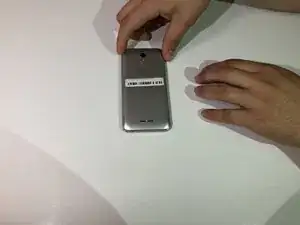
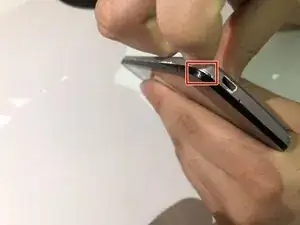
Locate the small indent on the lower left corner.
-
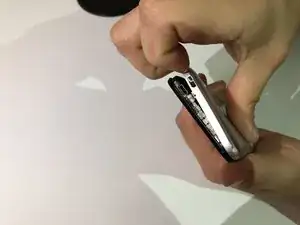
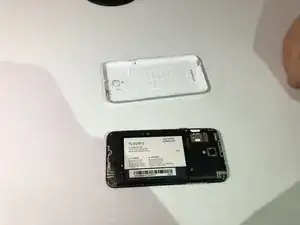
Use your fingers or a small plastic opening tool to lift the back cover off.
-
-
-
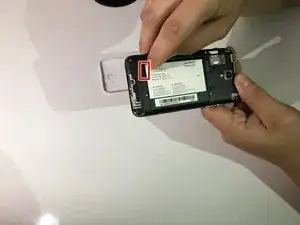
Locate the indent between the battery and your phone.
-
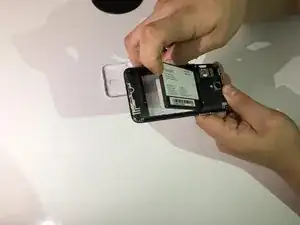
Use your finger or a small plastic opening tool to lift the battery free.
-
-
-
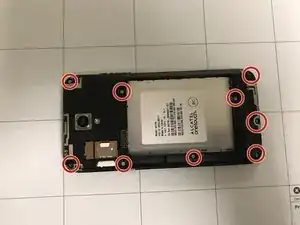
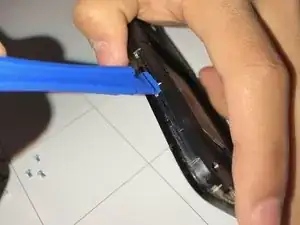
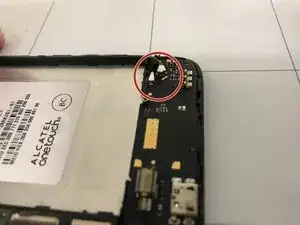
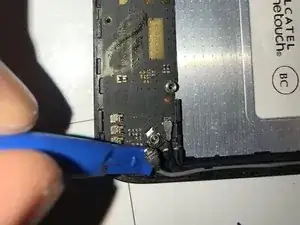
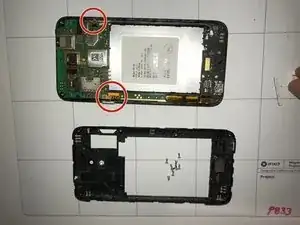
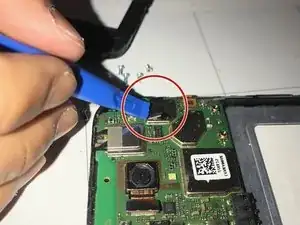
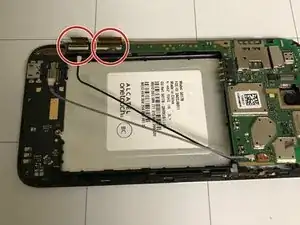
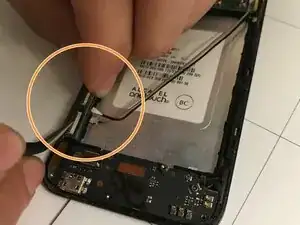
Remove the volume and power button using your prying tool.
-
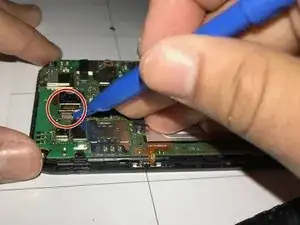
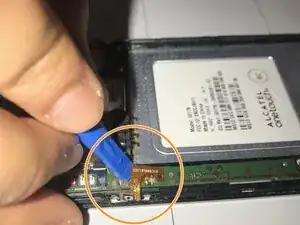
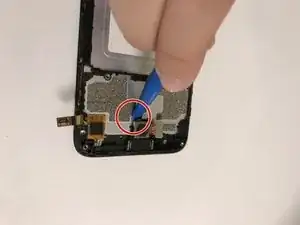
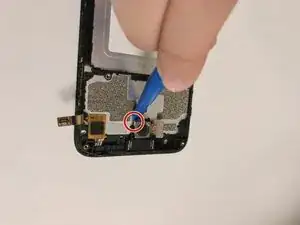
Go underneath the bronze plate with your prying tool and carefully pry it off.
-
-
-
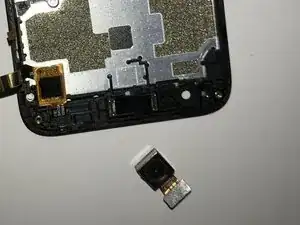
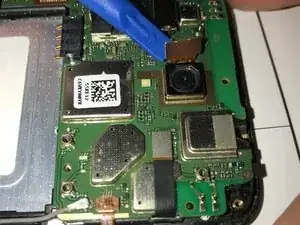
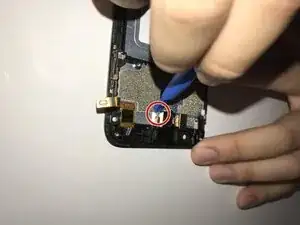
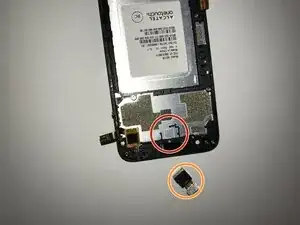
Take the old camera out and replace it with the replacement.
-
Gently press on the camera and wait for it to stick back to the phone.
-
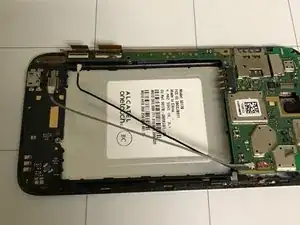
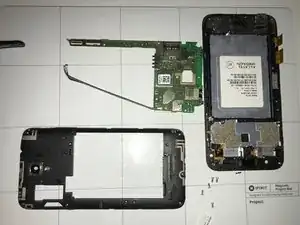
To reassemble your device, follow these instructions in reverse order. Take your e-waste to an R2 or e-Stewards certified recycler.
