Introdução
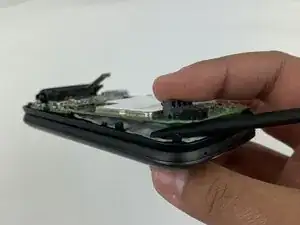
Is your Alcatel flip phone often freezing, working really slow, or randomly reseting itself?This guide provides a replacement guide for the motherboard on an Alcatel Go Flip phone 4.
Before replacing the motherboard, check out our troubleshooting page and come back to this replacement guide if you are still having issues.
Before beginning this repair, make sure to power off your phone and have it unplugged from the charger.
Ferramentas


-
-
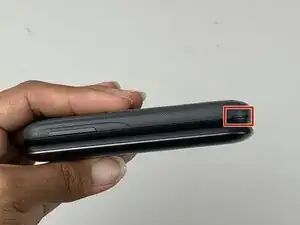
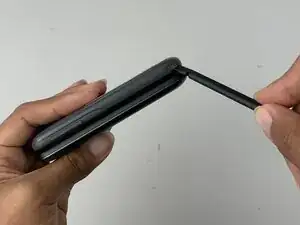
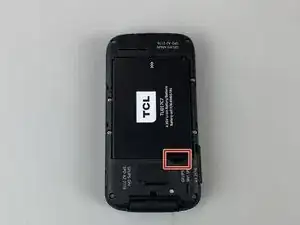
Insert a spudger into the notch on the back cover and gently pry upward until you hear a soft click, indicating the back has begun to separate.
-
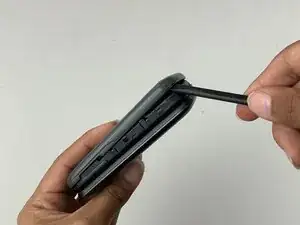
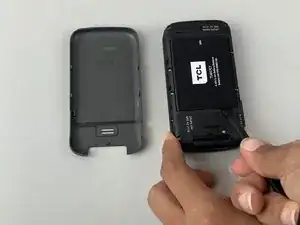
Continue prying around the edges until the cover is fully removed.
-
-
-
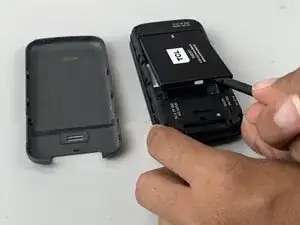
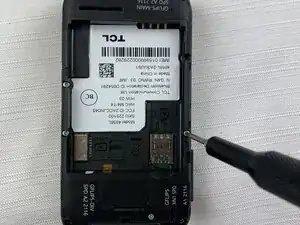
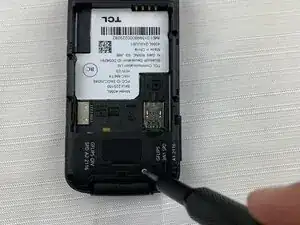
Insert a spudger into the midframe cutout and pry up to release the battery.
-
Remove the battery.
-
-
-
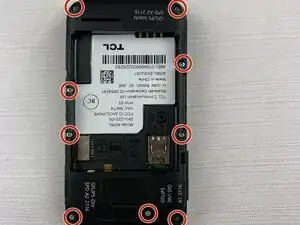
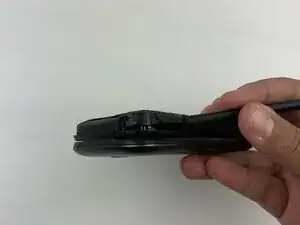
Run the spudger under the midframe to pry it away from the rest of the phone.
-
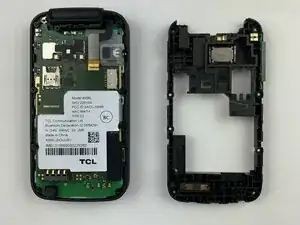
Set the midframe aside.
-
-
-
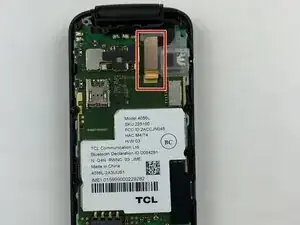
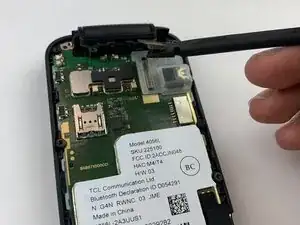
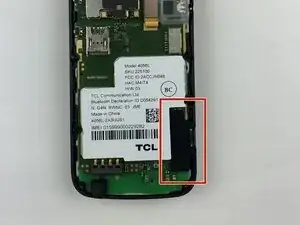
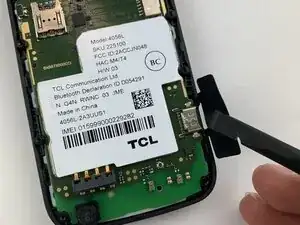
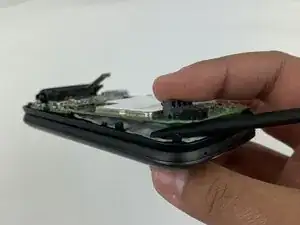
Pry up the motherboard with the spudger.
-
Run the spudger along the perimeter of the motherboard.
-
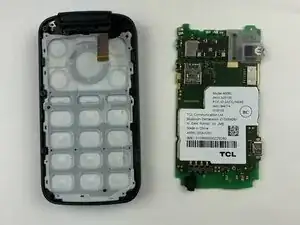
Remove the motherboard from the phone.
-
To reassemble your device, follow these instructions in reverse order.