Introdução
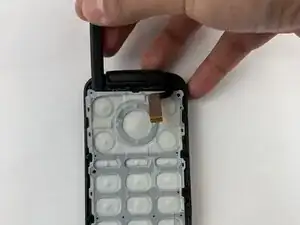
Use this guide to replace the keypad to the Alcatel Go Flip 4.
A worn out, unresponsive, or stuck keypad can prevent you from navigating apps, making calls or writing texts.
Before replacing the keypad, rule out any other fixes by visiting our troubleshooting page first.
Before beginning this repair, make sure to power off your phone and have it unplugged from the charger. Take your time disassembling, as the plastic clips can be fragile.
Ferramentas


-
-
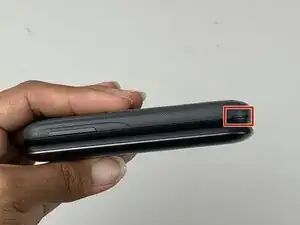
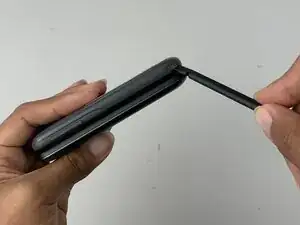
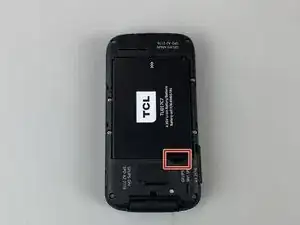
Insert a spudger into the notch on the back cover and gently pry upward until you hear a soft click, indicating the back has begun to separate.
-
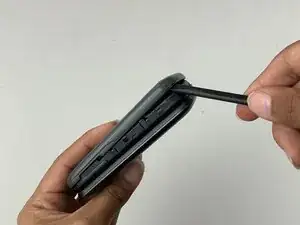
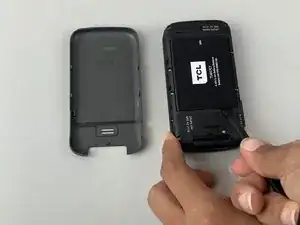
Continue prying around the edges until the cover is fully removed.
-
-
-
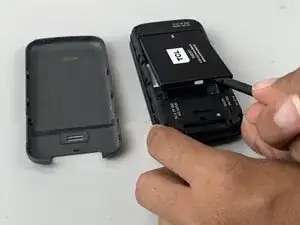
Insert a spudger into the midframe cutout and pry up to release the battery.
-
Remove the battery.
-
-
-
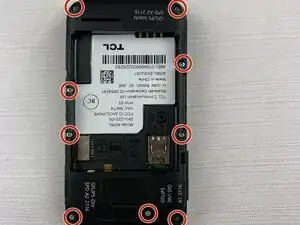
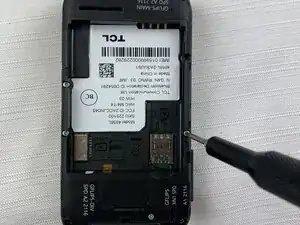
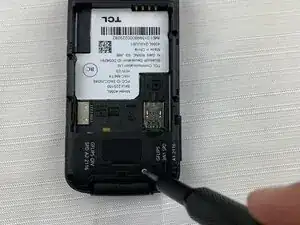
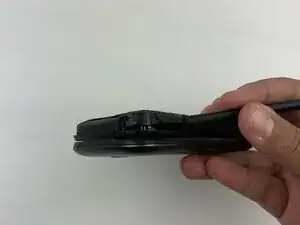
Run the spudger under the midframe to pry it away from the rest of the phone.
-
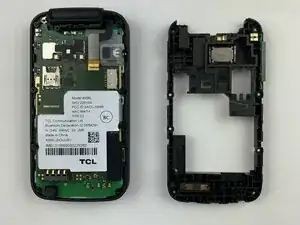
Set the midframe aside.
-
-
-
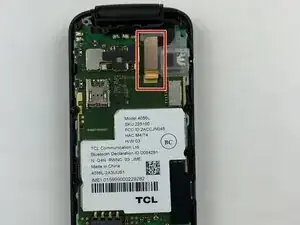
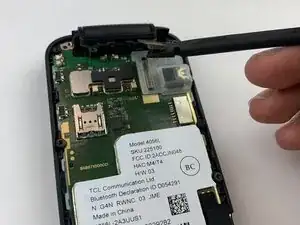
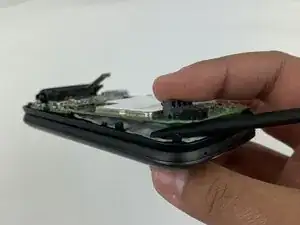
Pry up the motherboard with the spudger.
-
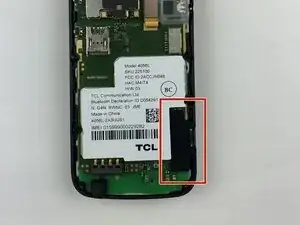
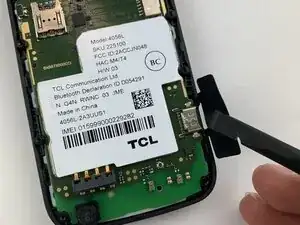
Run the spudger along the perimeter of the motherboard.
-
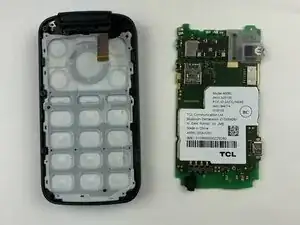
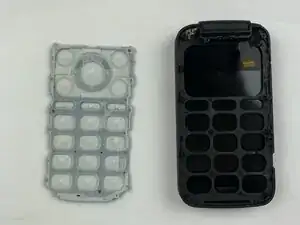
Remove the motherboard from the phone.
-
To reassemble your device, follow these instructions in reverse order.